

Craft Editorial-Ready Portrait Prompts
Guide Nano Banana Pro to deliver studio headshots, lifestyle portraits, and cinematic close-ups with clean skin tone, intentional light, and backgrounds that stay out of the way.
Examples: See what Nano Banana can do1 / 9
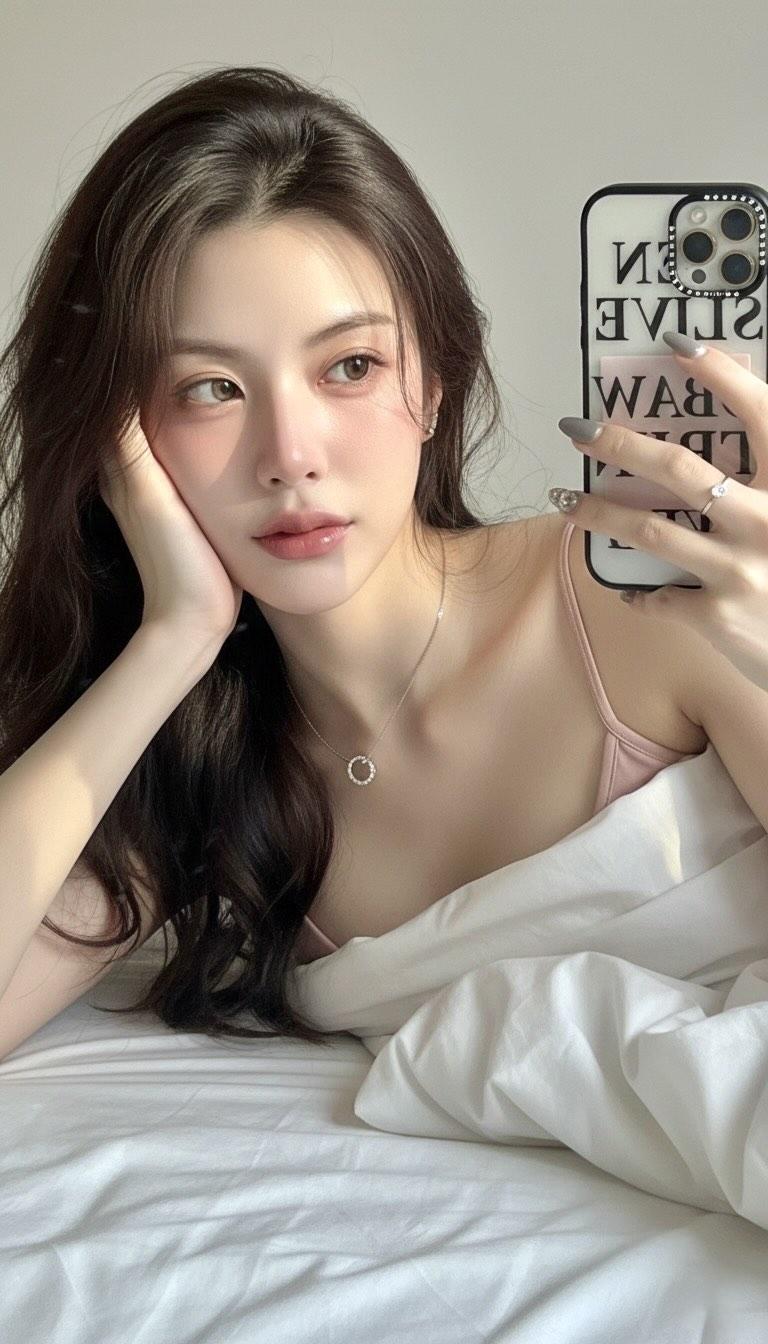
Prompt used:
"Soft window light headshot, 85mm lens, f/1.8, light gray backdrop, subtle freckles, natural skin retouch, bright catchlights."
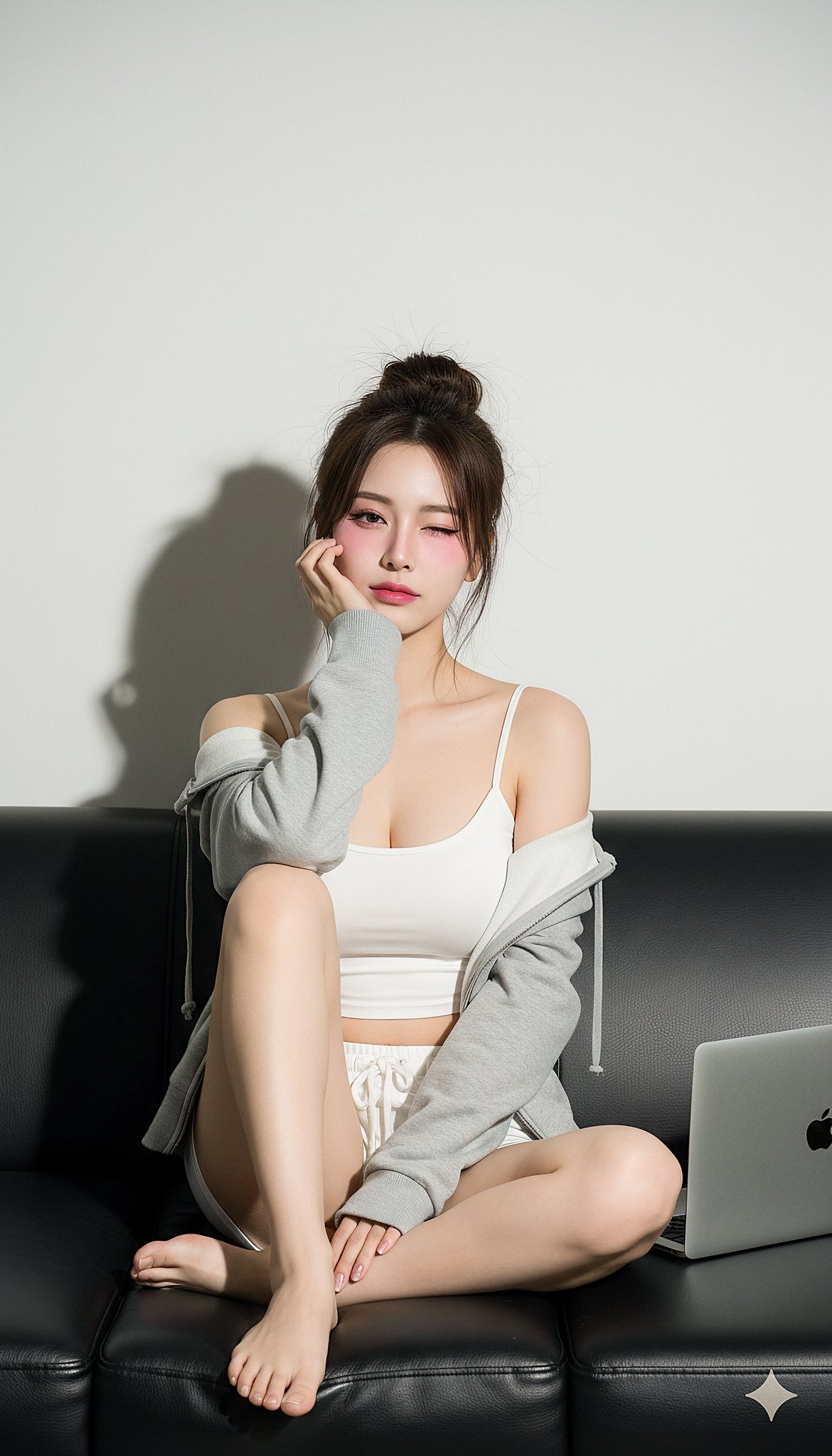
Prompt used:
"Golden hour outdoor portrait, warm rim light, 50mm, blurred trees, shallow depth of field, candid smile, gentle film grain."
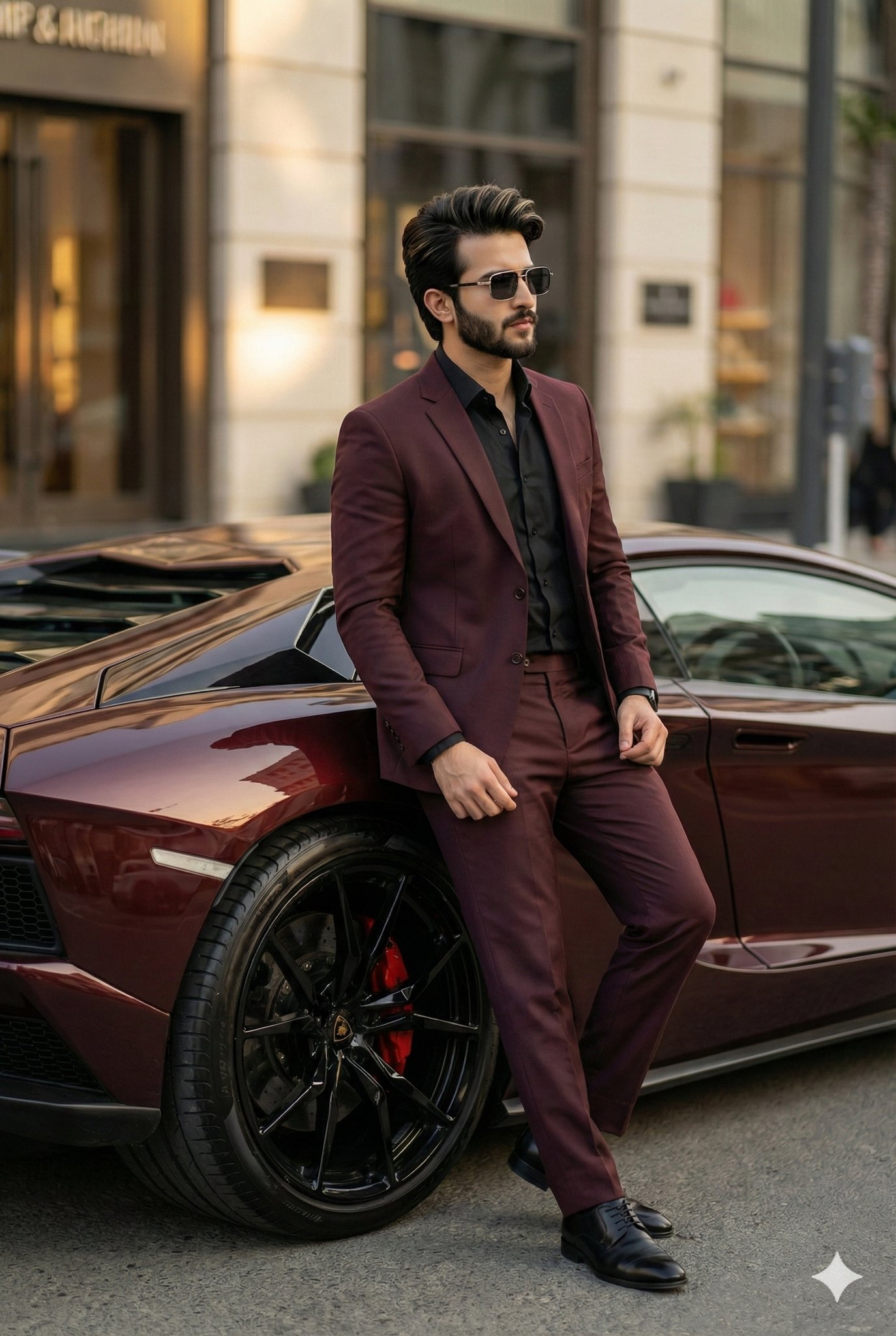
Prompt used:
"Rembrandt studio portrait, charcoal backdrop, crisp jawline, 85mm, dramatic shadows, cinematic mood."
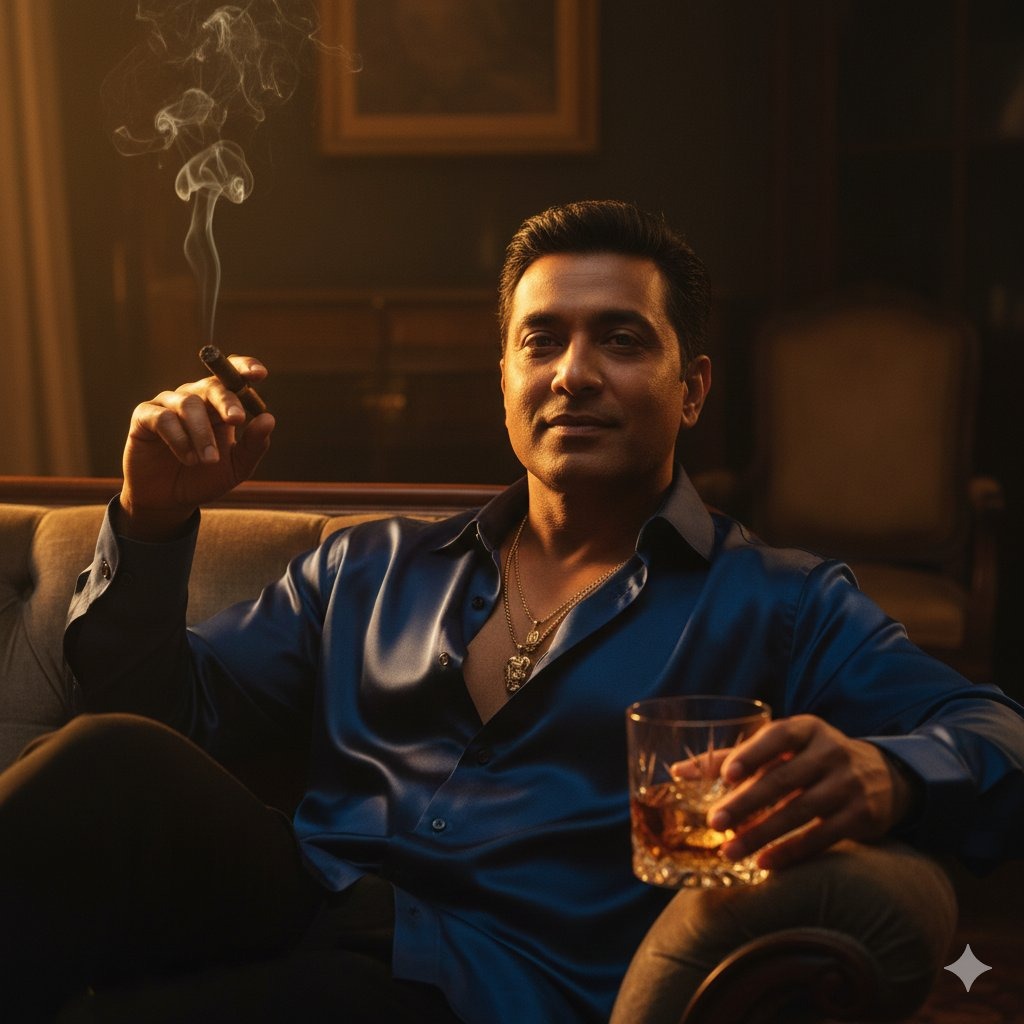
Prompt used:
"High-contrast black and white portrait, studio strobes, sharp detail, minimal background, editorial tone."
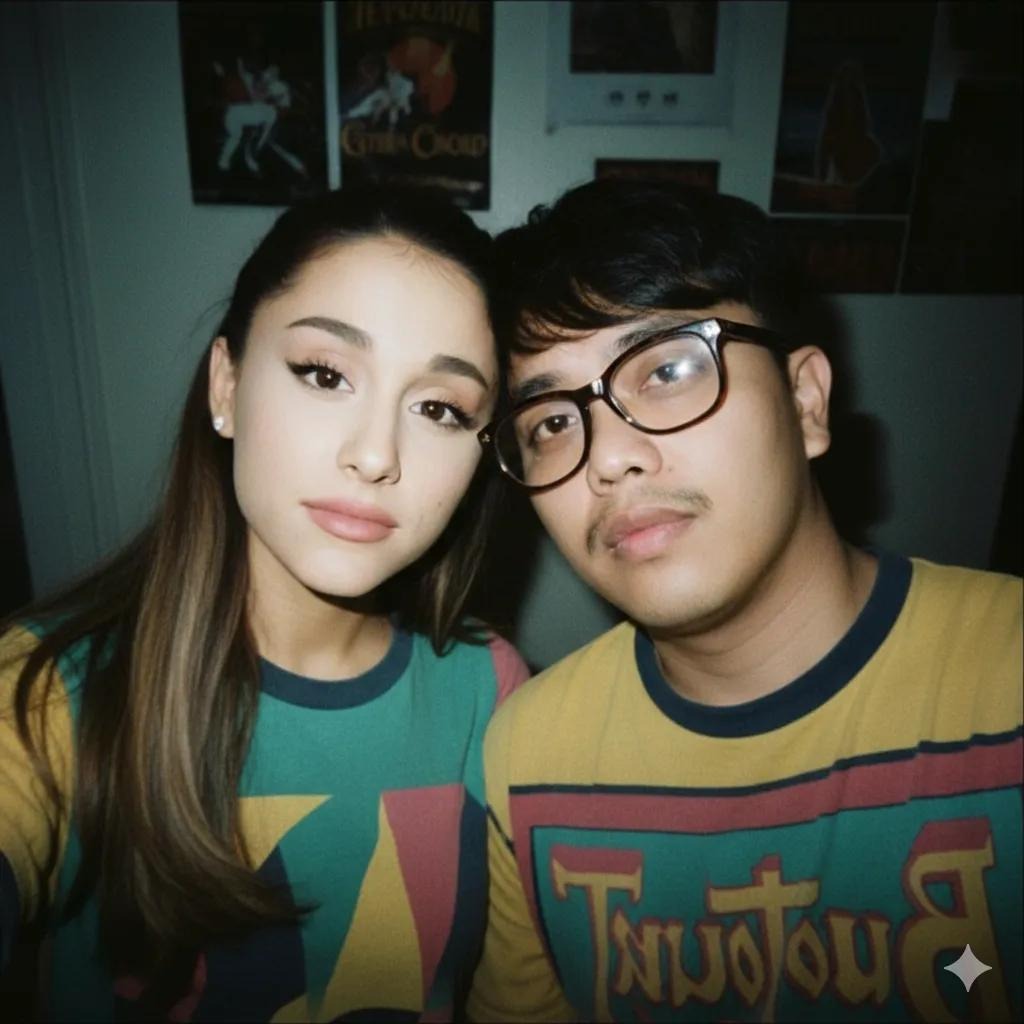
Prompt used:
"Neon city night portrait, magenta and cyan gels, rain reflections, bokeh lights, confident pose."
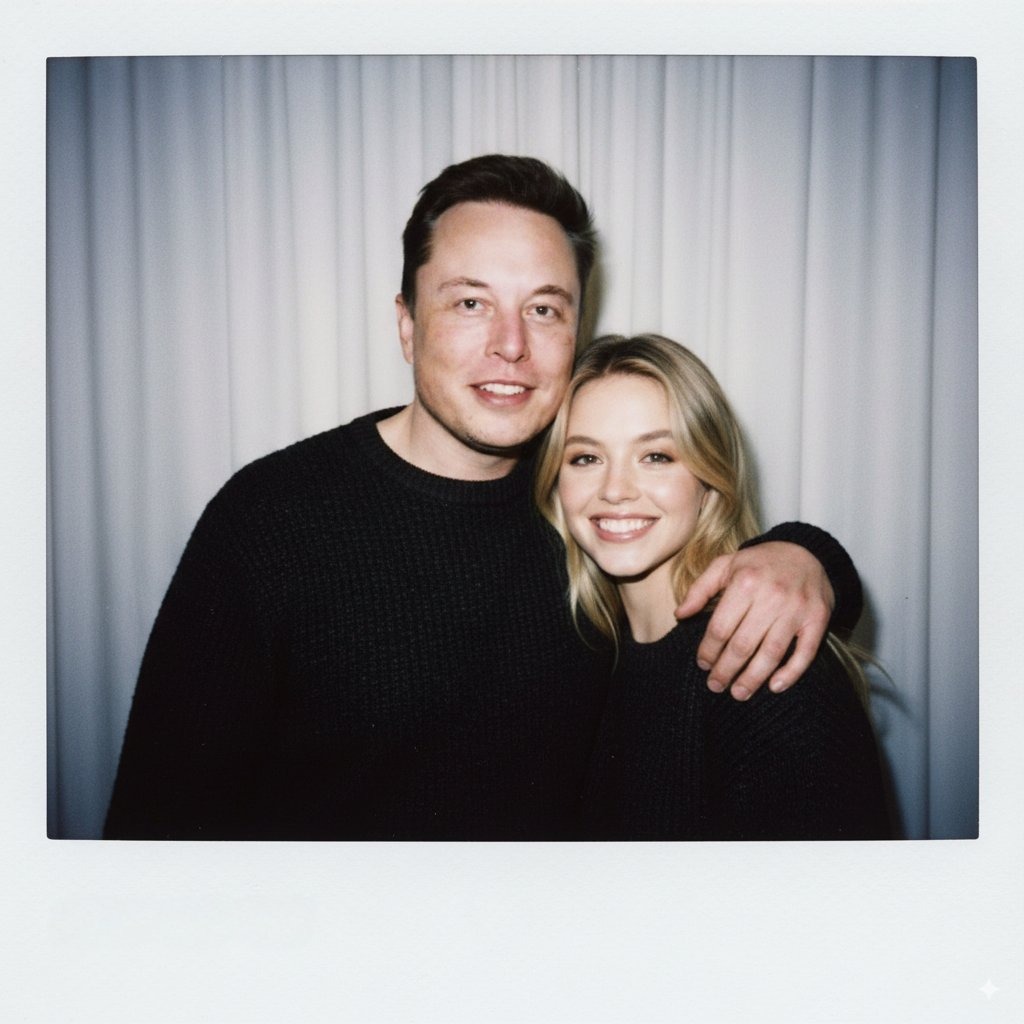
Prompt used:
"Environmental portrait in designer workspace, desk props, laptop glow, 35mm lens, storytelling composition, soft practical lights."
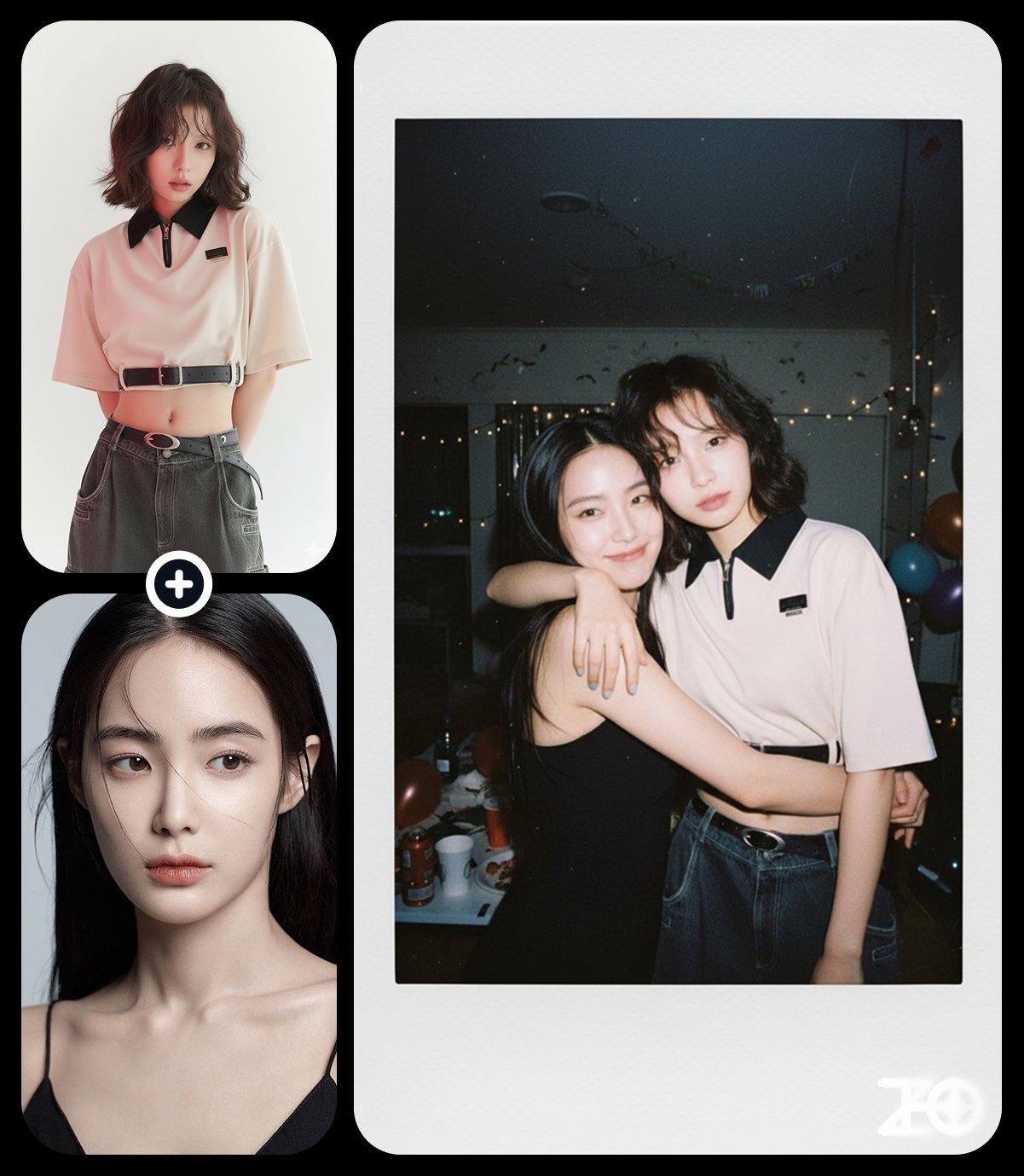
Prompt used:
"Beauty close-up, clean retouch, glossy lips, soft blush, butterfly lighting, pure white sweep."
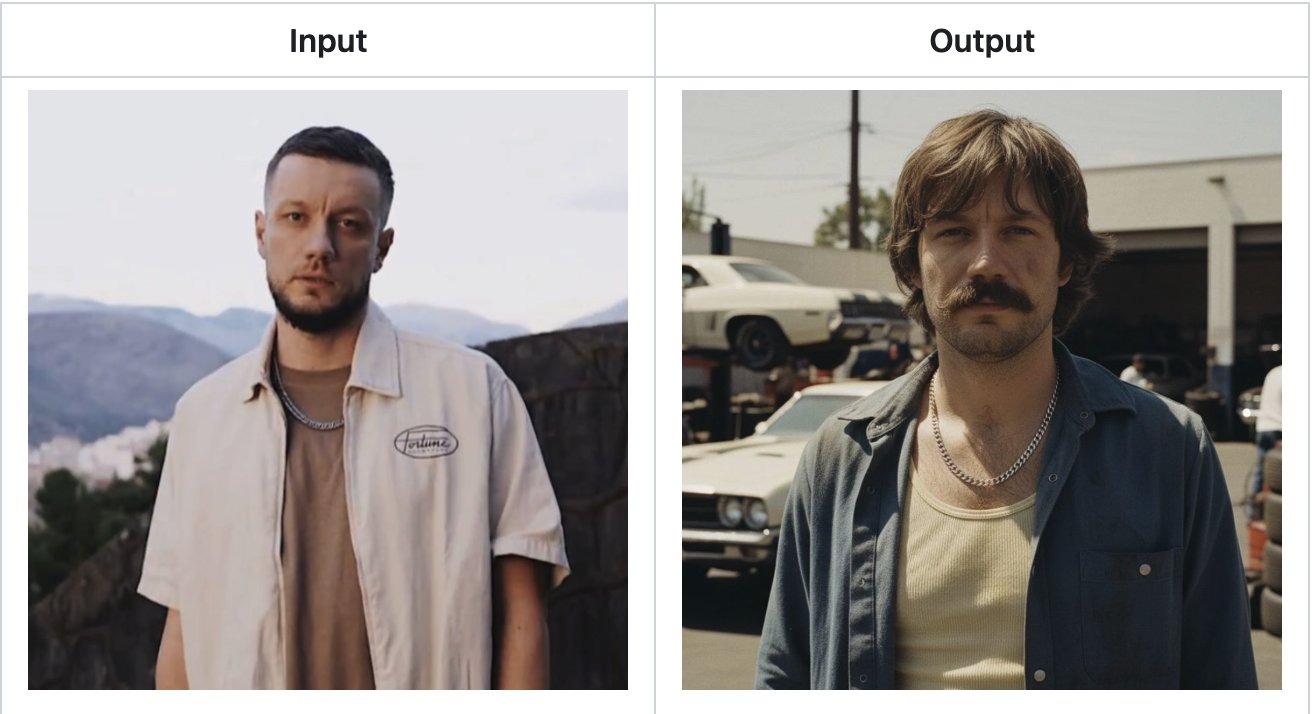
Prompt used:
"Street portrait in light rain, umbrella, reflective alley, 35mm, shallow depth, photojournalistic feel."
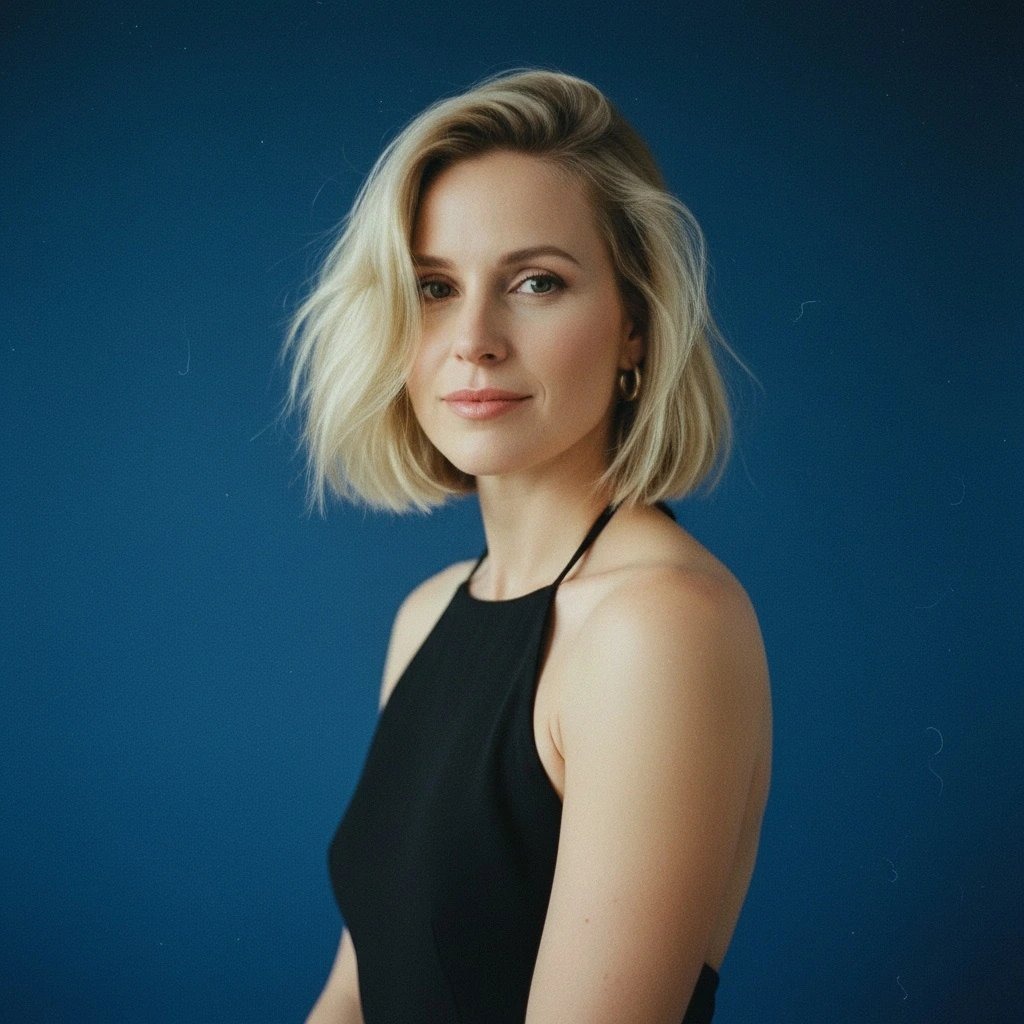
Prompt used:
"Fashion editorial portrait, bold wardrobe, wind-blown hair, studio cyclorama, high-key lighting, 70mm lens."
Swipe or use arrows to see more examples
Studio Lighting Recipes
Call out key/fill/rim ratios, modifiers like softbox or beauty dish, and exposure so faces stay flattering.
Consistent Skin & Identity
Protect the subject’s face, undertone, and hairstyle; request natural retouching and clean catchlights across the set.
Background Control
Define backdrop colors, blur strength, and environmental cues (city night, workspace, nature) to keep focus on the subject.
Nano Banana Portrait Prompts
Portrait looks tuned for headshots, lifestyle, and editorial frames.
Window-lit headshot with gray backdrop and bright catchlights.
Golden-hour portrait with warm rim light and soft bokeh.
Rembrandt-lit studio portrait on charcoal background.
Black-and-white high-contrast editorial close-up.
Neon city night portrait with rain reflections.
Workspace environmental portrait with warm desk glow.
Beauty close-up with clean retouch and butterfly light.
Rainy street portrait with umbrella and shallow depth.
High-key fashion portrait with bold styling and wind.
Pricing
Choose Your Perfect Plan
Experience Nano Banana Pro with a free trial, then choose a plan that unlimits your creativity
Starter
- 1800 credits/year
- Commercial use license
- Starter customer support
- Standard generation speed
- Standard style templates included
- All advanced model
- All format downloads
- Batch generation
- Image editing tools
- Video generation(Coming soon)
- Try new features first
Premium
- 9600 credits/year
- Commercial use license
- Priority customer support
- Priority generation queue
- Premium style templates included
- All advanced model
- All format downloads
- Image editing tools
- Batch generation
- Video generation(Coming soon)
- Try new features first
Ultimate
- 55200 credits/year
- Commercial use license
- Dedicated account manager
- Fastest generation speed
- All style templates included
- All advanced model
- All format downloads
- Batch generation
- Professional editing suite
- Video generation(Coming soon)
- Try new features first
How to Write Nano Banana Portrait Prompts
Lock in flattering light, skin tone, and background control.
Lead with Lens & Aperture
State 50–85mm portrait glass and f/1.4–f/2.8 to set compression, bokeh, and subject separation.
Describe Expression & Pose
Note gaze direction, chin tilt, shoulders, and mood (calm, confident, joyful) so body language matches the story.
Specify Light & Shadow
Tell the model the key light direction, fill ratio, rim light, and modifiers (softbox, umbrella, grid) for sculpted faces.
Retouch with Restraint
Request clean skin with preserved texture, even tone, tidy flyaways, and crisp catchlights—avoid plastic blur.
Set Background Priority
Choose backdrop type—studio sweep, city street, workspace, nature—and say how much blur or separation you need.
Lock Color Palette
Align wardrobe and lighting (earthy neutrals, monochrome, neon gels) to keep the palette intentional.
Use Negative Prompts
Exclude warped hands, double earrings, text artifacts, harsh HDR, or over-sharpening to keep portraits believable.
Portrait Prompt FAQ
Tips for studio, lifestyle, and editorial portraits.