
GPT Image for on-brand creative control
The new ChatGPT image model turns prompts, sketches, and uploads into production-ready visuals. Ask in plain language, refine with follow-ups, and keep people, products, and text sharp.
GPT Image generator
Examples: See what Nano Banana can do1 / 9
Before
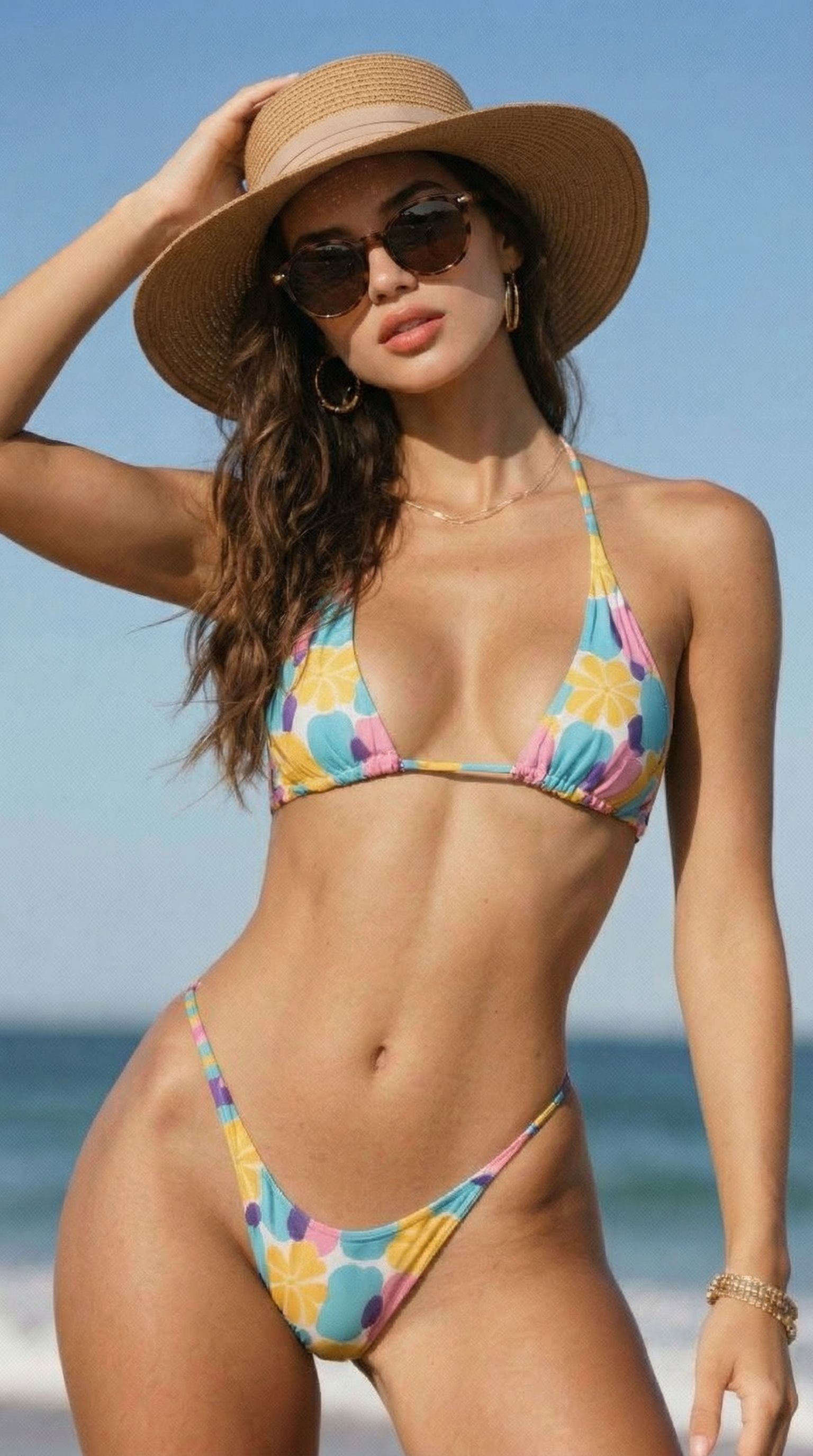
After
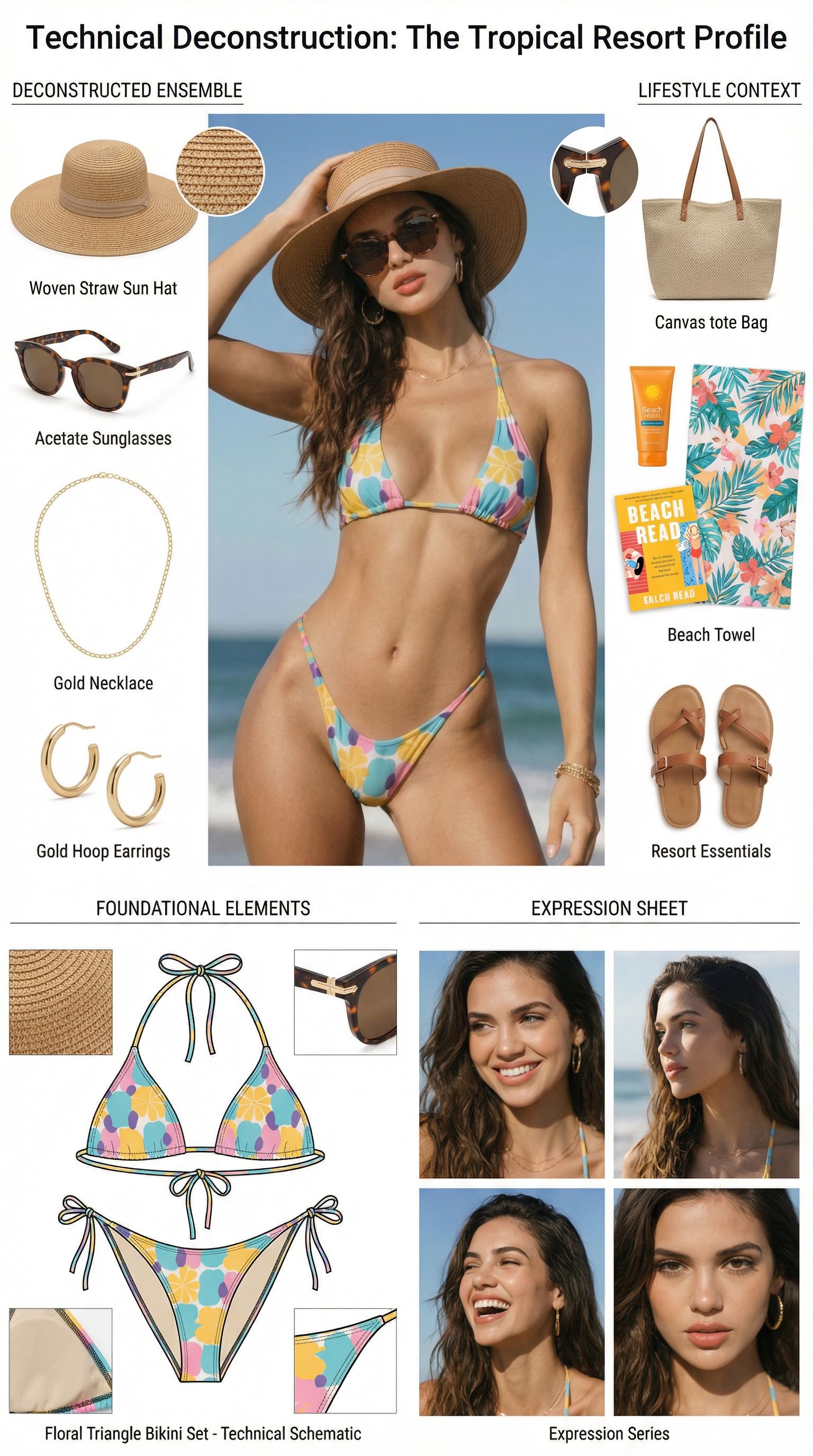
Prompt used:
"Dismantle the wardrobe into its constituent parts."
Before
After
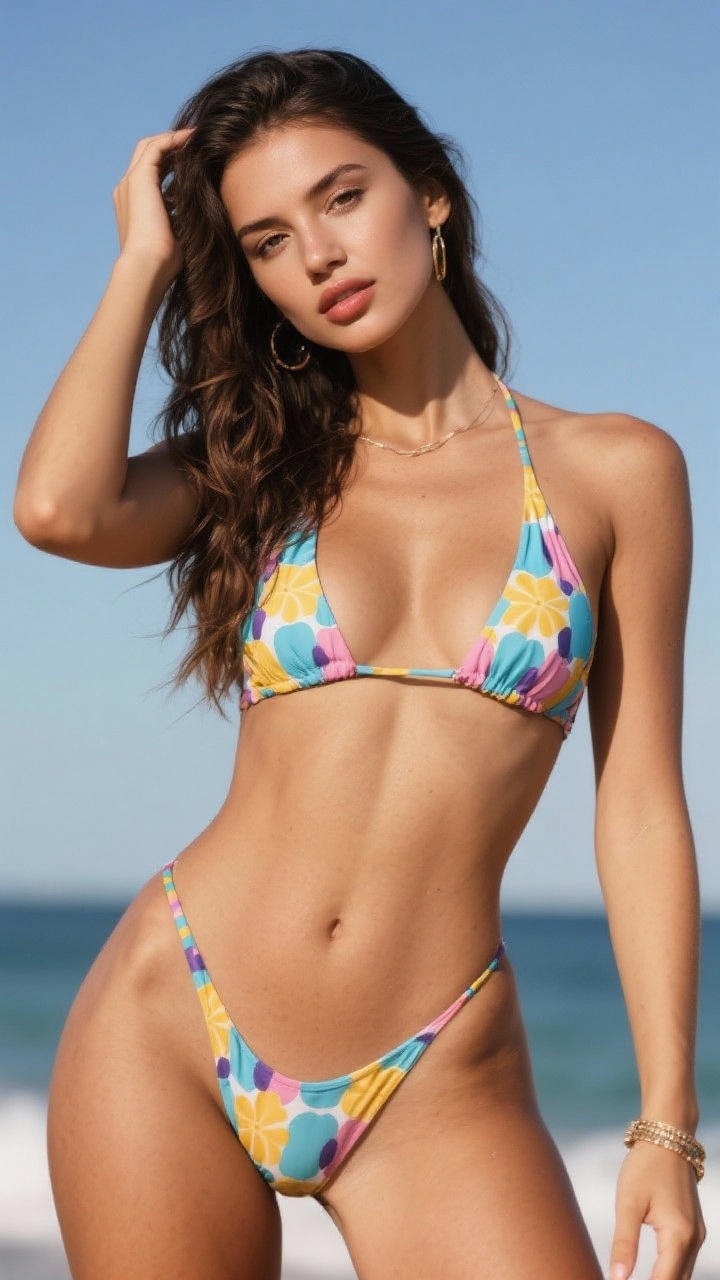
Prompt used:
"Remove the object from the image."
Before
After
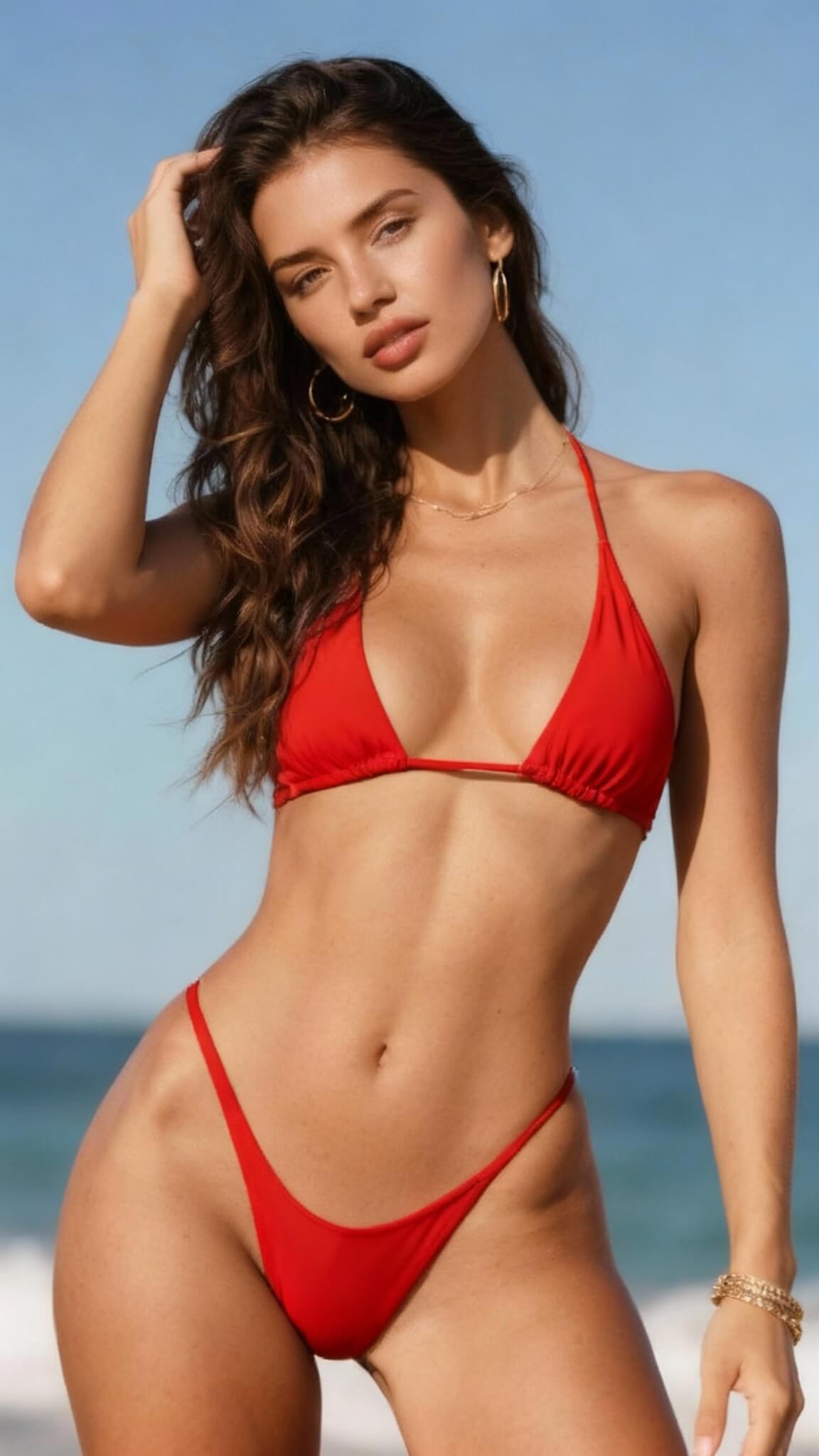
Prompt used:
"Change the bikini to red"
Before
After
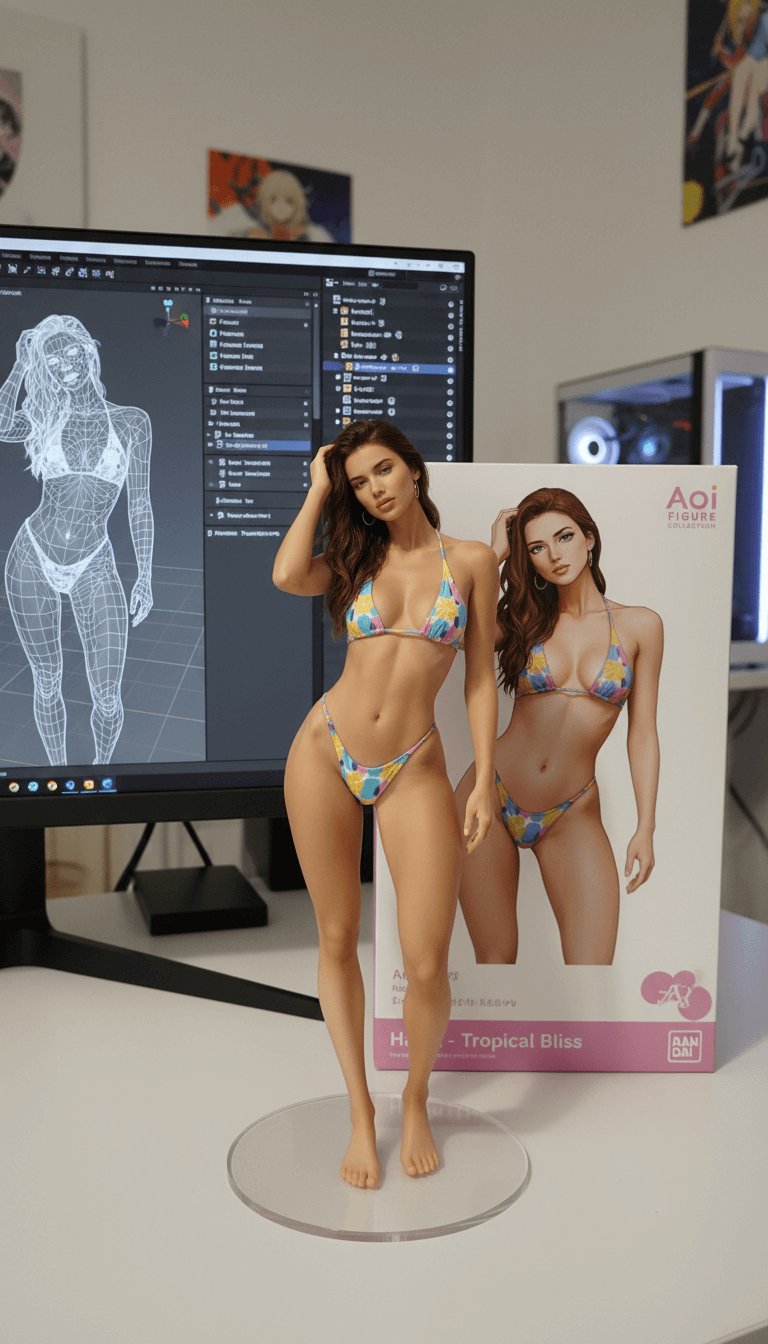
Prompt used:
"Transform this anime character into a collectible figure product showcase: Create a physical PVC figure standing on a clear round base, place a product box with the character artwork behind it, and add a computer monitor showing the 3D modeling process in Blender."
Before
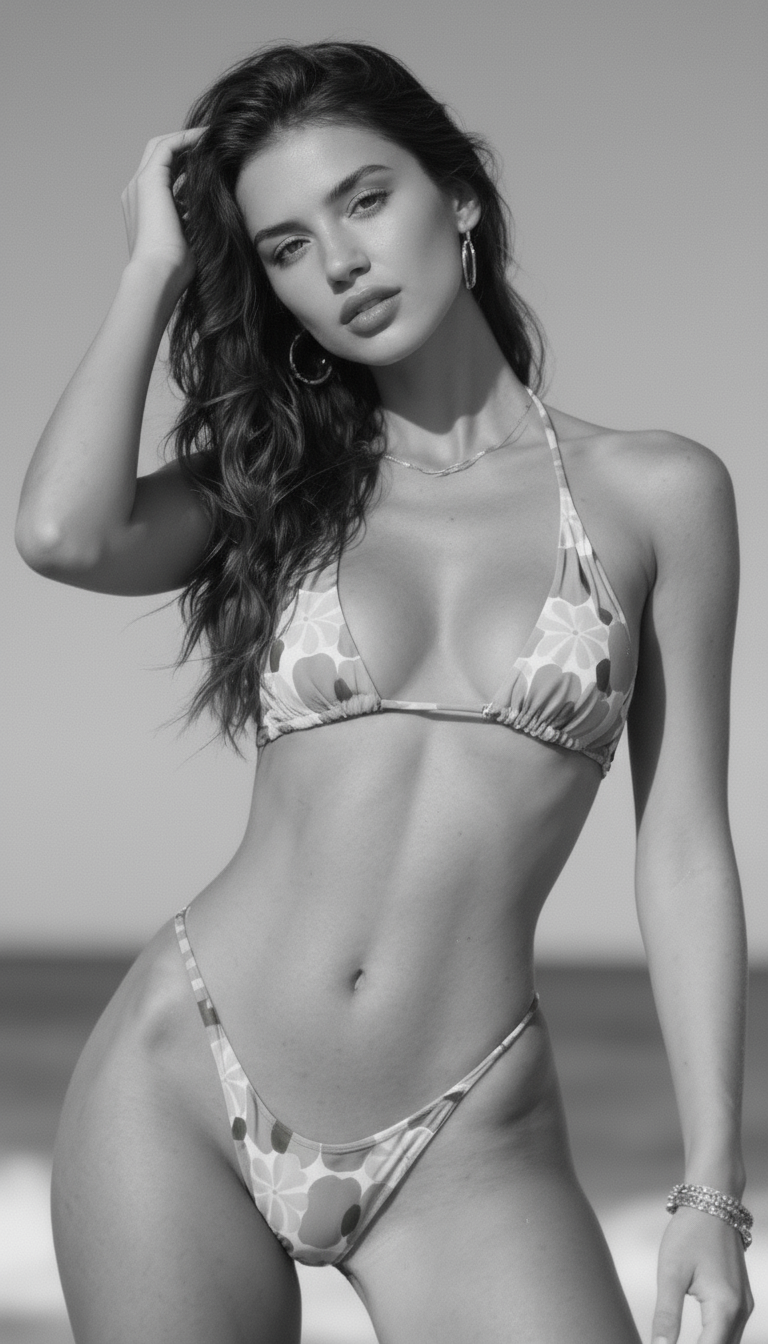
After
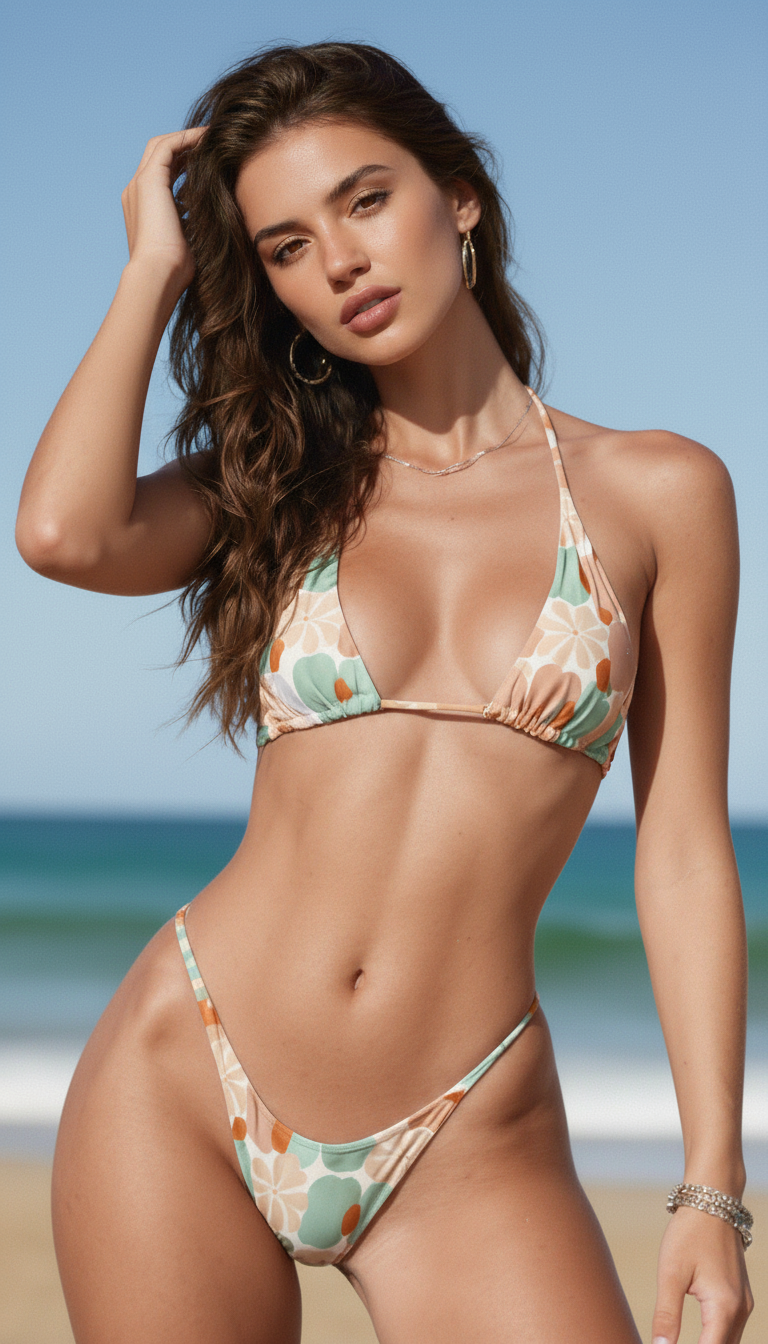
Prompt used:
"Repair and color this photo"
Before
After
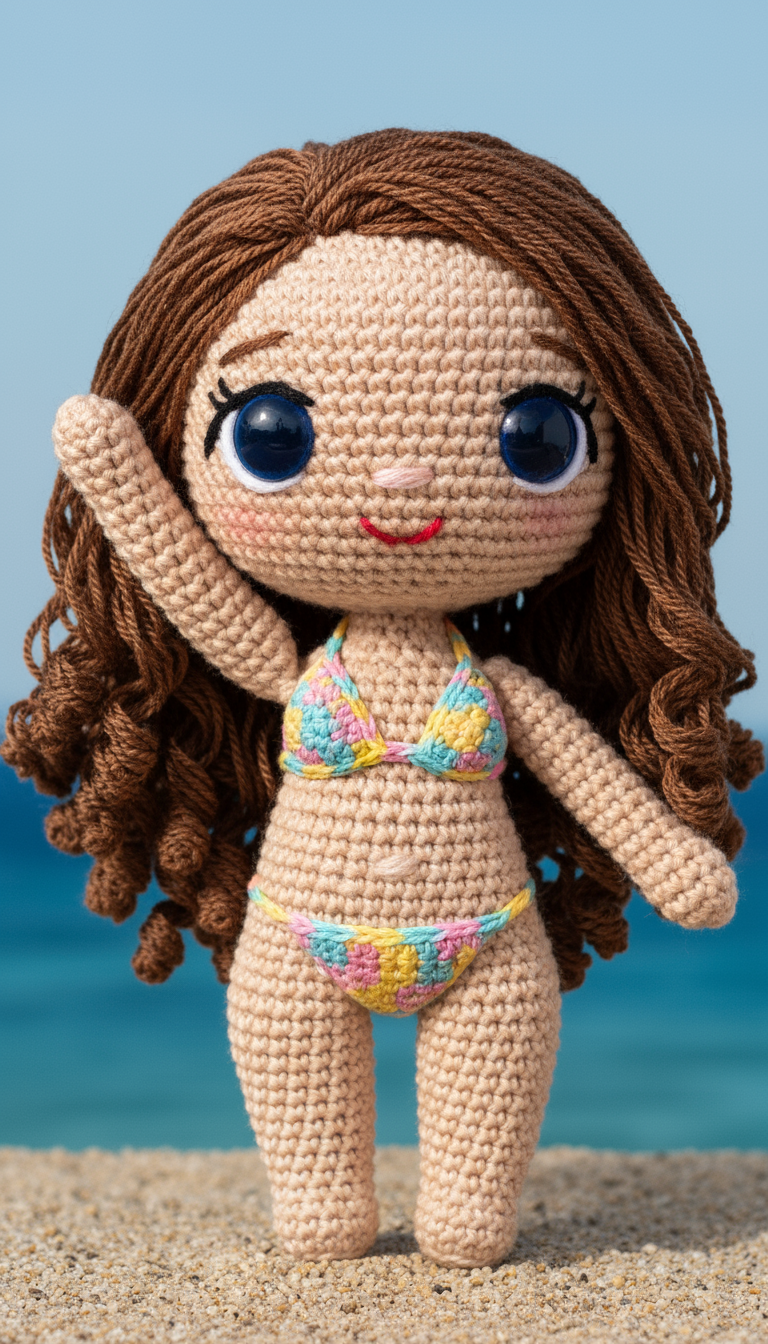
Prompt used:
"Transform the subject into a handmade crocheted yarn doll with a cute, chibi-style appearance."
Before
After
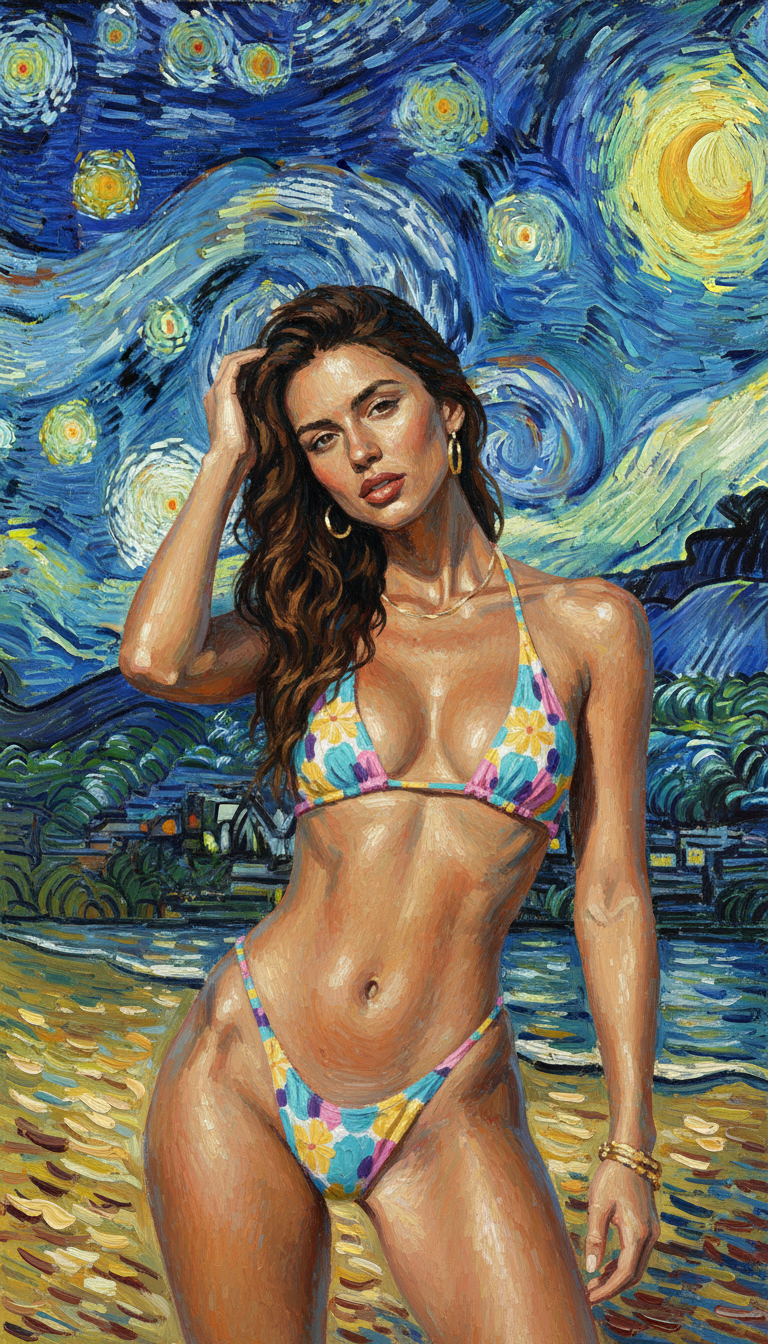
Prompt used:
"Reimagine the photo in the style of Van Gogh's 'Starry Night'."
Before
After
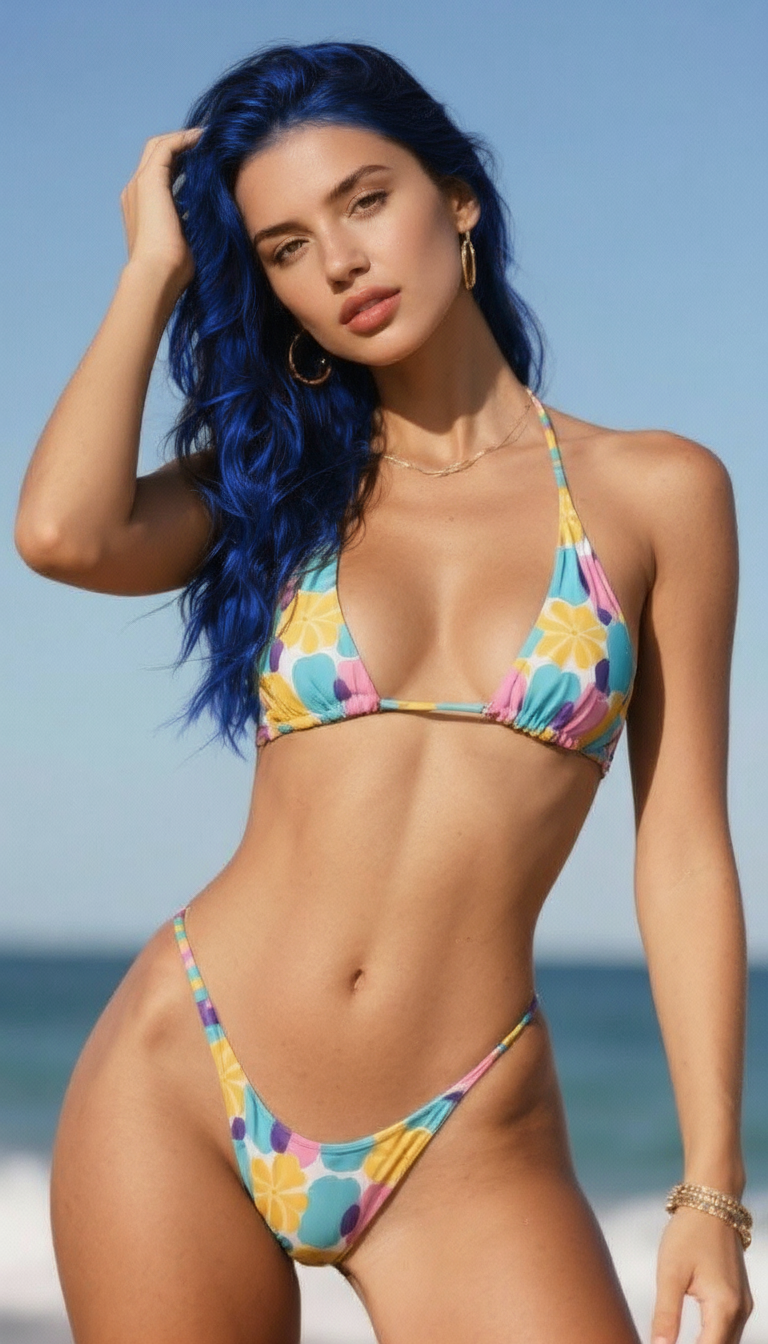
Prompt used:
"Change the hair to blue."
Before
After
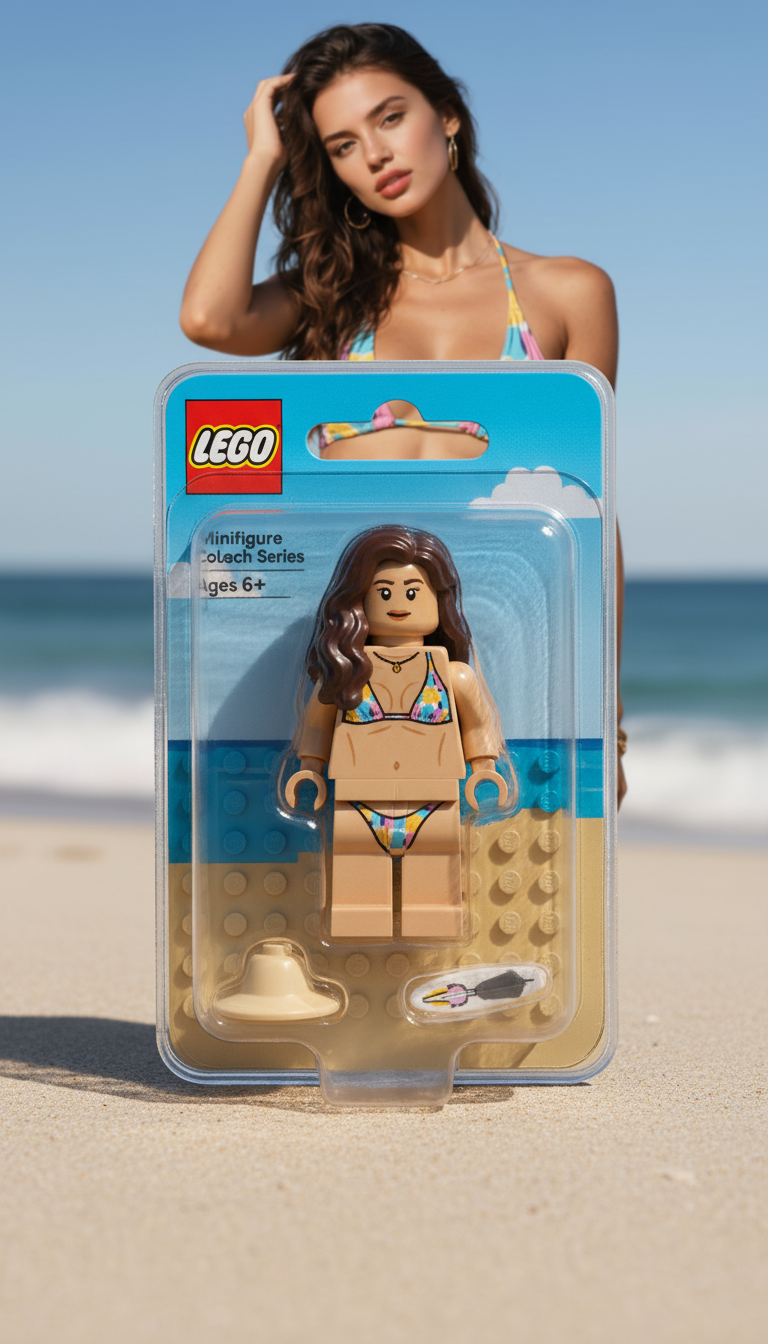
Prompt used:
"Transform the person into a LEGO minifigure, inside its packaging box."
Swipe or use arrows to see more examples
What is GPT Image?
GPT Image combines OpenAI’s latest image model with ChatGPT so you can ideate, edit, and publish marketing visuals from one place.
Natural language editing
Add, remove, and restyle elements with layout-aware instructions that preserve composition.
Sketch or upload to start
Use the canvas, rough drafts, or product shots; ChatGPT keeps proportions and scene structure intact.
Sharper people and text
Improved fidelity for faces, hands, signage, and packaging so assets look realistic.
Built for marketing speed
Generate up to 4 options at once, compare, and pick the render that fits your campaign.
How to use GPT Image
Move from idea to downloadable assets in four quick steps.
Open GPT Image
Pick the GPT Image model and choose your aspect ratio.
Describe or upload
Type the scene you need or upload a sketch/product photo to guide composition.
Refine with follow-ups
Ask for lighting, wardrobe, copy changes, or retakes until it matches the brief.
Download & reuse
Export the selected render, save prompts, and reuse references for the next shoot.
Key features of GPT Image
Designed for teams that need realistic, editable visuals without leaving ChatGPT.
Composition you can trust
Understands spatial instructions—subjects stay framed, lighting stays natural.
Human-ready rendering
Better detail for faces, hands, hair, and fabric for lifelike shots.
Legible on-image text
Generates signs, packaging, and captions that match your copy.
Sketch-to-image flexibility
Upload moodboards, diagrams, or product shots and keep the layout intact.
Safety & provenance
OpenAI safety filters plus on-image provenance signals for responsible use.
Fast exports & API friendly
Download high-res renders or plug the model into automated flows.
GPT Image FAQ
Answers to the top questions about OpenAI’s new image model.
Design with GPT Image
Ship campaign-ready visuals with prompt, upload, and sketch-based control in ChatGPT.