

Design Photo-Driven Mixed Media CollagesMixed Media Art
Blend photoreal uploads with illustrated doodles, paper cutouts, and typographic overlays while keeping the subject's identity locked. Perfect for campaign lookbooks, poster art, and social drops.
Examples: See what Nano Banana can do1 / 9
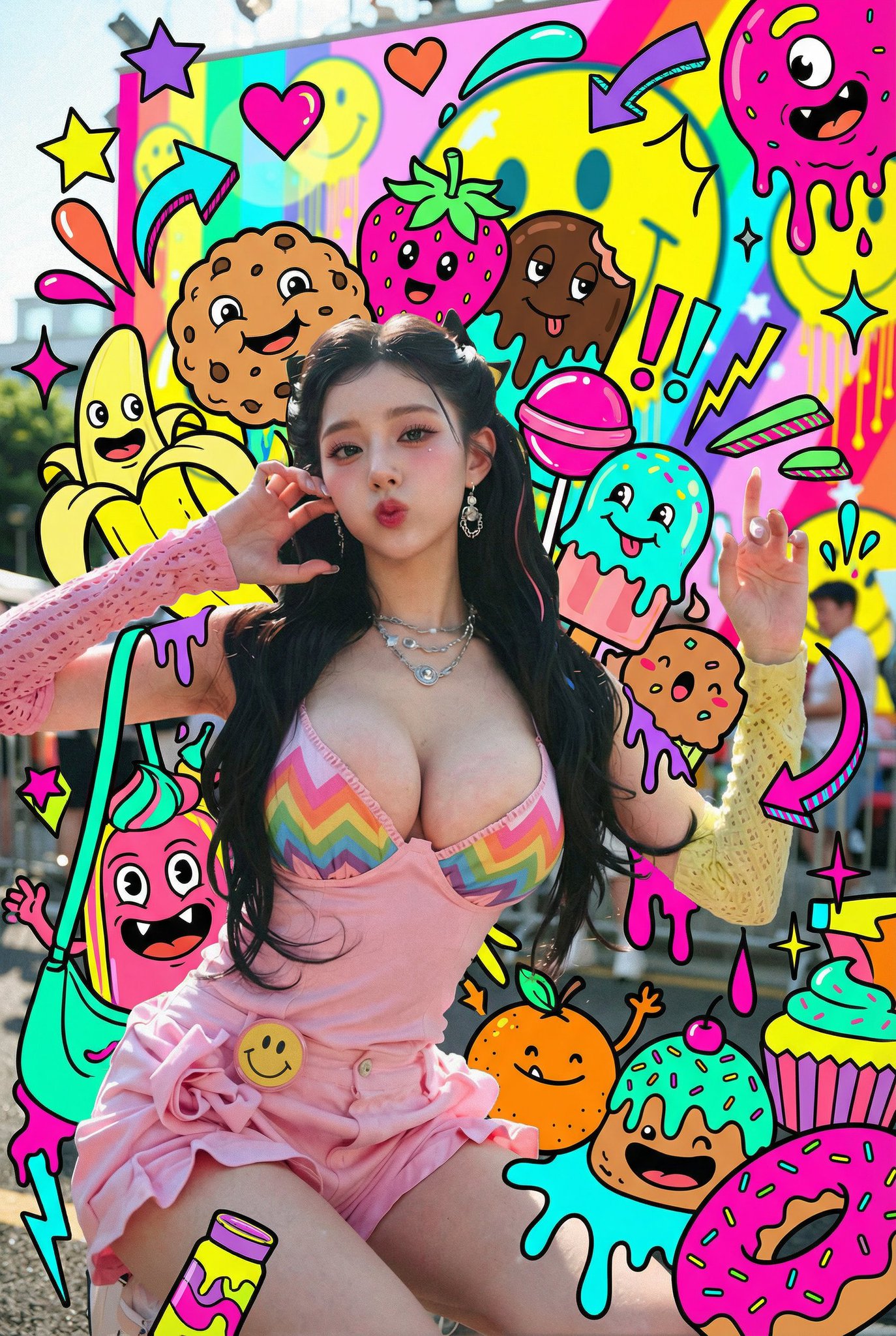
Prompt used:
"Photoreal portrait of a breakdancer with neon graffiti doodles swirling like an energy aura, bright cyan and magenta strokes, transparent glow."
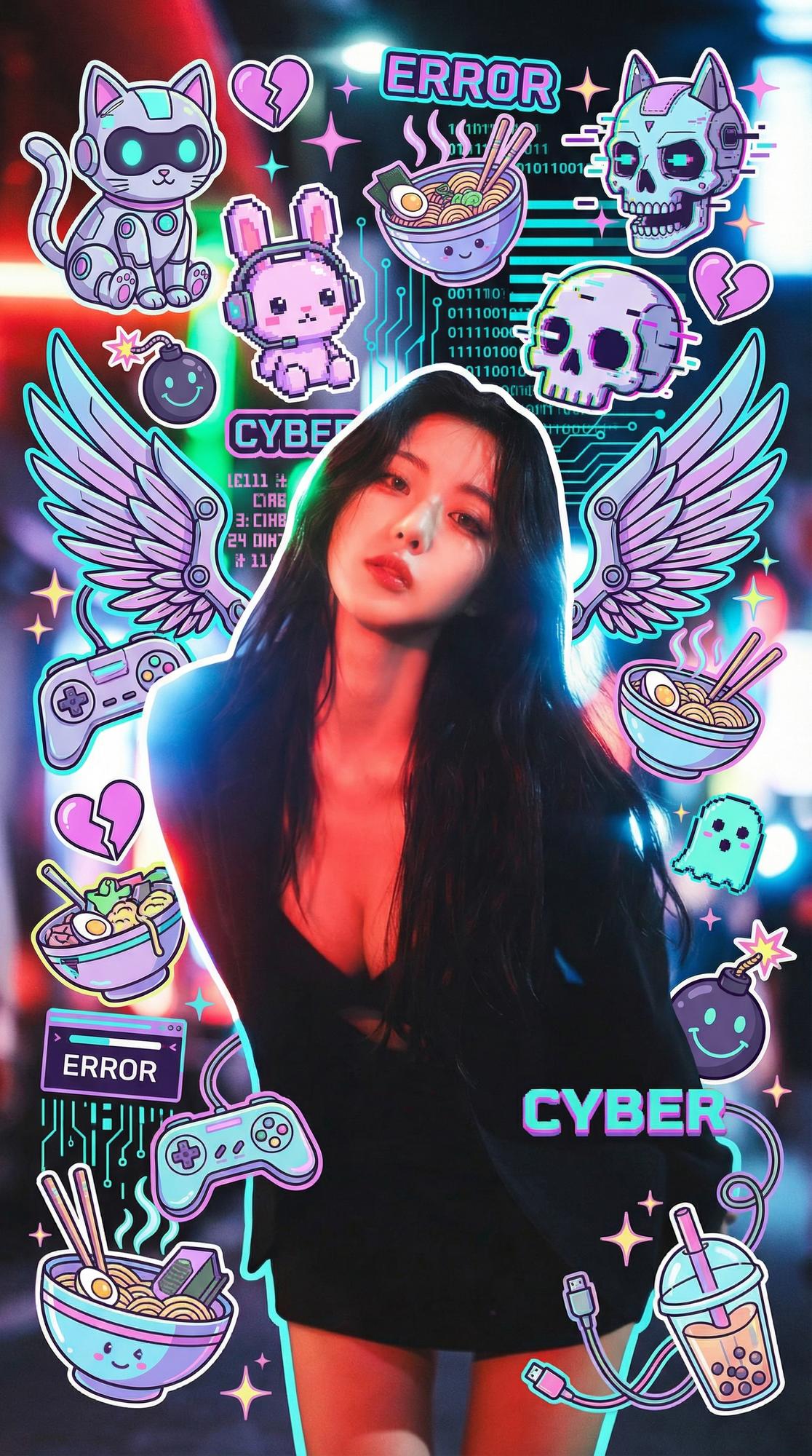
Prompt used:
"Streetwear cyclist photo with glitch arrows, spray-paint tags, and sticker monsters exploding behind the rider, high-contrast lighting."
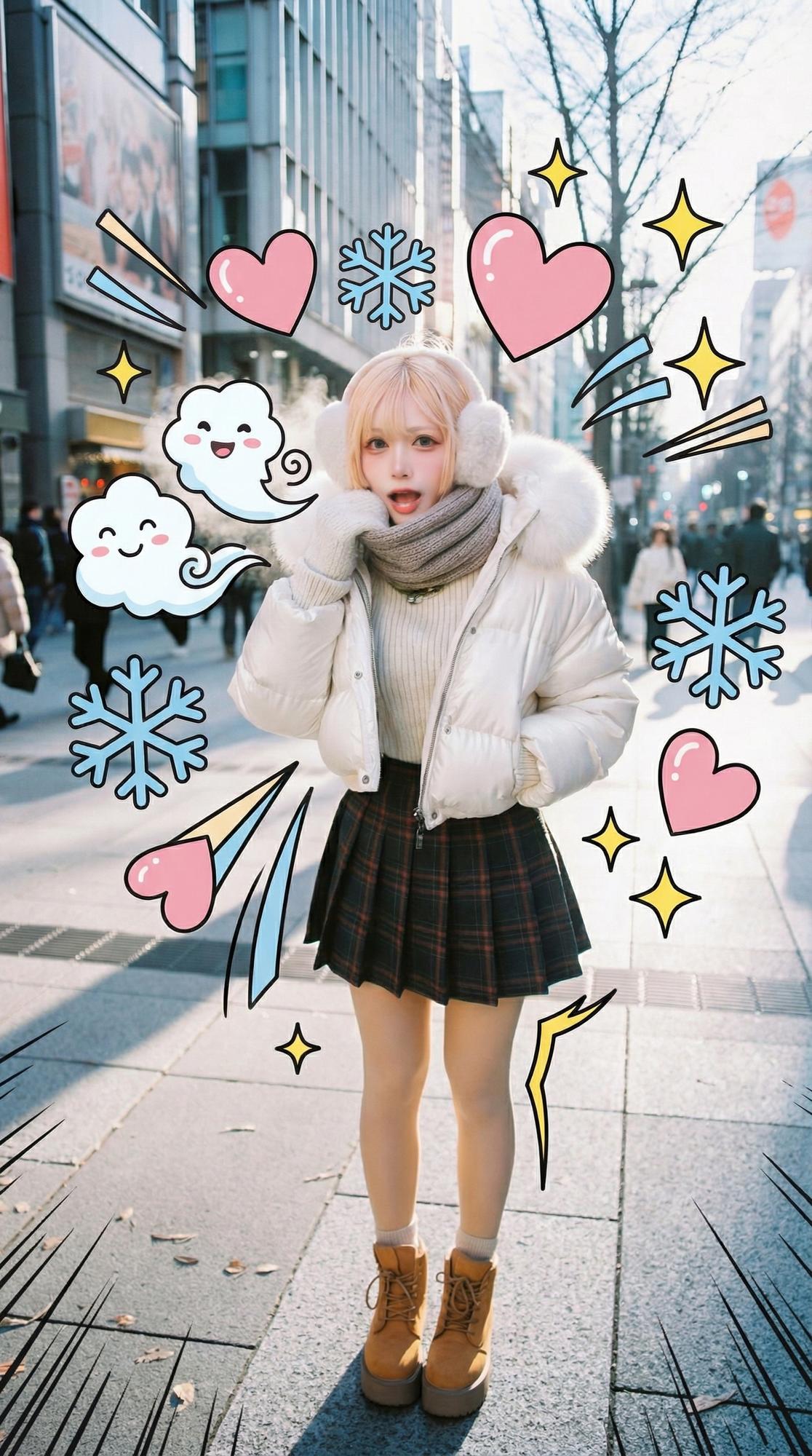
Prompt used:
"Soft fantasy studio portrait decorated with watercolor botanicals and gold ink swirls drifting around the subject, pastel palette."
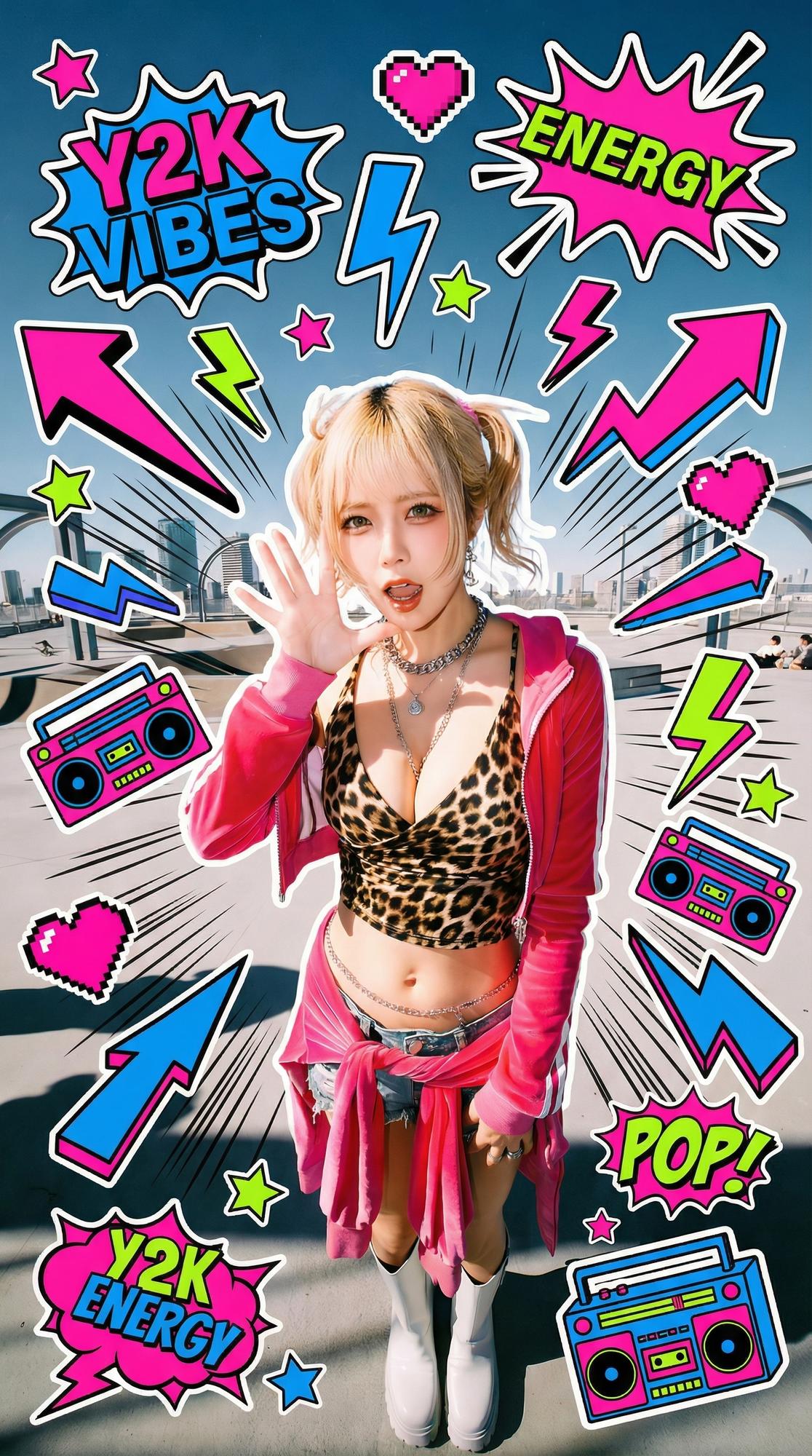
Prompt used:
"City rooftop photo framed by a giant illustrated guardian cat towering behind the skyline, flat vector shading, subtle halftone texture."
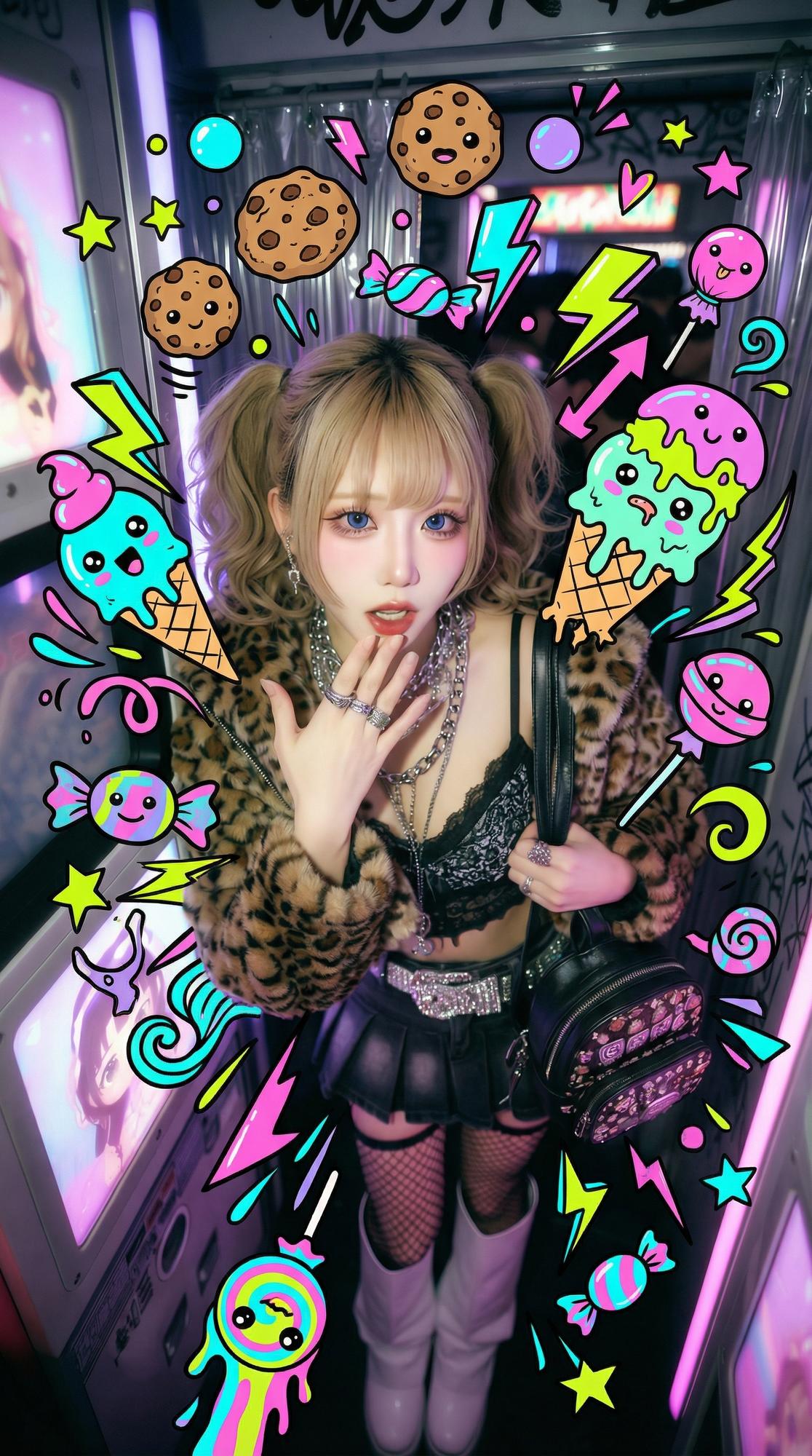
Prompt used:
"Sunset surfer silhouette with a dreamy cloud-whale spirit drawn in glowing gel-pen lines floating in the sky, cinematic gradient."
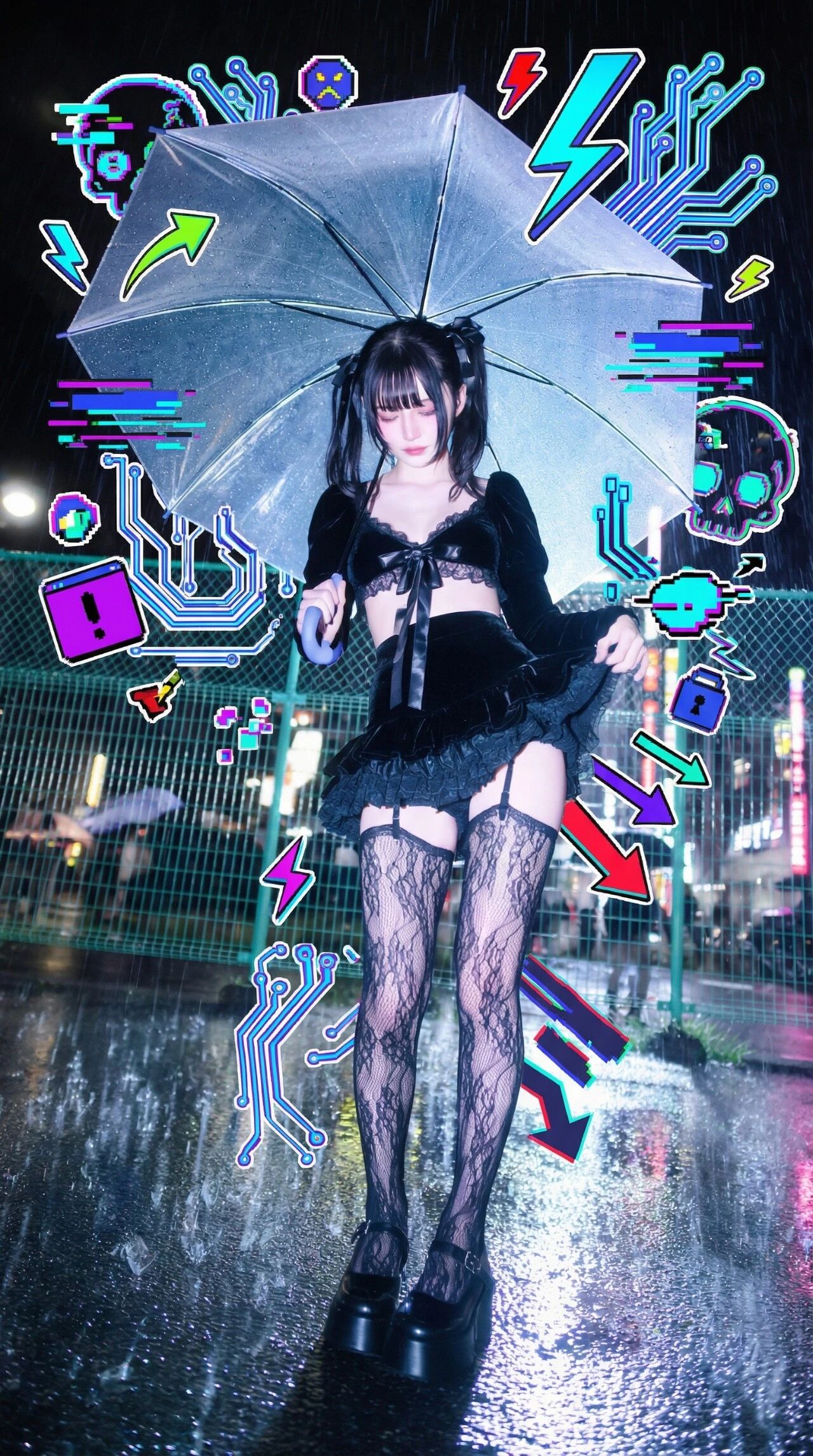
Prompt used:
"Editorial model photo where the varsity jacket and cargo pants are redrawn as bold cel-shaded illustration while the face stays photoreal."
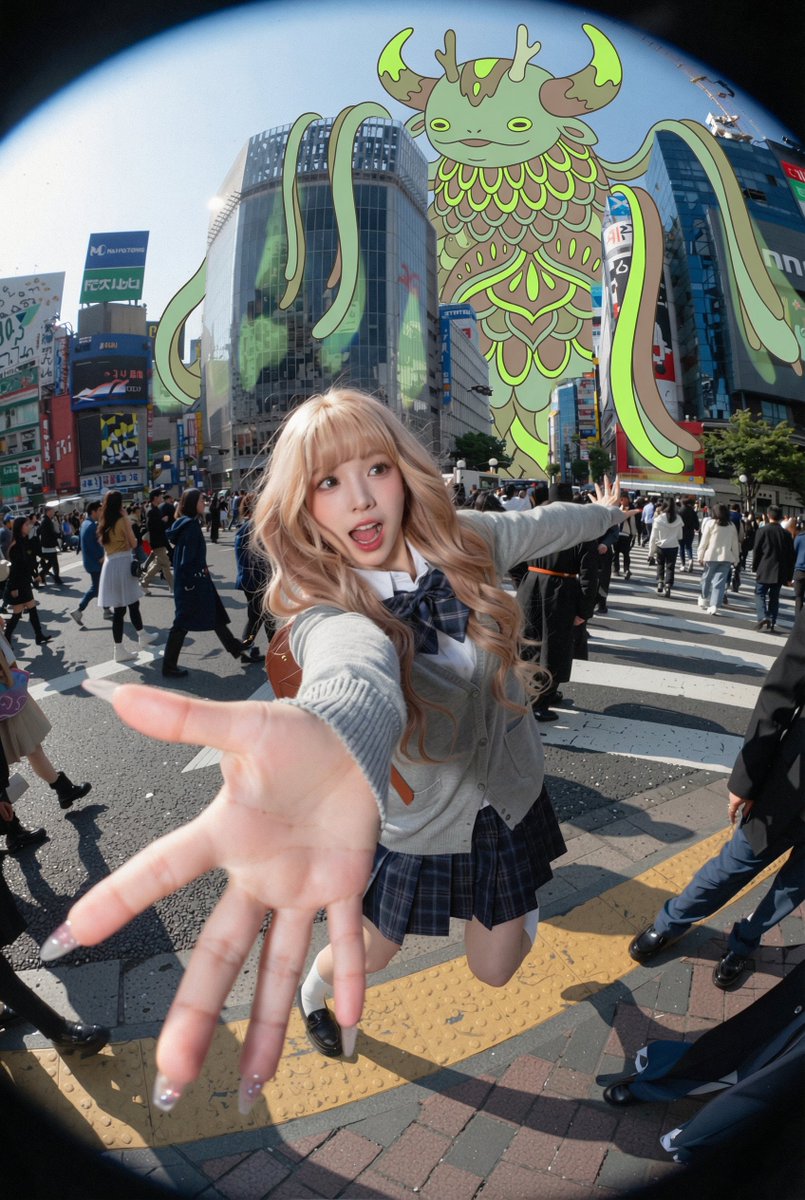
Prompt used:
"Festival portrait that converts headphones and accessories into flat vector doodles with motion lines, sparkles, and sticker outlines."
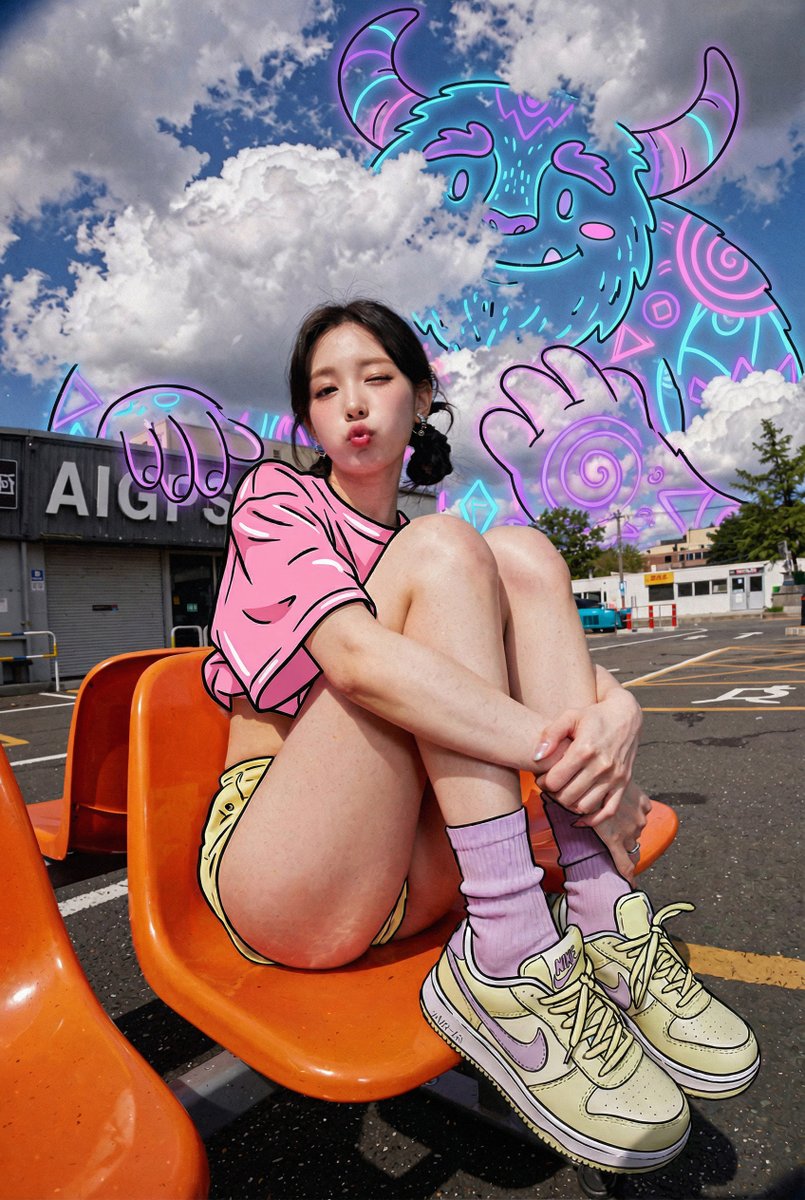
Prompt used:
"Business portrait with laptop and tote bag reimagined as 2D illustrated props with sticker outlines, clean studio background."
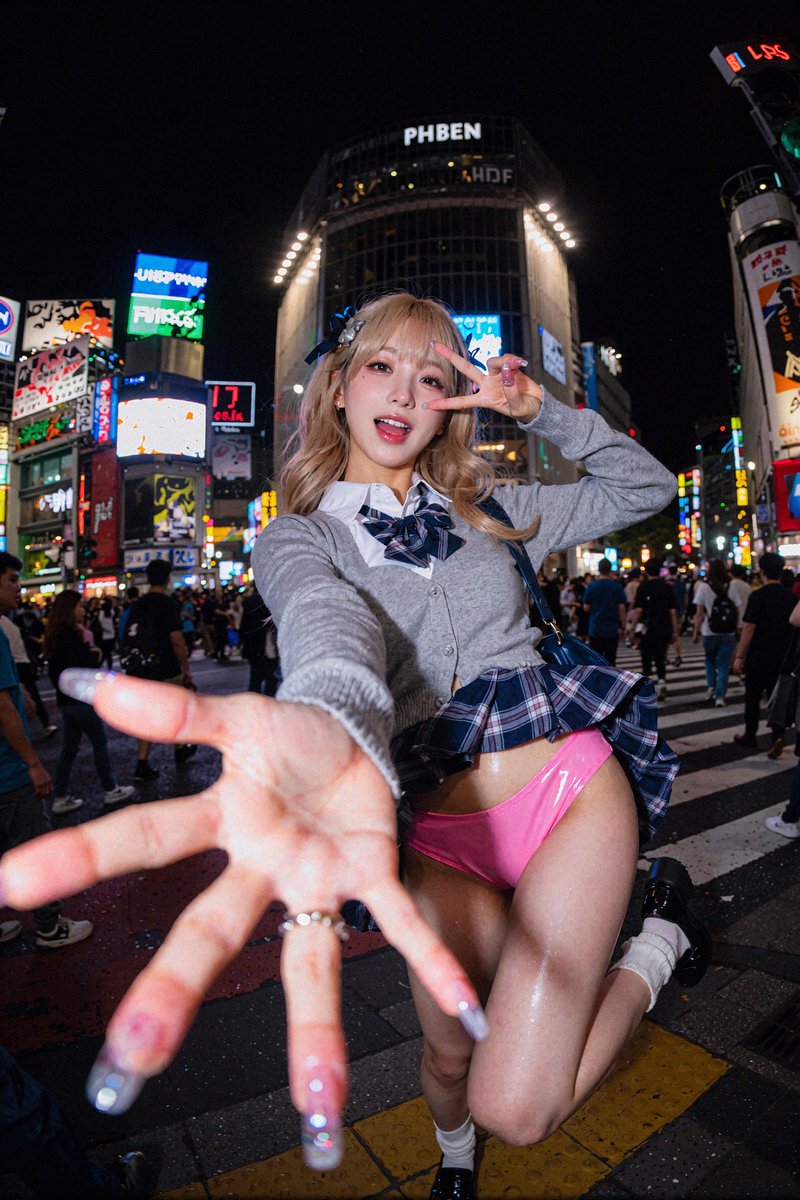
Prompt used:
"Pop-art collage mixing photoreal face, torn paper textures, halftone backgrounds, and bold typography cutouts for a magazine cover vibe."
Swipe or use arrows to see more examples
Photo-First Identity Lock
Preserve faces and skin as sharp photography while stylized overlays add story without covering key features.
Dynamic Illustration Layers
Generate doodle bursts, mural-scale guardians, or cel-shaded garments in a single prompt so you can art-direct every layer.
Editorial & Campaign Ready
Deliver layouts for hero banners, posters, and carousel posts with balanced negative space for typography and brand marks.
Nano Banana Mixed Media Art Prompts
Reference-ready looks for energy auras, surreal guardians, and outfit transformations.
Energy aura doodle cloud hugging a dancer with neon arrows and motion streaks.
Graffiti collage bursting behind an urban cyclist, glitch stickers, and spray-paint textures.
Watercolor botanicals and ink swirls wrapping a photoreal portrait on a pastel set.
Flat vector guardian creature towering over a skyline with halftone sunset.
Glowing gel-pen cloud-whale floating above a surfer, dreamy gradients.
Cel-shaded varsity jacket on a photoreal model, hybrid 2D/3D fashion look.
Vector accessories with comic sparkles orbiting a festival portrait.
Sticker-style laptop and tote bag props for a modern workspace portrait.
Pop-art magazine collage with halftone dots and torn paper layers.
Pricing
Choose Your Perfect Plan
Experience Nano Banana Pro with a free trial, then choose a plan that unlimits your creativity
Starter
- 1800 credits/year
- Commercial use license
- Starter customer support
- Standard generation speed
- Standard style templates included
- All advanced model
- All format downloads
- Batch generation
- Image editing tools
- Video generation(Coming soon)
- Try new features first
Premium
- 9600 credits/year
- Commercial use license
- Priority customer support
- Priority generation queue
- Premium style templates included
- All advanced model
- All format downloads
- Image editing tools
- Batch generation
- Video generation(Coming soon)
- Try new features first
Ultimate
- 55200 credits/year
- Commercial use license
- Dedicated account manager
- Fastest generation speed
- All style templates included
- All advanced model
- All format downloads
- Batch generation
- Professional editing suite
- Video generation(Coming soon)
- Try new features first
How to Craft Nano Banana Mixed Media Prompts
Guide the model to respect the photo while layering illustrative magic.
Lead with the Photograph
Describe the subject, pose, outfit, and lighting first so Nano Banana knows what must stay photorealistic.
Pick a Theme & Palette
Call out the art direction—cyberpunk graffiti, soft fantasy watercolor, or pop-art halftone—plus two or three hero colors.
Specify the Illustration Medium
Mention whether overlays should look like vector stickers, gel-pen line art, watercolor washes, or paper cutouts.
Explain Layer Order
Use cues like “behind the subject,” “peeking from shoulders,” or “over the jacket only” to control depth.
Add Texture & Print Notes
If you need halftone dots, risograph ink, grainy paper, or taped edges, spell it out for tactile results.
Use Protective Negative Prompts
Include phrases such as “do not alter face or hands” and “no extra characters” to keep the composition focused.
Mixed Media Art Prompt FAQ
Key answers for photo-driven collage workflows.