
Midjourney for cinematic, stylized visuals
Direct the signature Midjourney look with prompts, references, and style controls. Get dramatic lighting, detailed textures, and cohesive scenes in seconds.
Midjourney image generator
Examples: See what Nano Banana can do1 / 9
Before
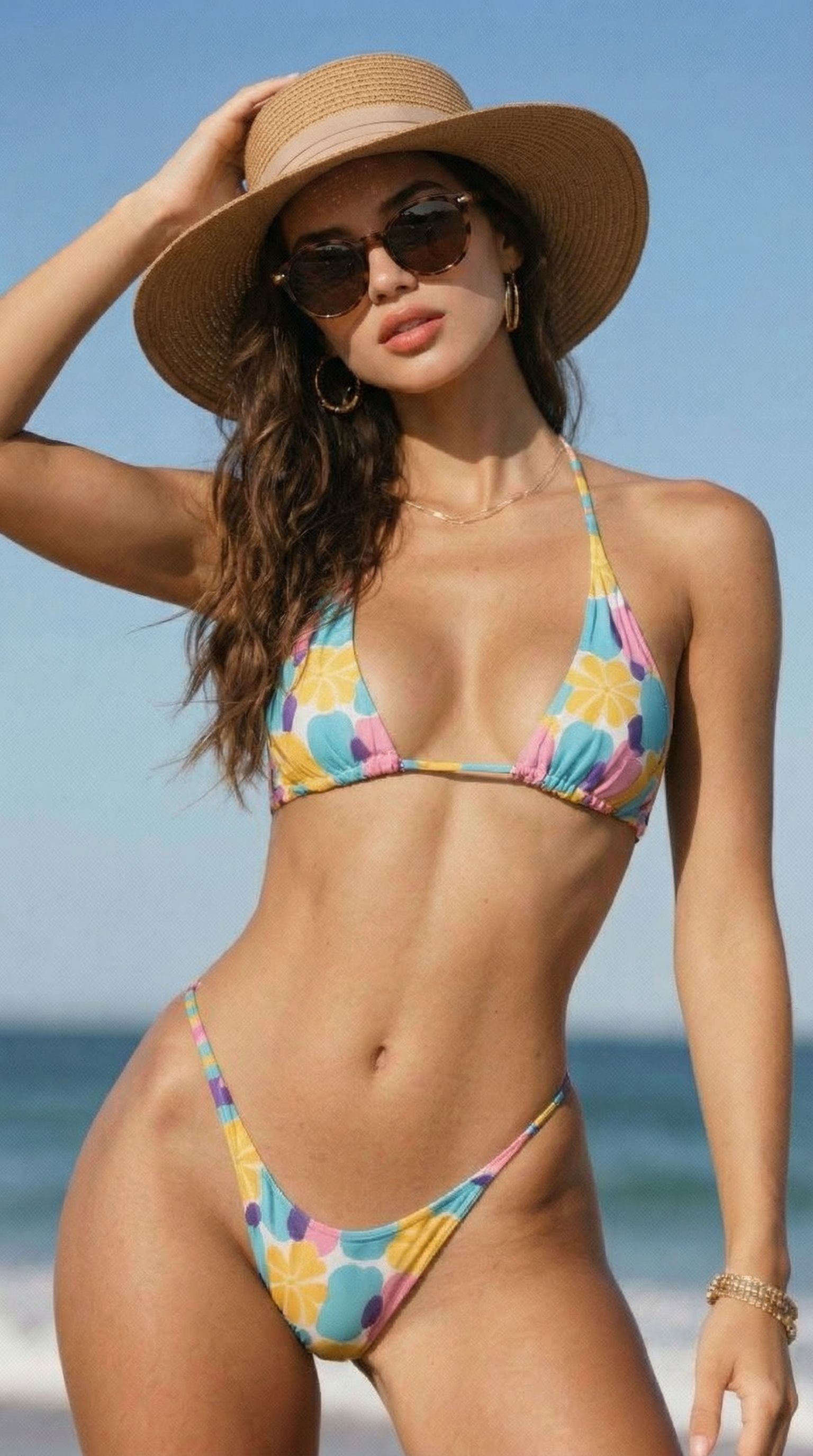
After
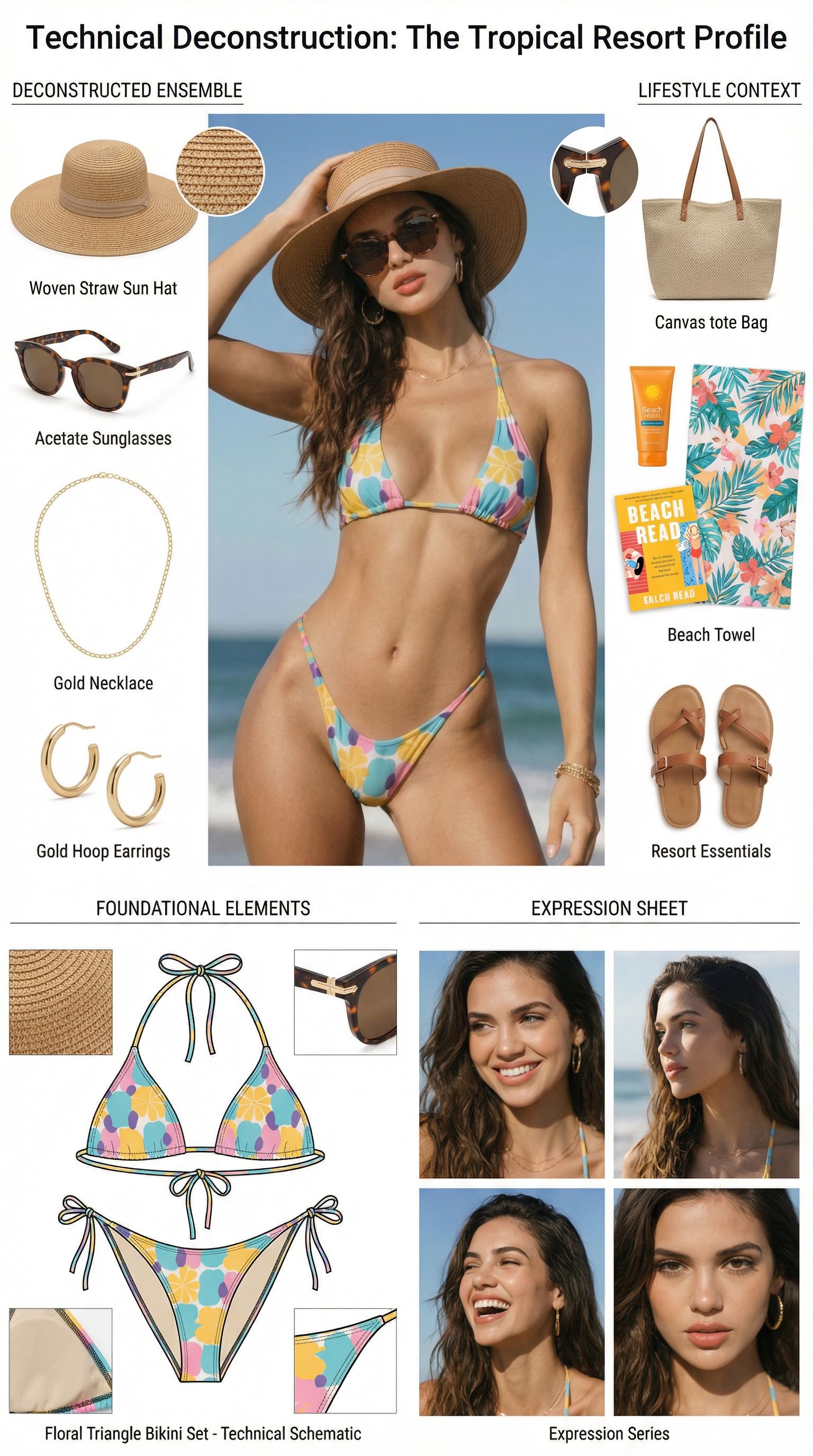
Prompt used:
"Dismantle the wardrobe into its constituent parts."
Before
After
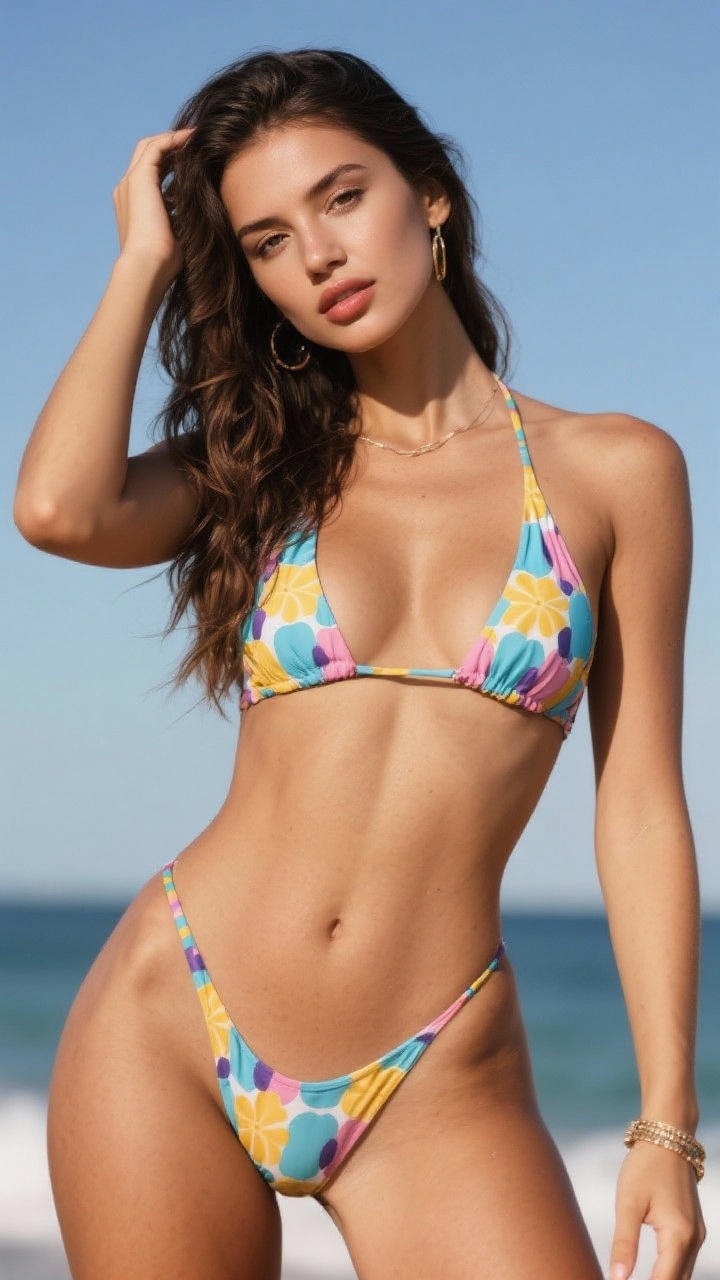
Prompt used:
"Remove the object from the image."
Before
After
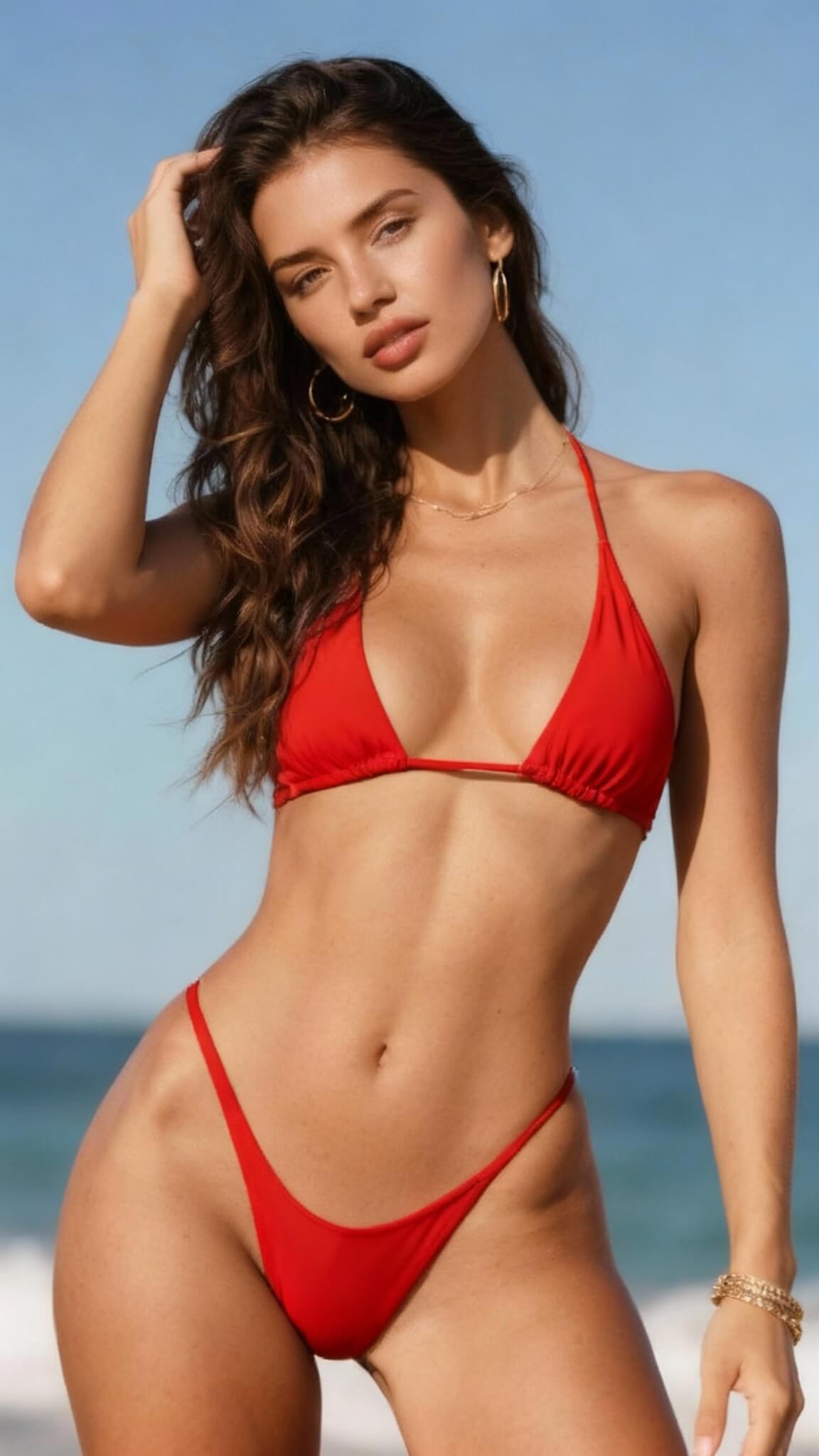
Prompt used:
"Change the bikini to red"
Before
After
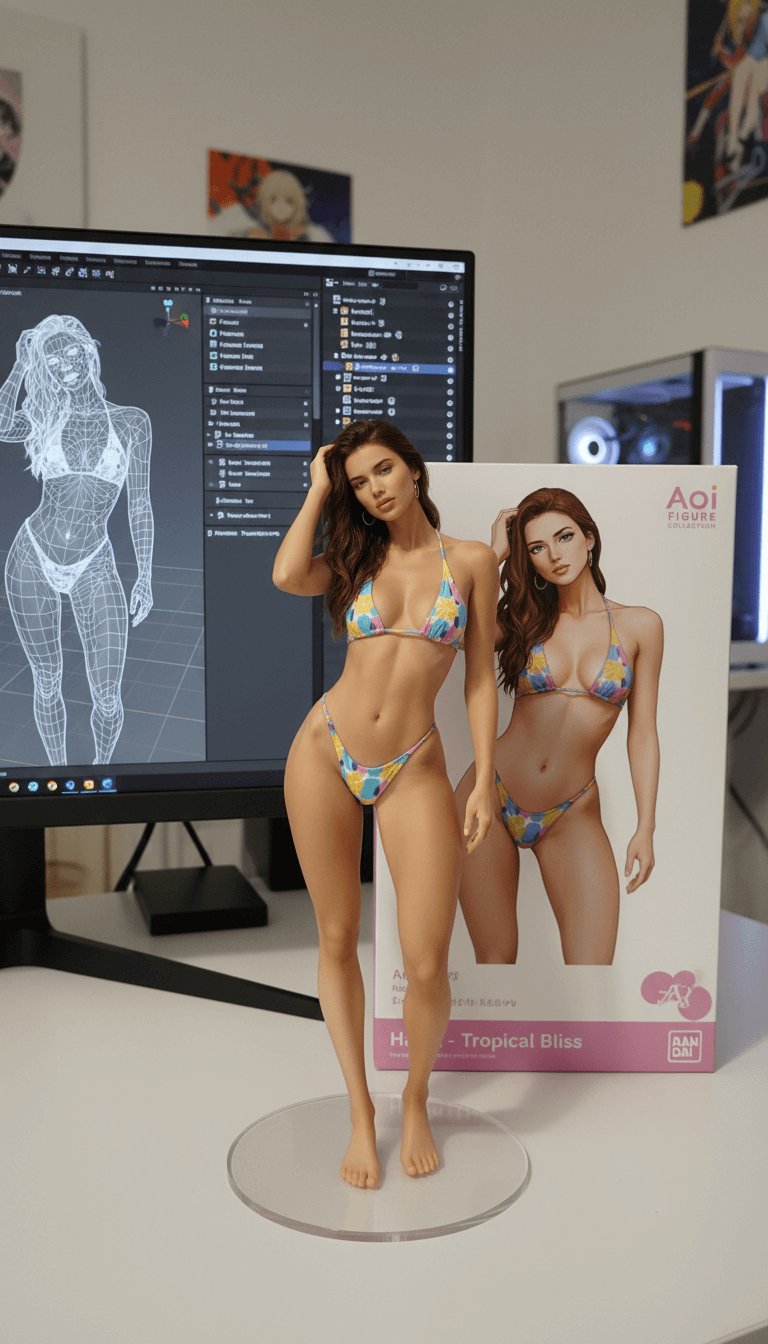
Prompt used:
"Transform this anime character into a collectible figure product showcase: Create a physical PVC figure standing on a clear round base, place a product box with the character artwork behind it, and add a computer monitor showing the 3D modeling process in Blender."
Before
After
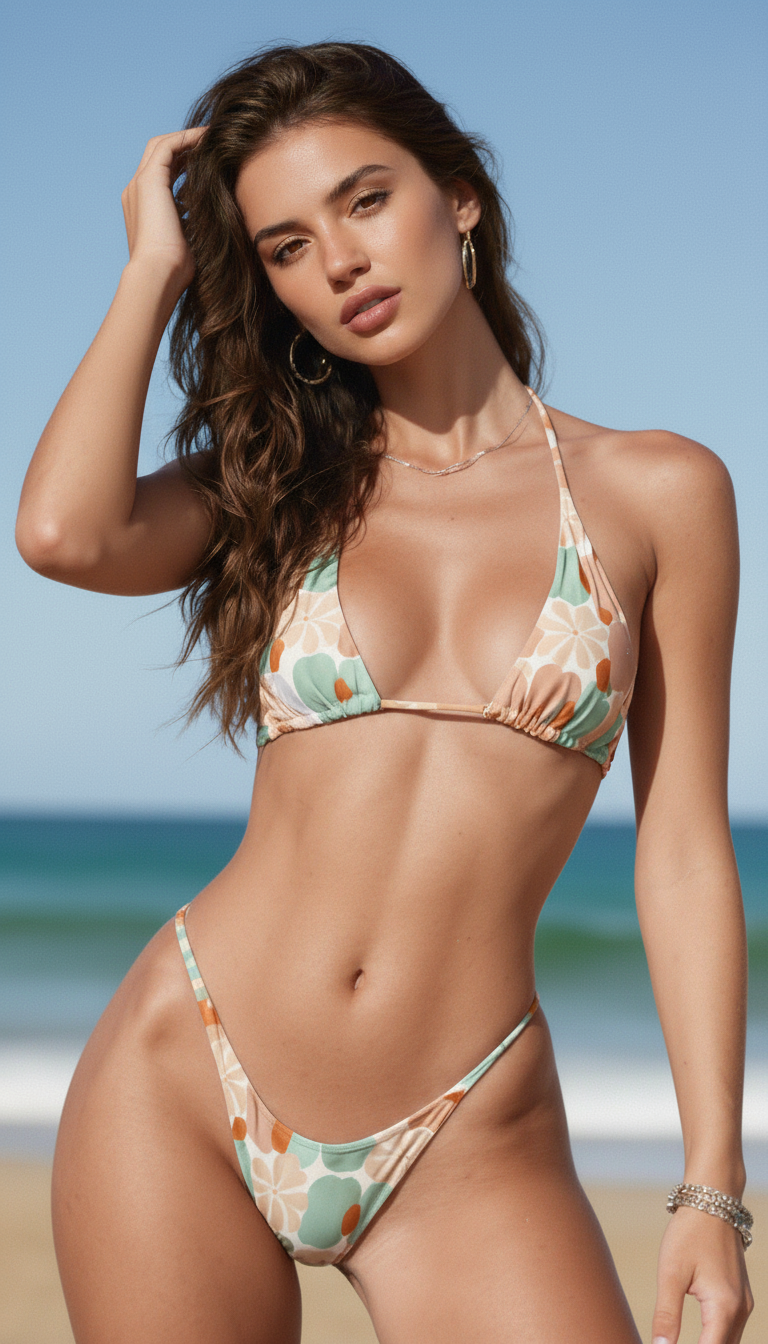
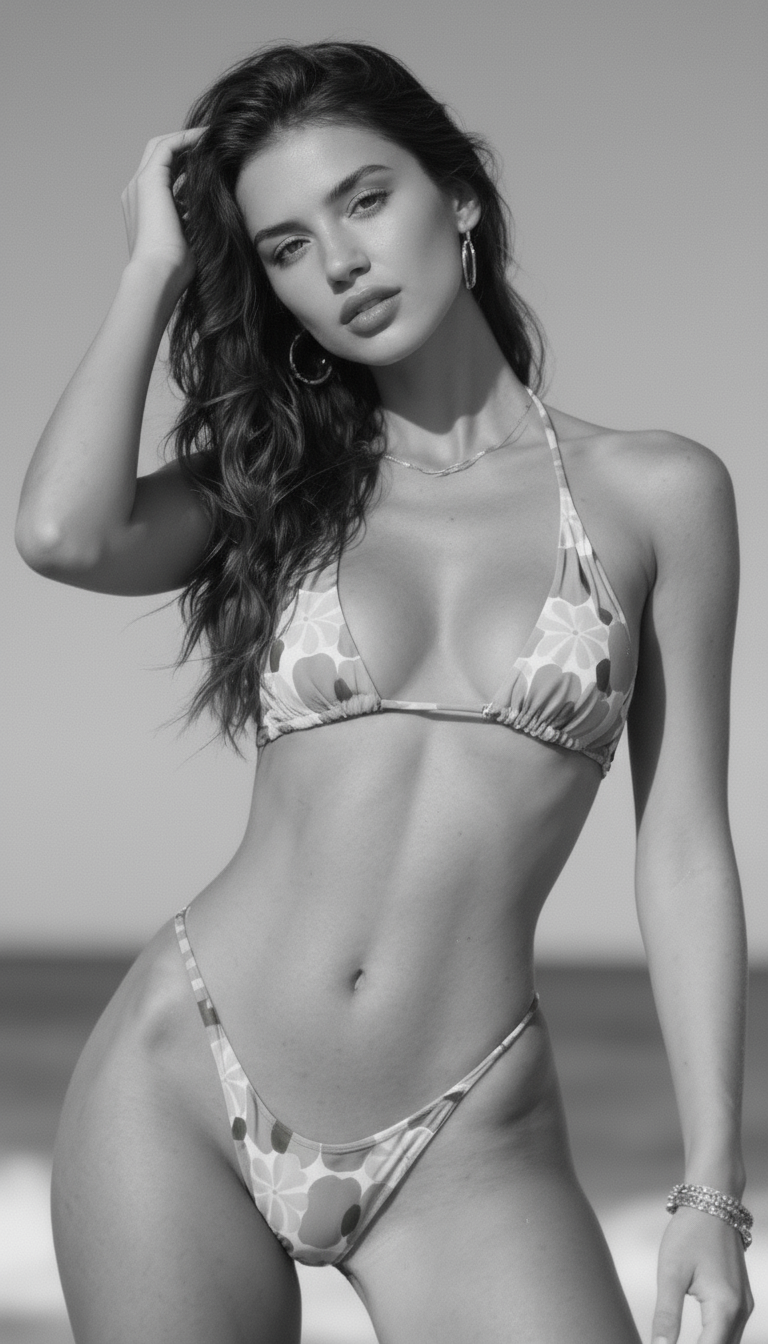
Prompt used:
"Repair and color this photo"
Before
After
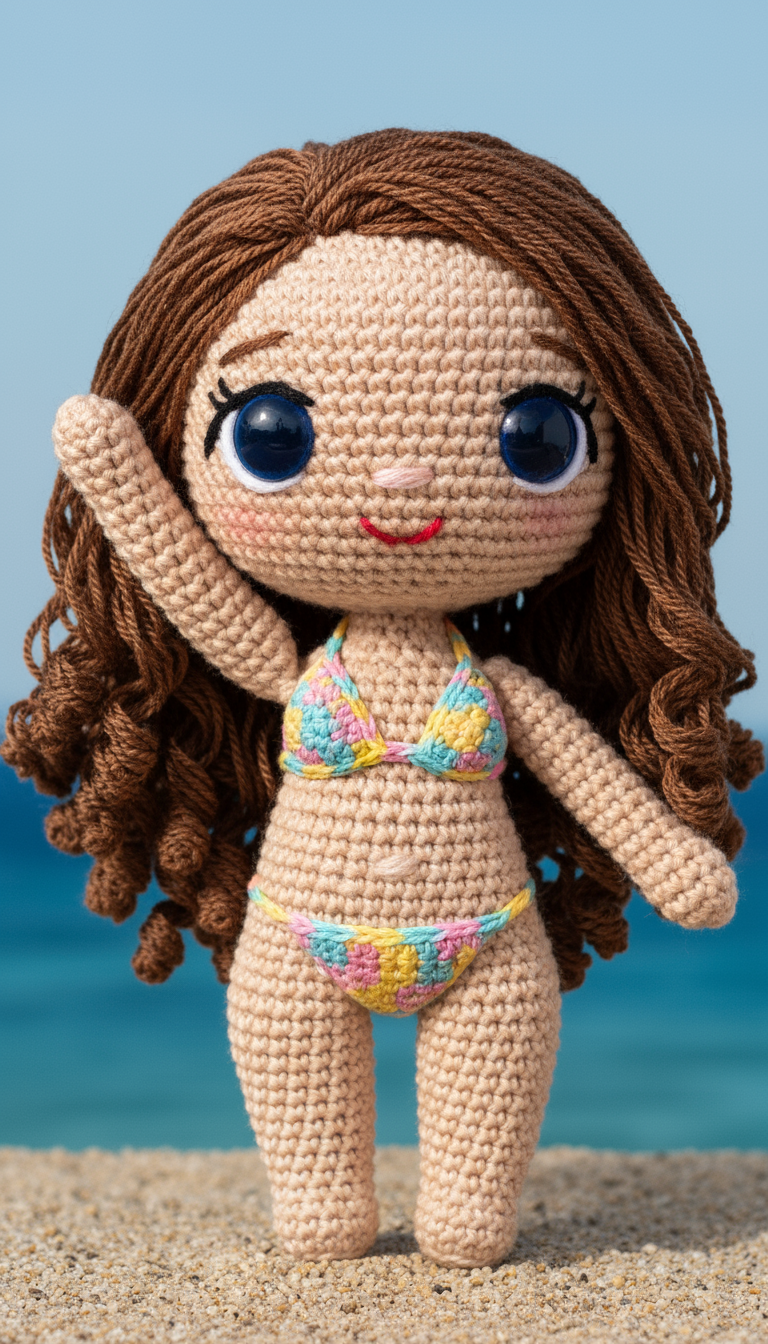
Prompt used:
"Transform the subject into a handmade crocheted yarn doll with a cute, chibi-style appearance."
Before
After
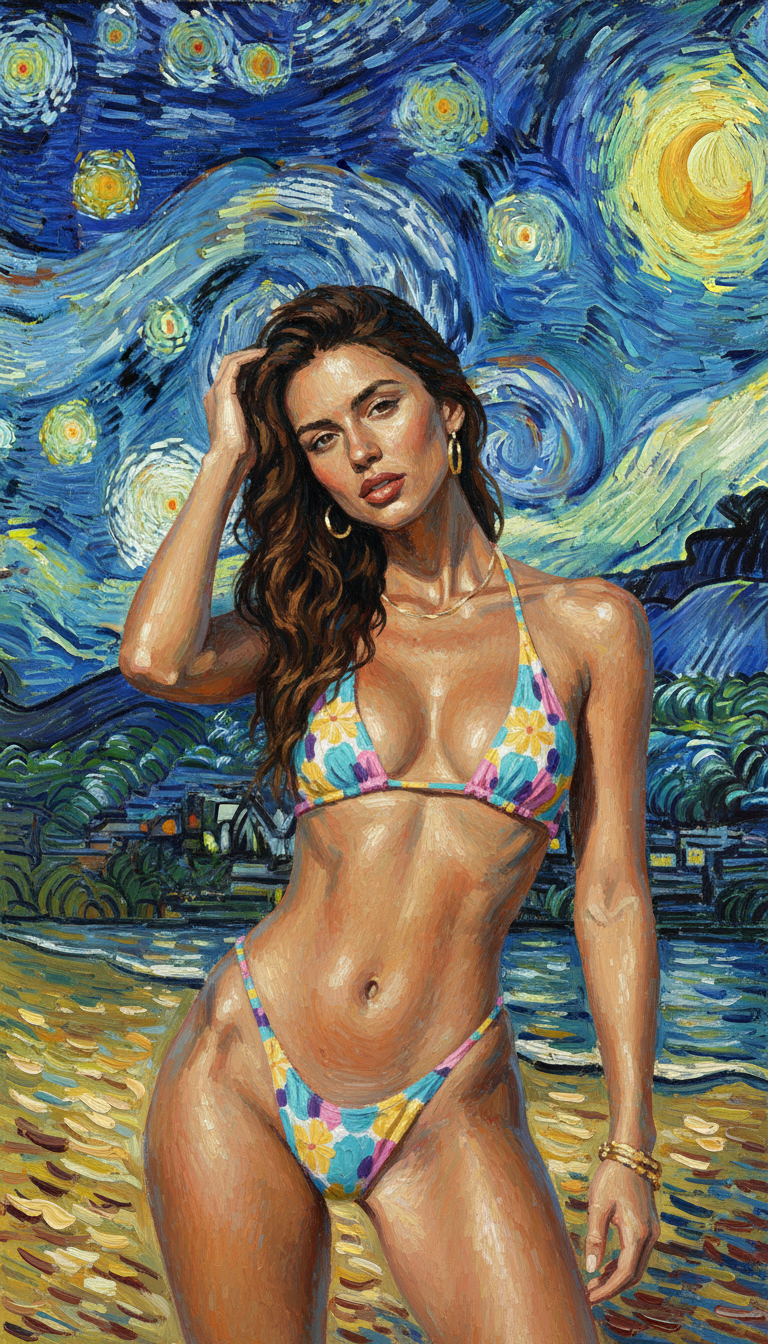
Prompt used:
"Reimagine the photo in the style of Van Gogh's 'Starry Night'."
Before
After
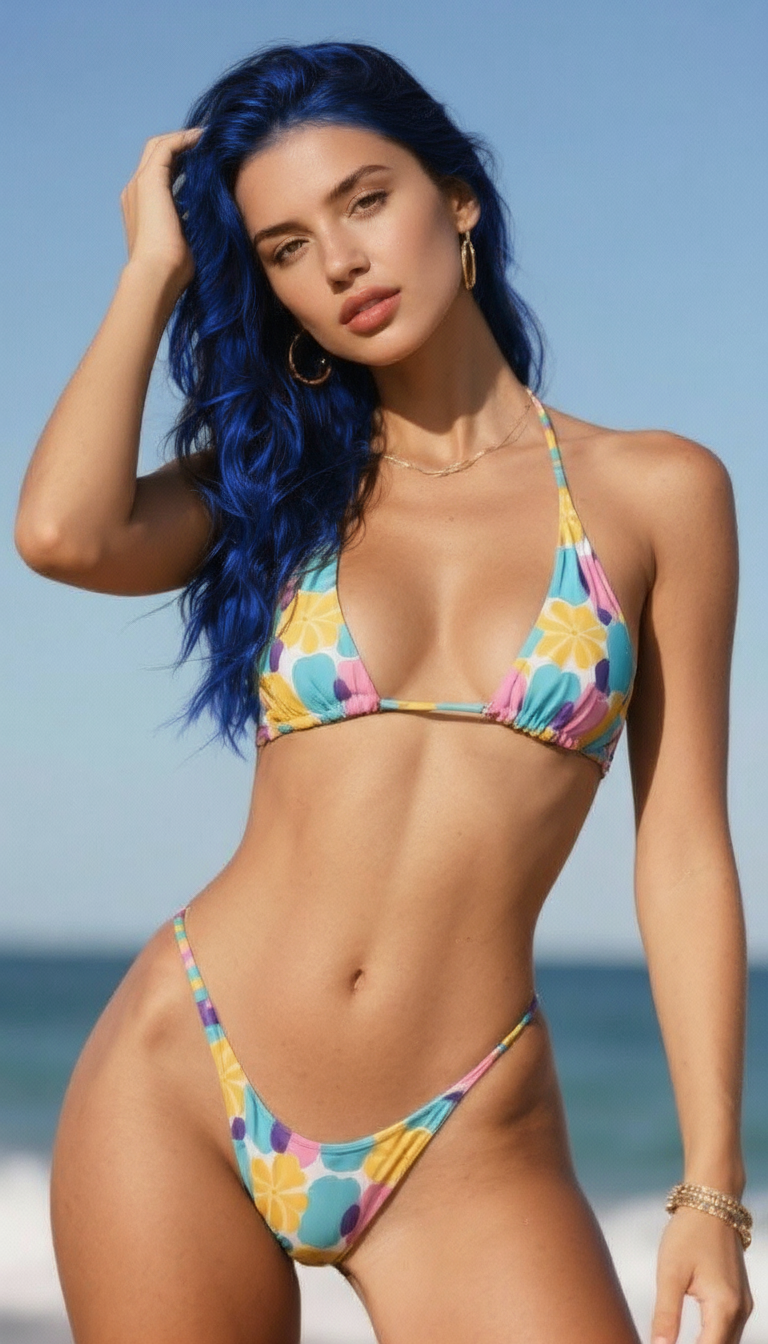
Prompt used:
"Change the hair to blue."
Before
After
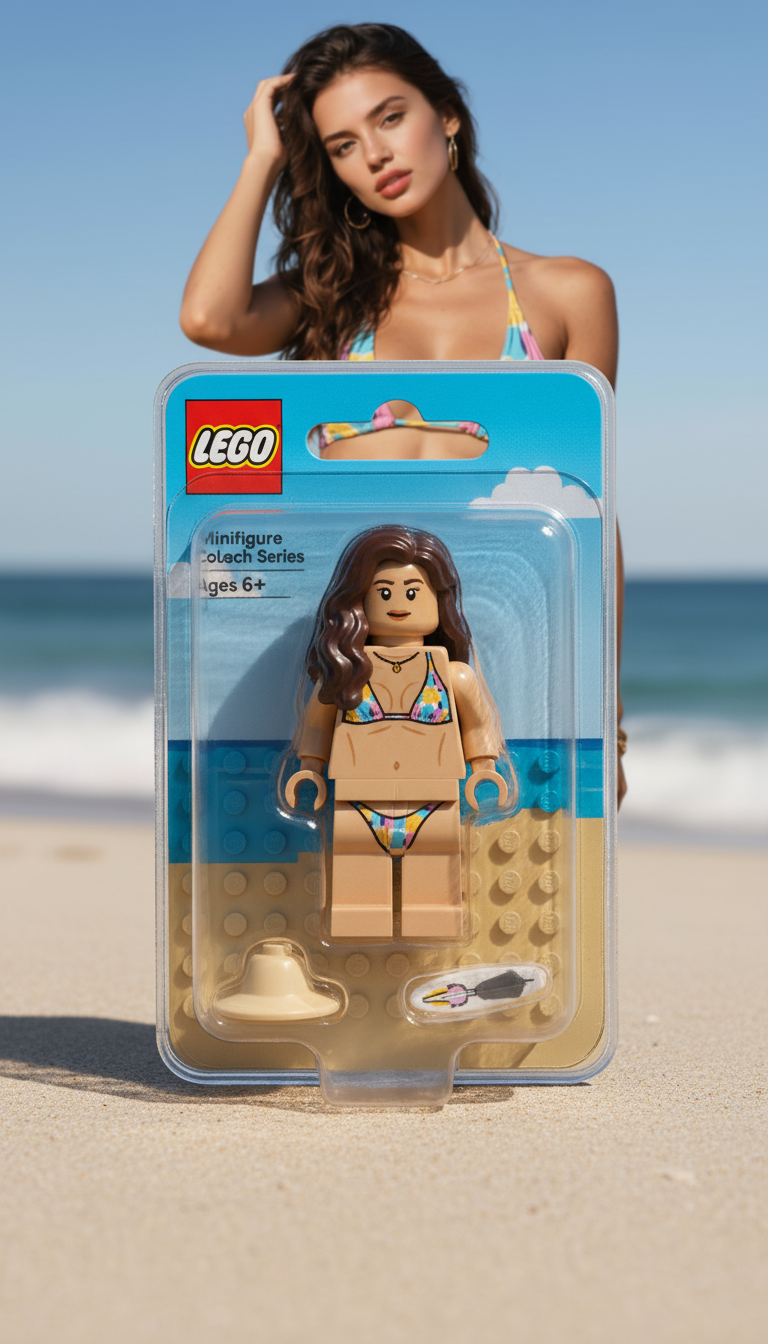
Prompt used:
"Transform the person into a LEGO minifigure, inside its packaging box."
Swipe or use arrows to see more examples
What is Midjourney?
Midjourney is an AI image model built for stylized, art-directed visuals. Combine precise prompts with references to get campaign-ready renders fast.
Signature cinematic look
Produce dramatic lighting, rich depth, and painterly textures for scroll-stopping visuals.
Prompt remix + references
Upload reference images or blend multiple prompts to guide subject, palette, and framing.
Style tuner + seeds
Lock a consistent look across batches with style references, seeds, and custom ratios.
High-res upscaling
Use Midjourney upscalers to deliver print-ready concept frames and product shots.
How to use Midjourney
Four quick steps to direct Midjourney for brand-safe, stylized renders.
Choose version & ratio
Select the Midjourney model version, aspect ratio, and quality mode.
Write the prompt + add refs
Describe the subject, mood, and lighting. Add reference images to lock composition.
Refine with variations
Use variations or remix-style prompts to adjust pose, wardrobe, and color.
Upscale & export
Pick the best frame, upscale for detail, then download for handoff.
Key features of Midjourney
Art-directable outputs for creators who need distinctive, on-brand visuals.
Cinematic lighting control
Dial exposure, mood, and atmosphere for dramatic shots.
Consistent characters & props
Keep faces, outfits, and hero products aligned across renders.
Rich stylization
Blend painterly detail with photo-realism for campaign-ready art.
Multi-prompt blending
Combine style, subject, and location prompts without losing structure.
Inpainting-ready outputs
Use masks and edits to swap backgrounds or fix details without redoing shots.
Fast iteration workflow
Generate batches, review grids, and upscale the winning take quickly.
Midjourney FAQ
Answers to the most common Midjourney questions from creators and marketers.
Design with Midjourney
Generate cinematic visuals with prompt, reference, and style controls tailored for production teams.