

Generate Professional 3D Models & Assets
Create high-quality 3D assets, textures, and renders for games, movies, and design with Nano Banana.
Examples: See what Nano Banana can do1 / 9
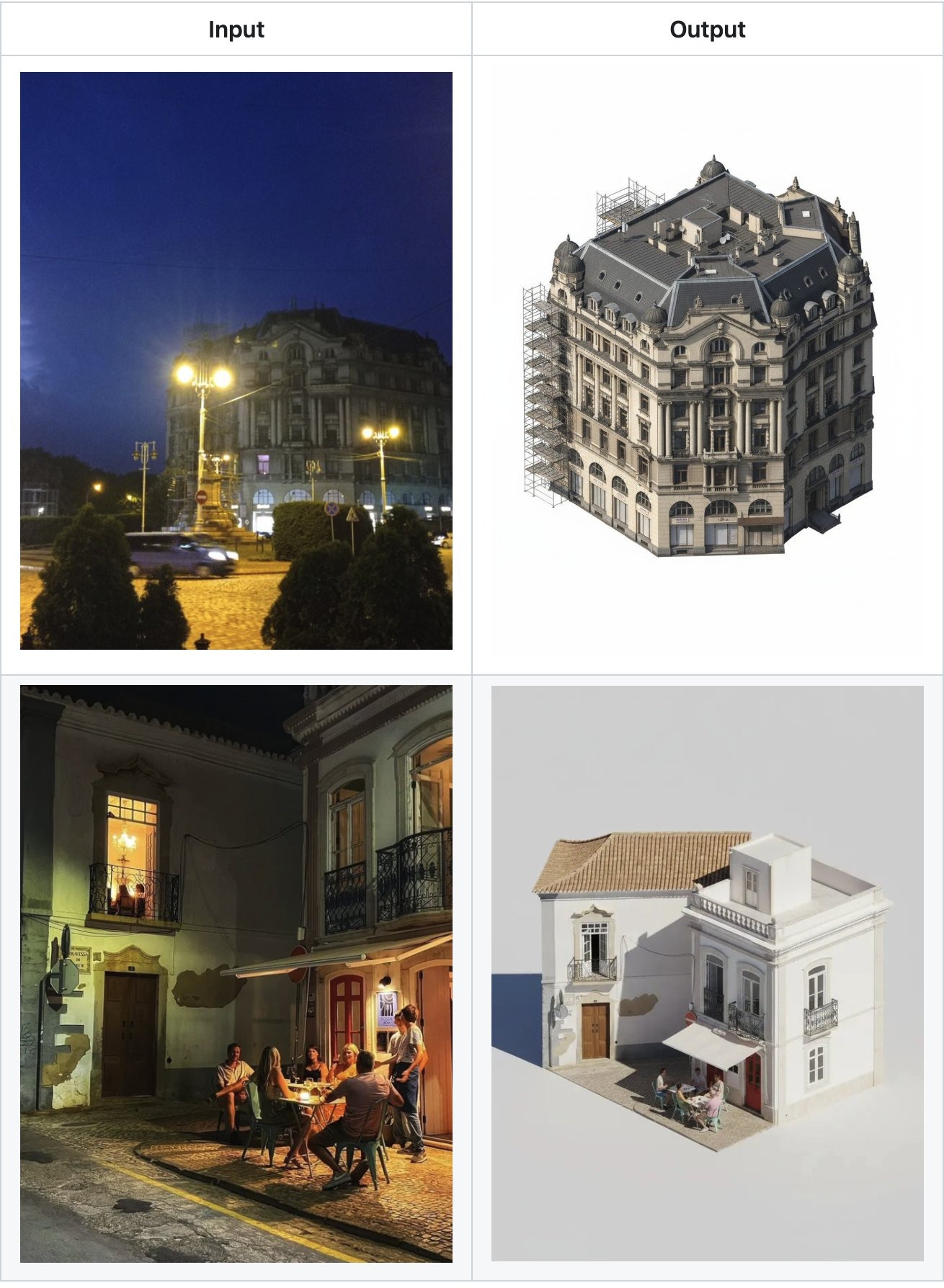
Prompt used:
"Isometric 3D icon of a futuristic city block, neon lights, cyberpunk style, high detail, 4k render."
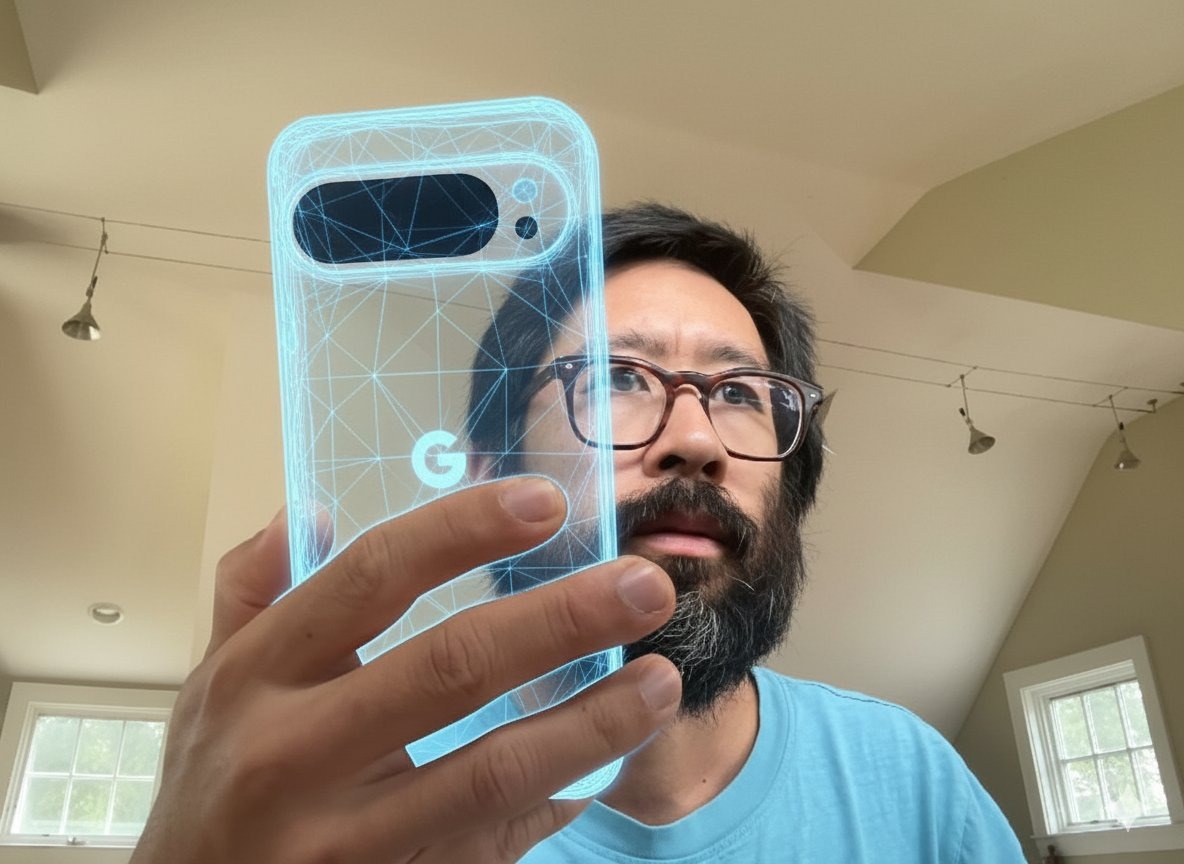
Prompt used:
"Low poly character model of a medieval knight, vibrant colors, simple geometry, game asset style."
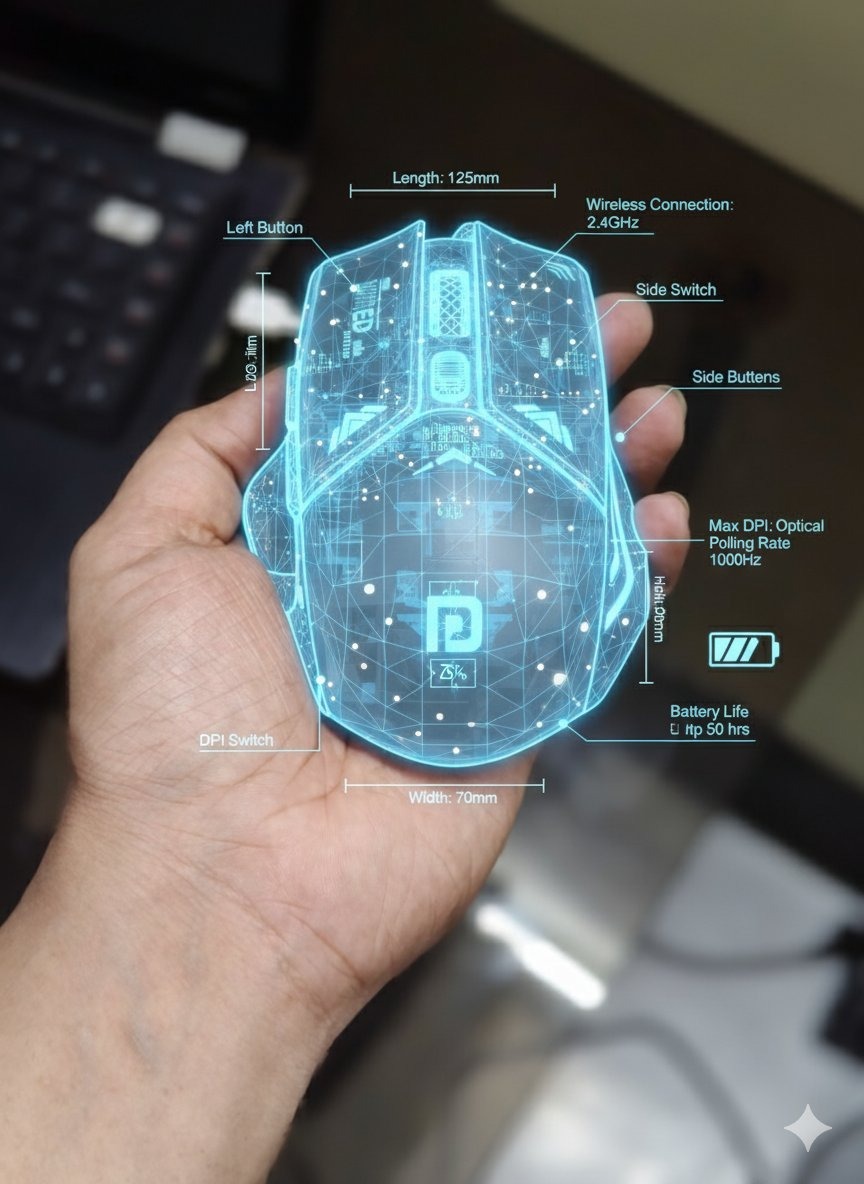
Prompt used:
"Photorealistic product render of a luxury perfume bottle, glass texture, golden liquid, studio lighting, bokeh background."
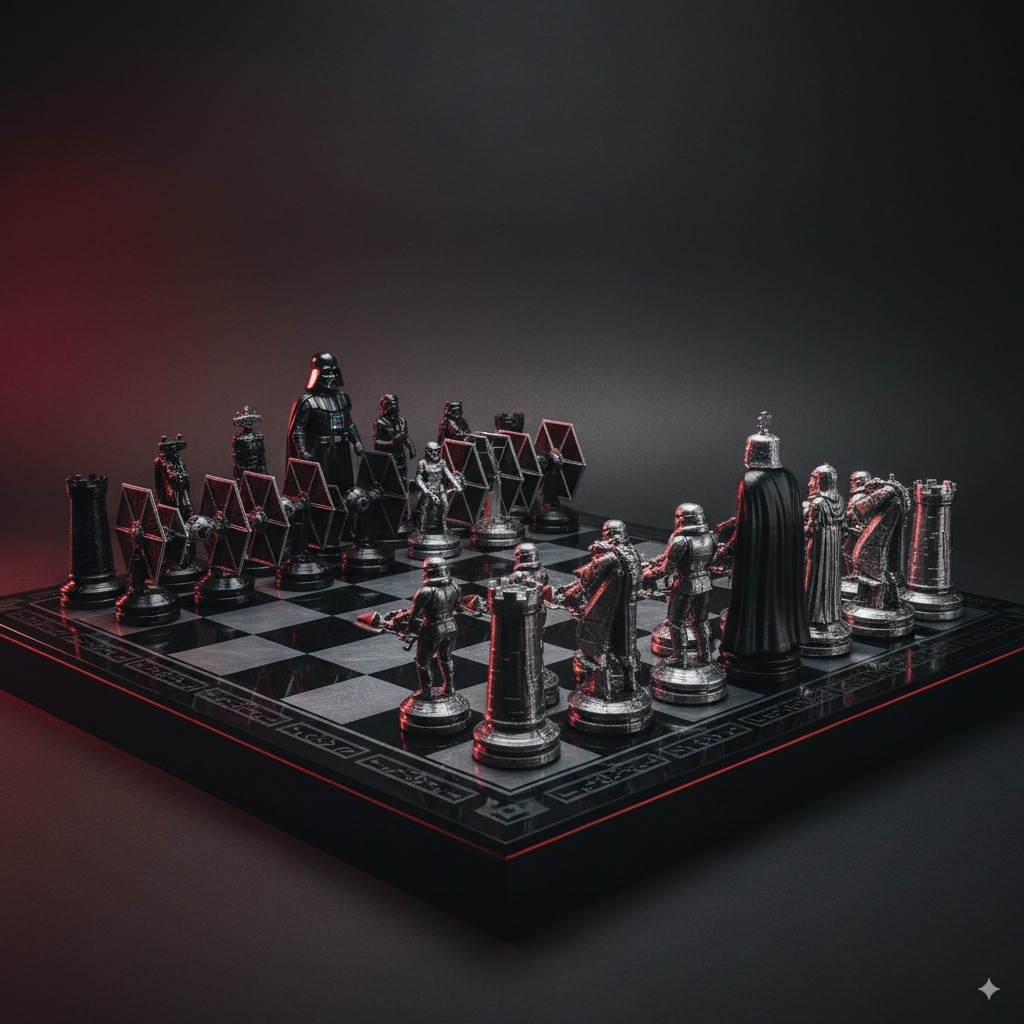
Prompt used:
"3D game asset of a sci-fi crate, metal texture, rust details, industrial design, unreal engine 5 render."
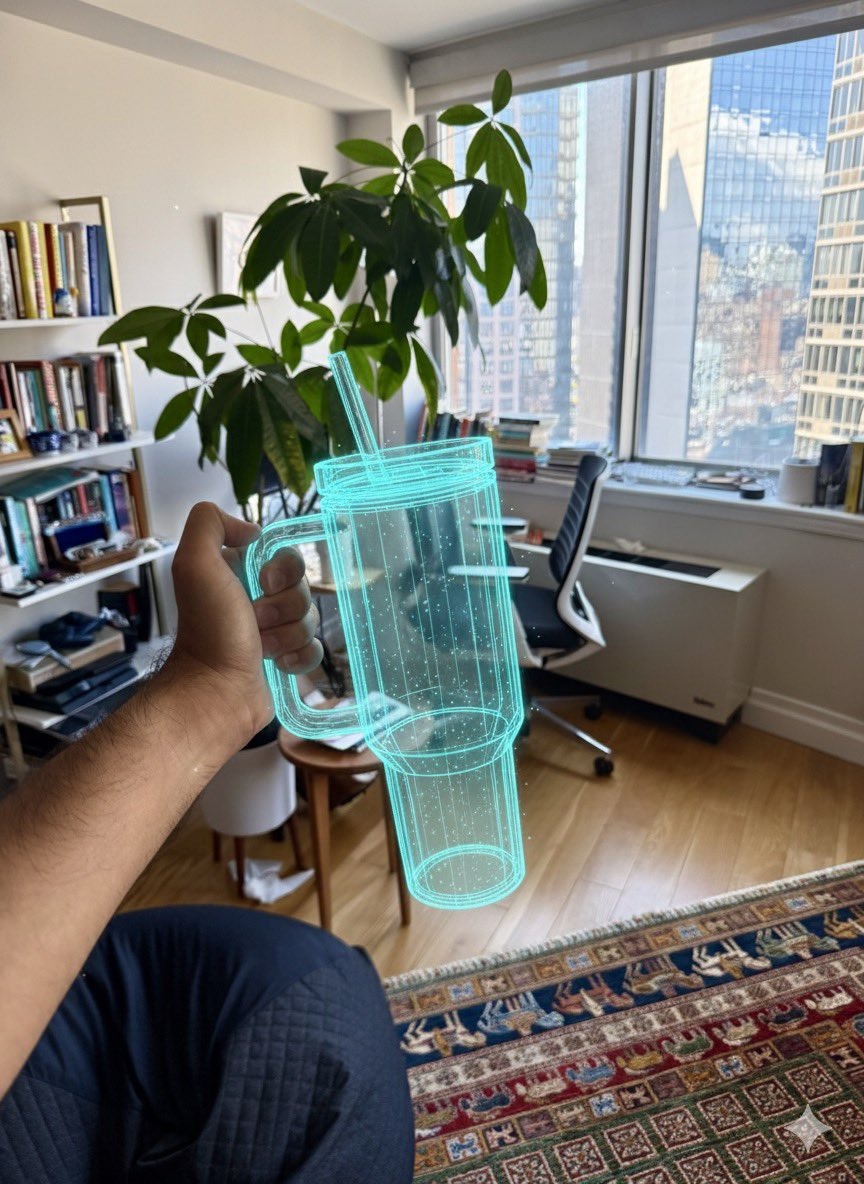
Prompt used:
"Architectural visualization of a modern living room, minimalist furniture, large windows, natural light, interior design."
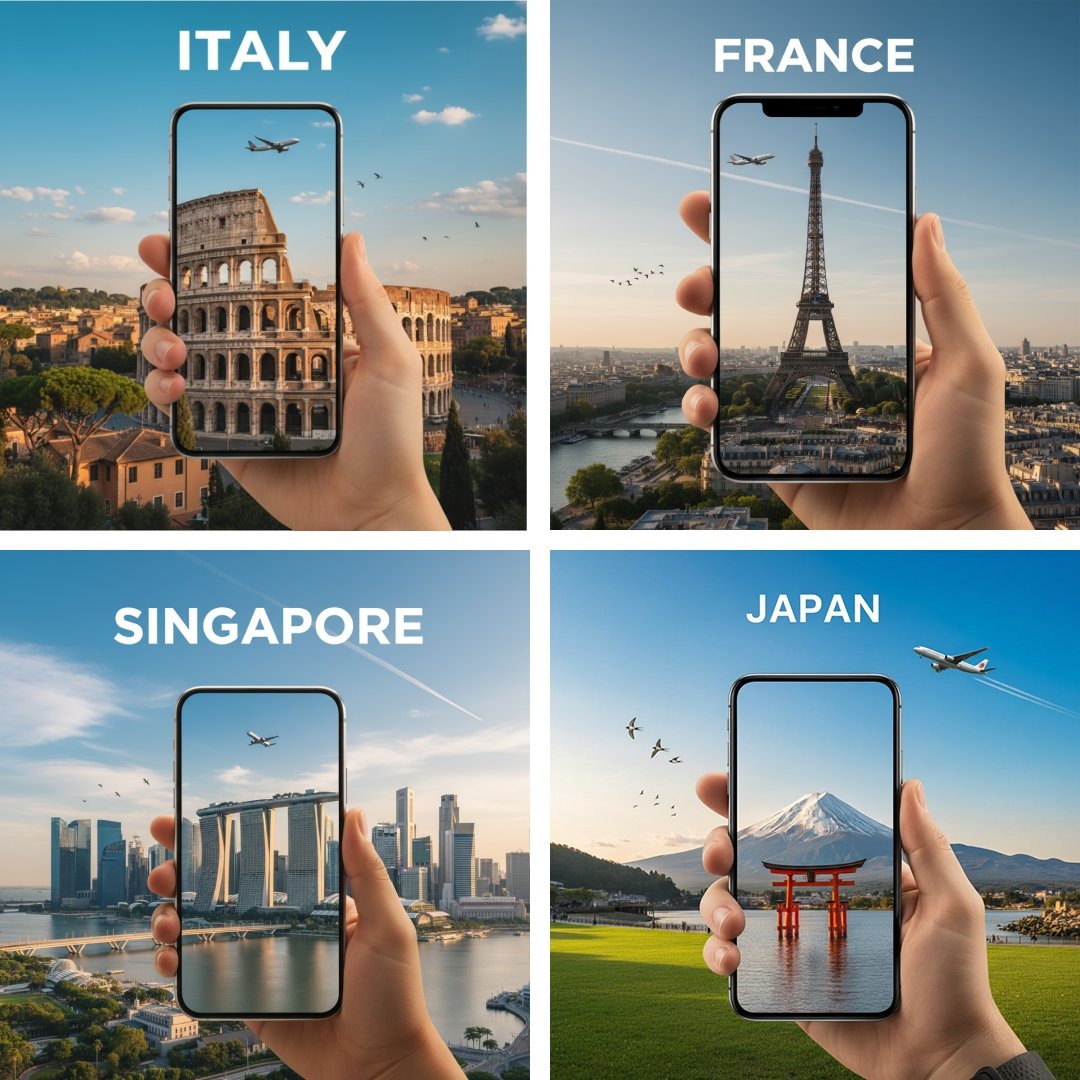
Prompt used:
"3D printed jewelry design, intricate gold ring with sapphire, macro photography style, depth of field."
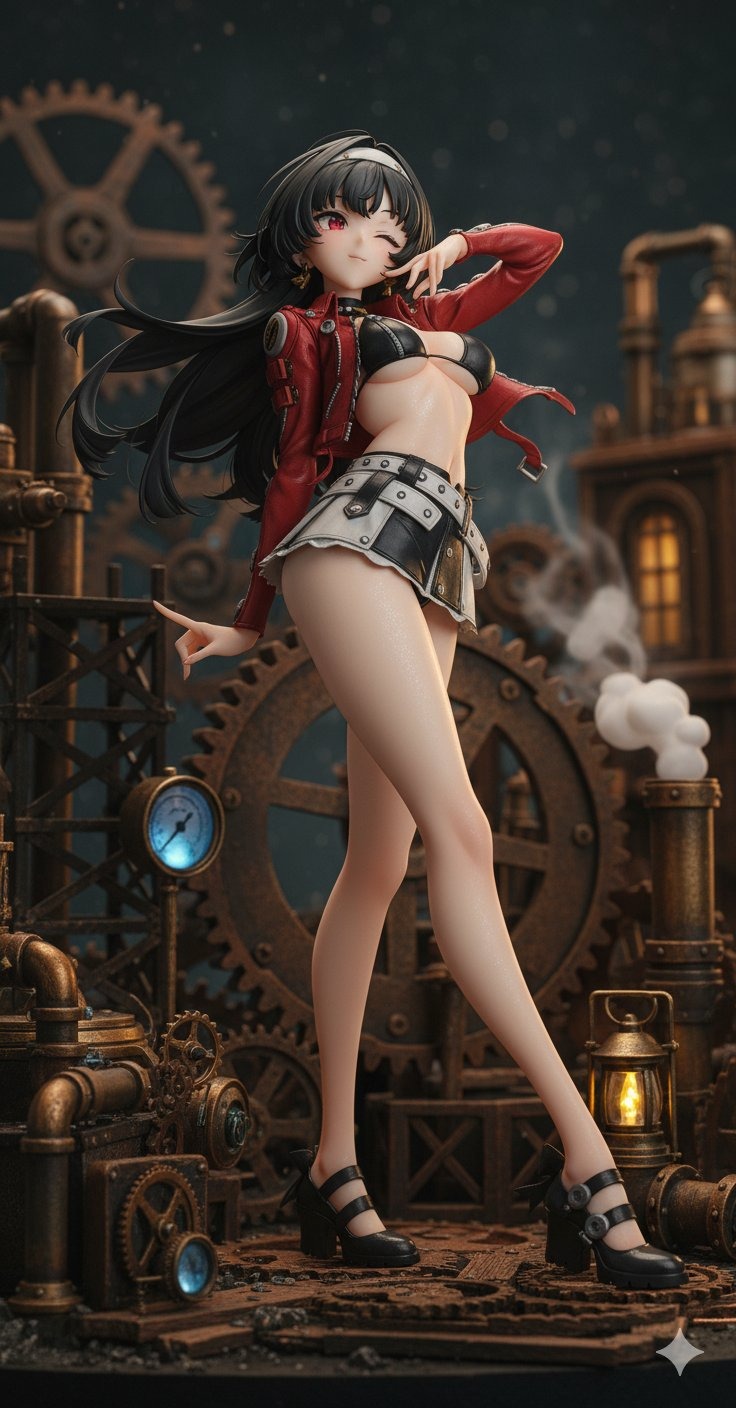
Prompt used:
"Sci-fi vehicle concept art, hovering car, sleek design, metallic finish, futuristic city background."
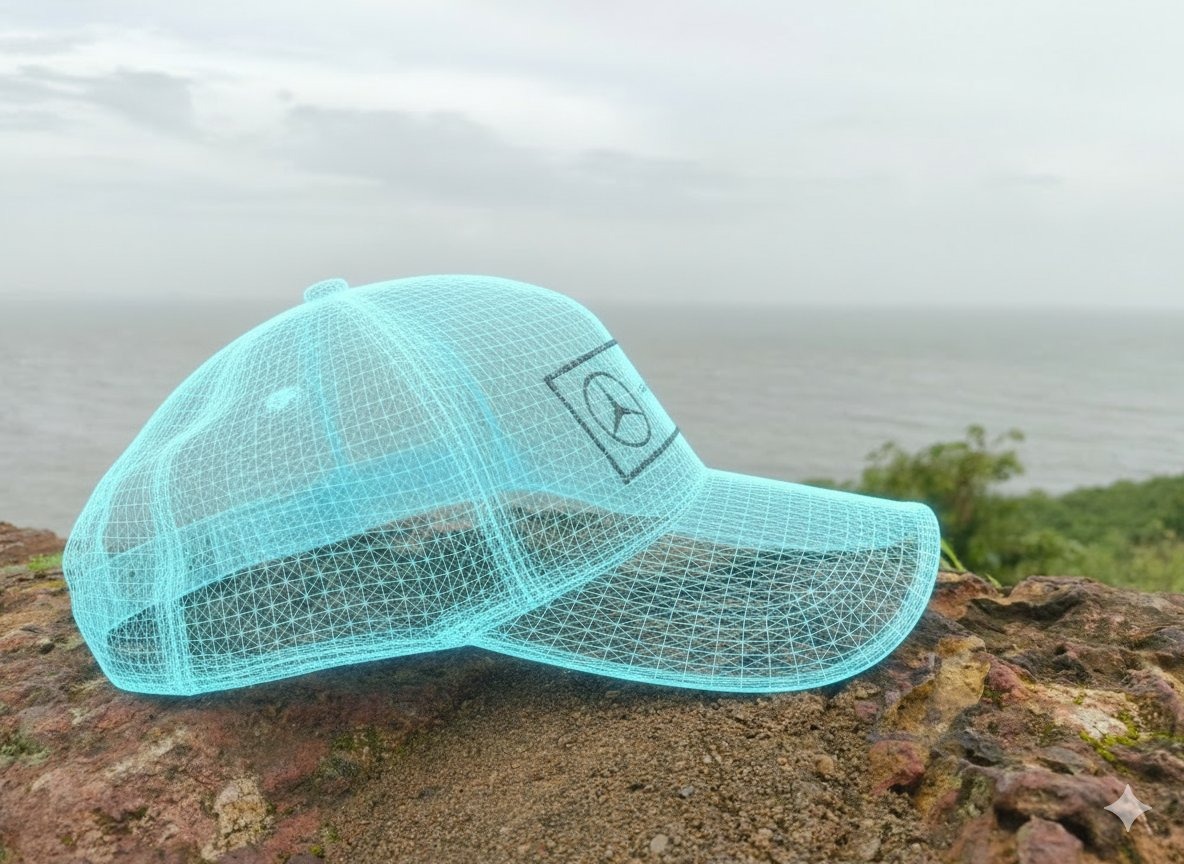
Prompt used:
"Cartoon prop of a pirate treasure chest, stylized wood texture, gold coins, exaggerated proportions, mobile game style."
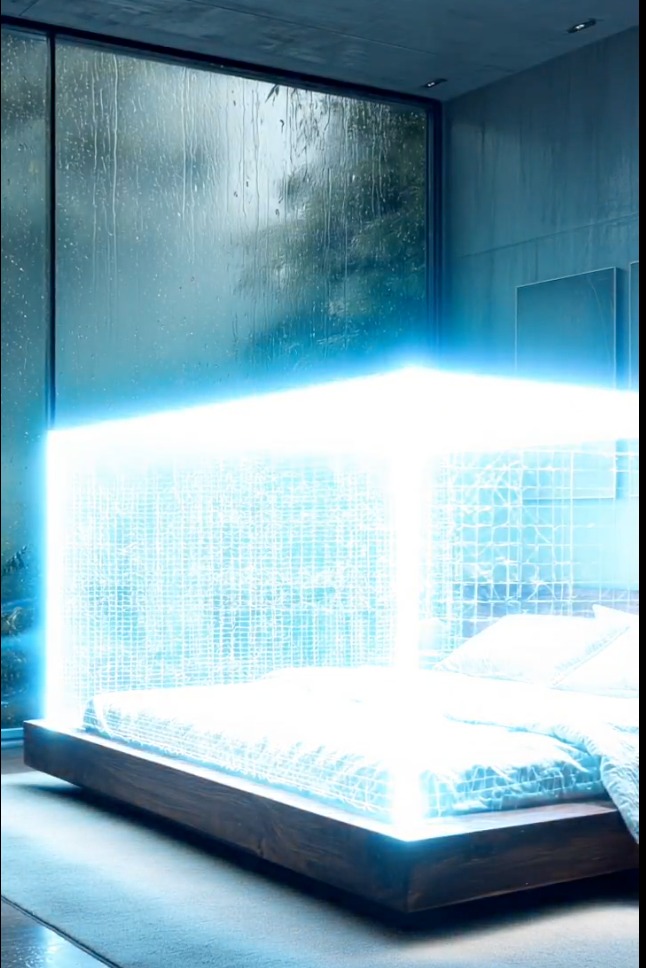
Prompt used:
"Abstract 3D art, floating geometric shapes, glass and chrome textures, iridescent colors, ray tracing."
Swipe or use arrows to see more examples
Game Assets & Props
Create ready-to-use assets for your game development pipeline. Generate props, weapons, and environment pieces with consistent style.
Product Visualization
Showcase products with photorealistic 3D renders. Perfect for marketing materials, packaging design, and e-commerce listings.
Architectural Design
Visualize spaces and structures with high fidelity. Create interior designs, exterior views, and architectural concepts quickly.
Nano Banana 3D Model Prompts
Explore a variety of 3D styles and subjects.
A cute 3D character design of a robot, soft lighting, pastel colors.
A realistic 3D render of a delicious burger, food photography style.
A low poly landscape of a mountain range, sunset lighting.
A 3D icon set for a mobile app, glossy finish.
A sci-fi helmet 3D model, detailed textures, scratches and wear.
A 3D typography design, balloon letters, floating in air.
A voxel art scene of a city street, isometric view.
A 3D sculpt of a dragon head, clay material, detailed scales.
A futuristic drone 3D concept, sleek white casing, blue LED lights.
Pricing
Choose Your Perfect Plan
Experience Nano Banana Pro with a free trial, then choose a plan that unlimits your creativity
Starter
- 1800 credits/year
- Commercial use license
- Starter customer support
- Standard generation speed
- Standard style templates included
- All advanced model
- All format downloads
- Batch generation
- Image editing tools
- Video generation(Coming soon)
- Try new features first
Premium
- 9600 credits/year
- Commercial use license
- Priority customer support
- Priority generation queue
- Premium style templates included
- All advanced model
- All format downloads
- Image editing tools
- Batch generation
- Video generation(Coming soon)
- Try new features first
Ultimate
- 55200 credits/year
- Commercial use license
- Dedicated account manager
- Fastest generation speed
- All style templates included
- All advanced model
- All format downloads
- Batch generation
- Professional editing suite
- Video generation(Coming soon)
- Try new features first
How to Craft Nano Banana 3D Prompts
Learn to generate stunning 3D imagery with these tips.
Specify the Render Engine
Mention 'Unreal Engine 5', 'Octane Render', or 'Blender Cycles' to influence the lighting and material quality.
Define the Style
Choose between 'Low Poly', 'Voxel', 'Photorealistic', 'Isometric', or 'Stylized' to set the visual language.
Focus on Materials
Describe textures like 'brushed metal', 'polished wood', 'translucent glass', or 'soft fabric' for realistic surfaces.
Control the Lighting
Use terms like 'studio lighting', 'volumetric fog', 'rim light', or 'natural daylight' to set the mood.
Set the Camera View
Specify 'isometric view', 'close-up', 'wide angle', or 'orthographic' to control the perspective.
Use Negative Prompts
Exclude unwanted elements like '2D', 'flat', 'sketch', or 'blurry' to ensure a 3D look.
Iterate on Details
Start with a basic shape and add details like 'scratches', 'imperfections', or 'decals' in subsequent steps.
Combine with Image-to-Image
Upload a rough sketch or a basic 3D blockout to guide the AI in generating the final detailed render.
Frequently Asked Questions About 3D Model Prompts
Common questions about generating 3D content.