

Design Isometric 3D City Weather Boards
Build miniature cities with live-style weather: crisp 45° isometric blocks, clean skylines, and lighting that reads sunny, rainy, or snowy at a glance.
Examples: See what Nano Banana can do1 / 9
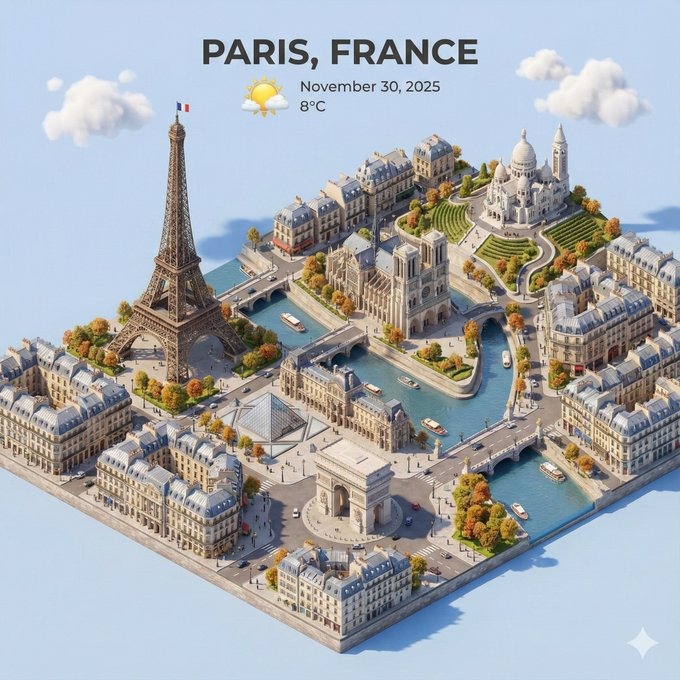
Prompt used:
"Sunrise coastal skyline, 45° isometric, pastel sky, soft fog over water, glass towers catching warm light, clean road grid, stylized 3D cartoon."
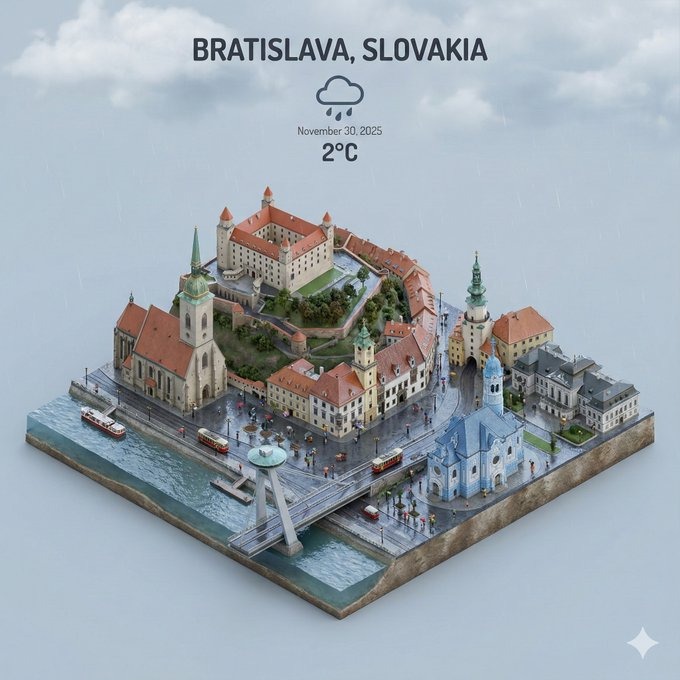
Prompt used:
"Rainy downtown block with wet asphalt reflections, neon shop signs, umbrellas, volumetric haze, radar UI overlay in corner, vertical 9:16."
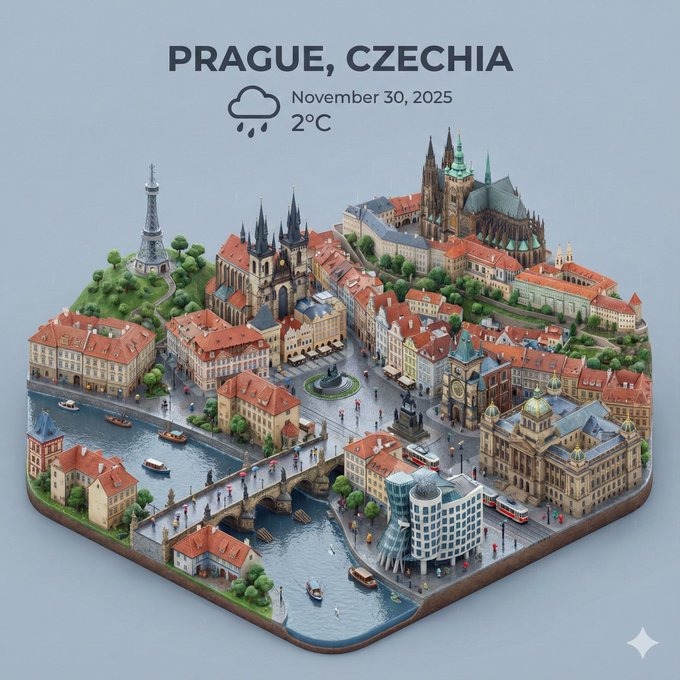
Prompt used:
"Snowy alpine town square, pine trees, powder roofs, warm window glow, blue-hour lighting, friendly miniature scale."
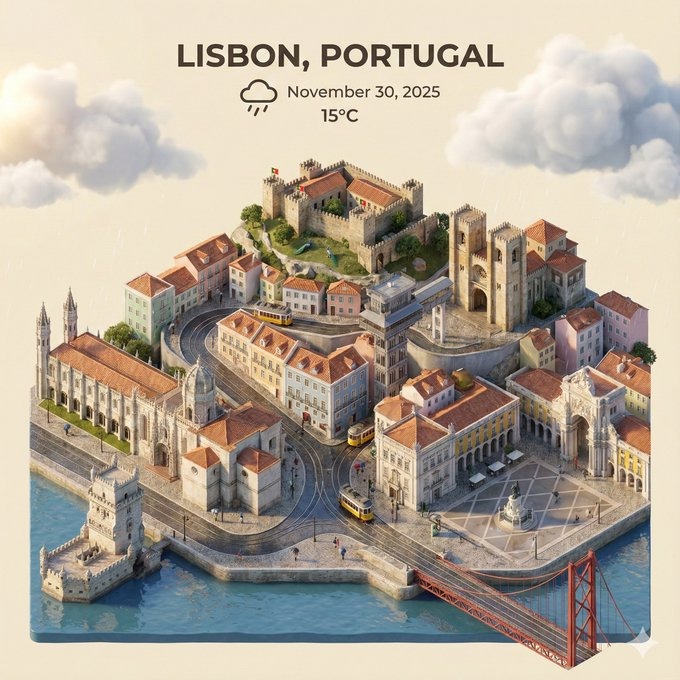
Prompt used:
"Desert tech city in sandstorm, muted palette, blowing dust particles, solar panels, weather alert banner floating above."
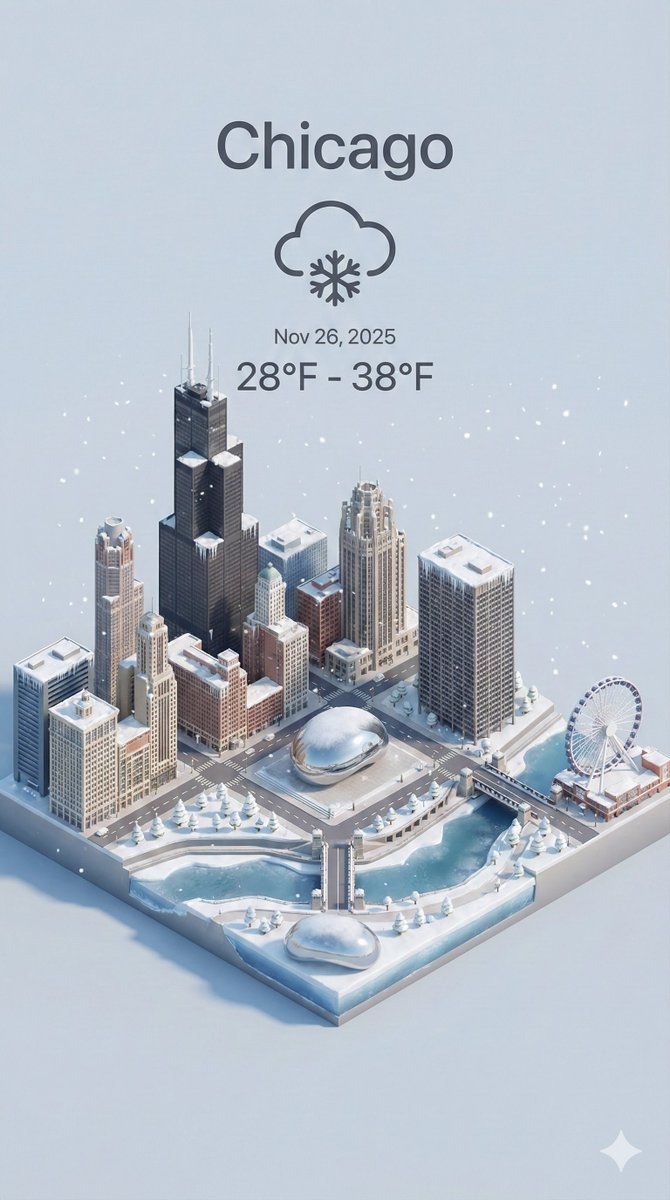
Prompt used:
"Night harbor district during typhoon rain, whitecaps on water, storm clouds, lighthouse beam, amber emergency lights, cinematic mood."
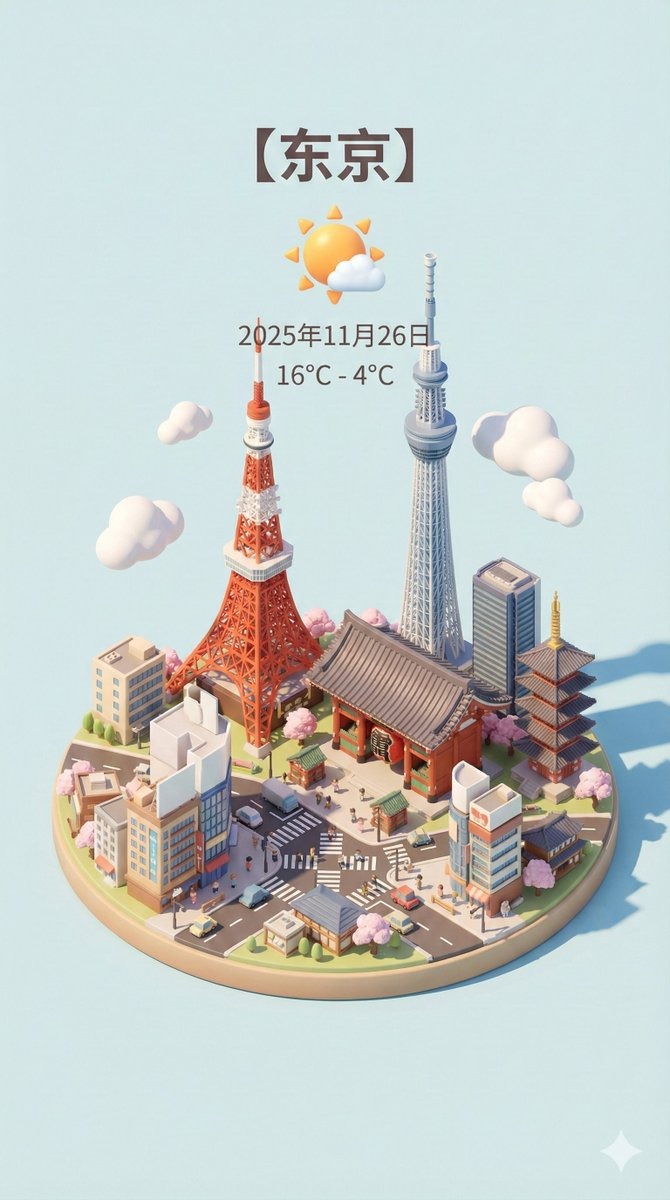
Prompt used:
"Sunny smart city with air-quality widget, electric tram, green rooftop parks, clear sky gradients, crisp shadows."
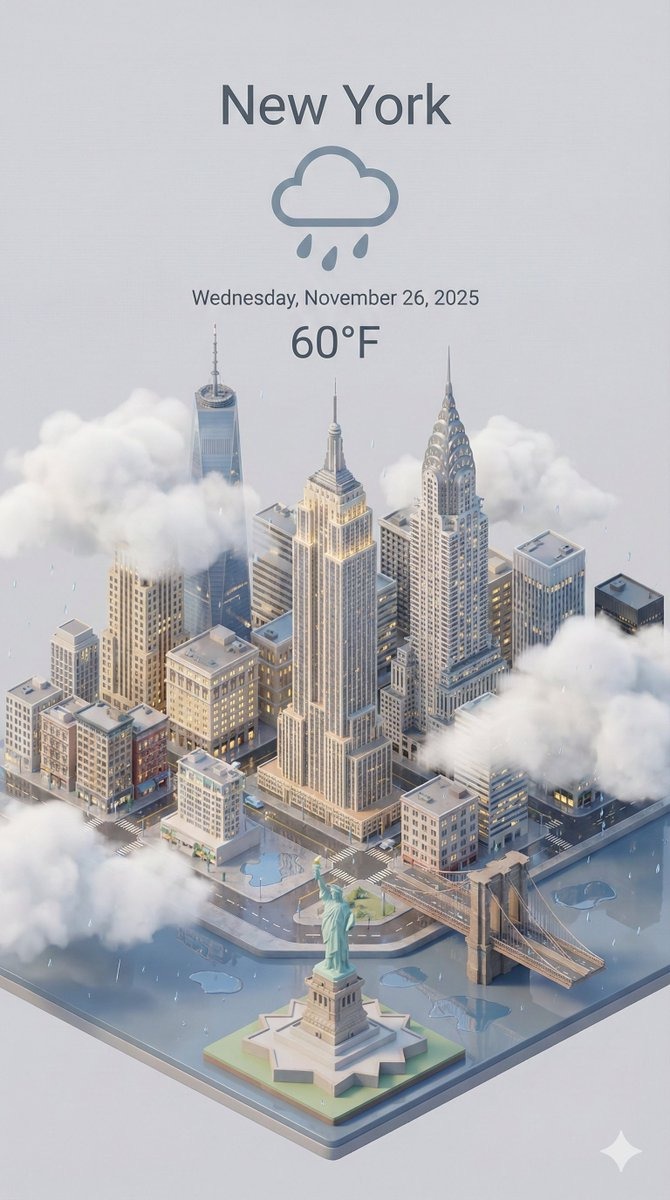
Prompt used:
"Tropical resort skyline after rain, rainbow arc, reflective puddles, saturated palm trees, golden sunlight shafts."
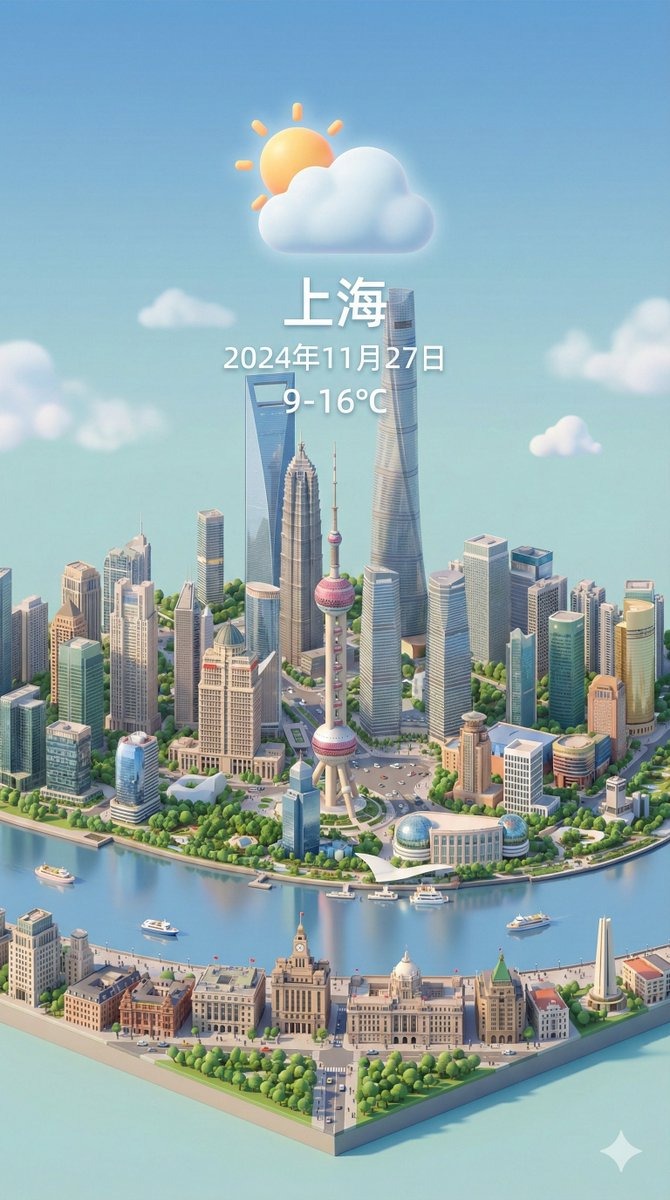
Prompt used:
"Winter blizzard over financial district, heavy snow streaks, low visibility, cool cyan grading, glowing billboards."
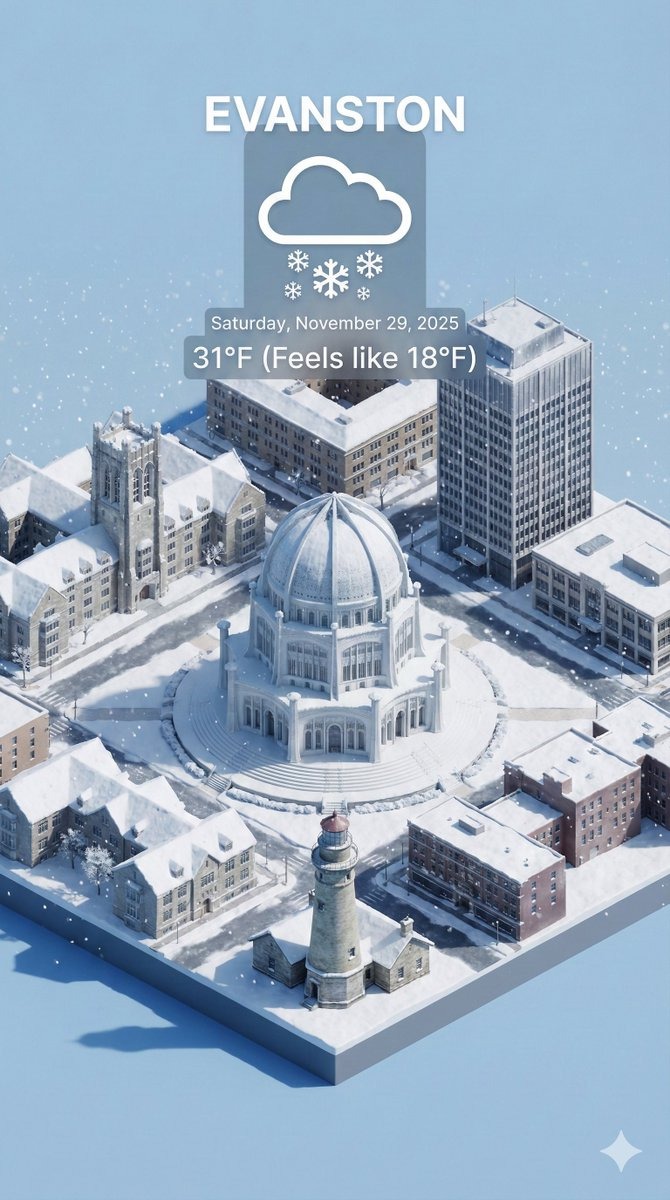
Prompt used:
"Sunset riverfront city, layered clouds, golden rim light, calm breeze indicators, tidy streets, isometric miniature buildings."
Swipe or use arrows to see more examples
Localized Forecast Blocks
Compose neighborhood-level scenes with custom climates—coastal, alpine, desert—to showcase regional weather in one consistent map.
3D Weather Iconography
Design radar views, warning banners, and floating widgets directly inside the scene for product shots and marketing pages.
Data-Ready Dashboards
Keep the 45° angle, clean typography areas, and balanced density so developers can overlay real AQI, wind, or precipitation data.
Nano Banana 3D City Weather Prompts
Clear weather stories shown through miniature skylines.
Pastel sunrise skyline with fog-softened bay and gleaming glass towers.
Rain-soaked downtown with neon reflections and a small radar overlay.
Snowy alpine plaza with cozy lights and pine trees.
Dusty desert tech block under sandstorm warning banner.
Stormy harbor at night with waves, lighthouse, and emergency beacons.
Clear-air smart city with transit lines and floating AQI tag.
Tropical resort roofs shining after rain with a rainbow arc.
Blizzard-hit finance district, cyan tones, and minimal visibility.
Sunset riverfront with long shadows and calm-weather icons.
Pricing
Choose Your Perfect Plan
Experience Nano Banana Pro with a free trial, then choose a plan that unlimits your creativity
Starter
- 1800 credits/year
- Commercial use license
- Starter customer support
- Standard generation speed
- Standard style templates included
- All advanced model
- All format downloads
- Batch generation
- Image editing tools
- Video generation(Coming soon)
- Try new features first
Premium
- 9600 credits/year
- Commercial use license
- Priority customer support
- Priority generation queue
- Premium style templates included
- All advanced model
- All format downloads
- Image editing tools
- Batch generation
- Video generation(Coming soon)
- Try new features first
Ultimate
- 55200 credits/year
- Commercial use license
- Dedicated account manager
- Fastest generation speed
- All style templates included
- All advanced model
- All format downloads
- Batch generation
- Professional editing suite
- Video generation(Coming soon)
- Try new features first
How to Craft 3D City Weather Prompts
Guide the model to clean, readable weather visuals.
Lock the Camera
Keep a 45° isometric view and vertical 9:16 crop for consistent dashboards.
Signal the Climate
Use materials for mood—wet asphalt, frosted glass, sun-warmed stone, hazy water.
Stack Weather Layers
Combine cloud ceilings, precipitation streaks, puddles, snow caps, and subtle fog.
Protect Readability
Reserve negative space for labels; avoid cluttered road markings or dense props.
Light for the Story
Match lighting to time of day and weather: golden sunrise, cool blue hour, high-contrast storms.
Keep Scale Cohesive
Treat buildings, vehicles, and trees as miniatures with simplified shapes and clean edges.
Add UI Sparingly
Request radar rings, warning banners, AQI badges, or wind arrows without overwhelming the scene.
Use Negative Prompts
Say no to tilt-shift blur, text artifacts, or low-res edges to keep the render sharp.
3D City Weather Prompt FAQ
Tips for consistent isometric weather visuals.