
Stable Diffusion for controllable, open-source imagery
Leverage SDXL/SD3 checkpoints, ControlNet, LoRA, and prompt weighting inside a production-ready UI. Achieve photorealistic shots, stylized art, or technical diagrams with repeatable settings.
Stable Diffusion image generator
Examples: See what Nano Banana can do1 / 9
Before
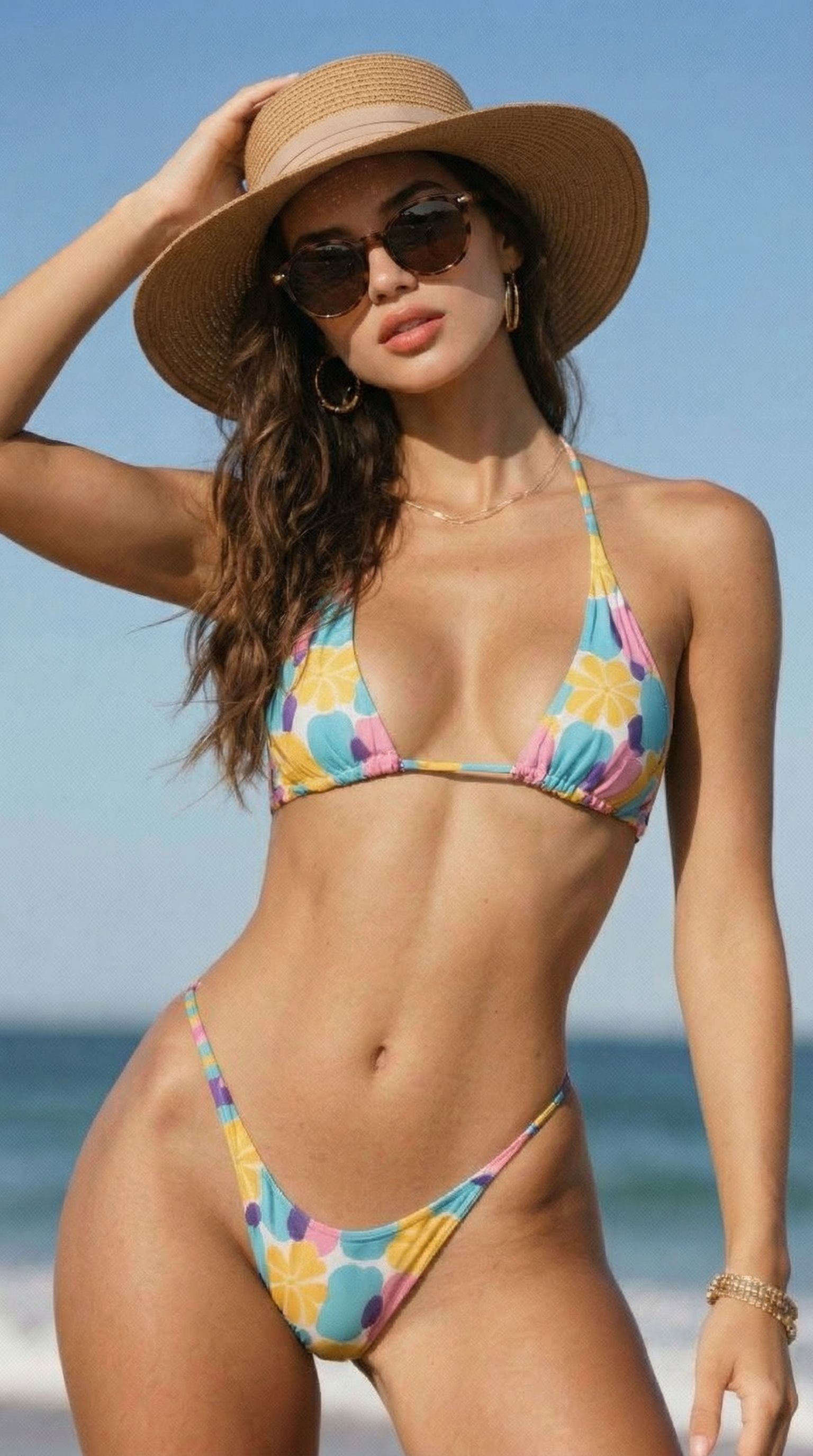
After
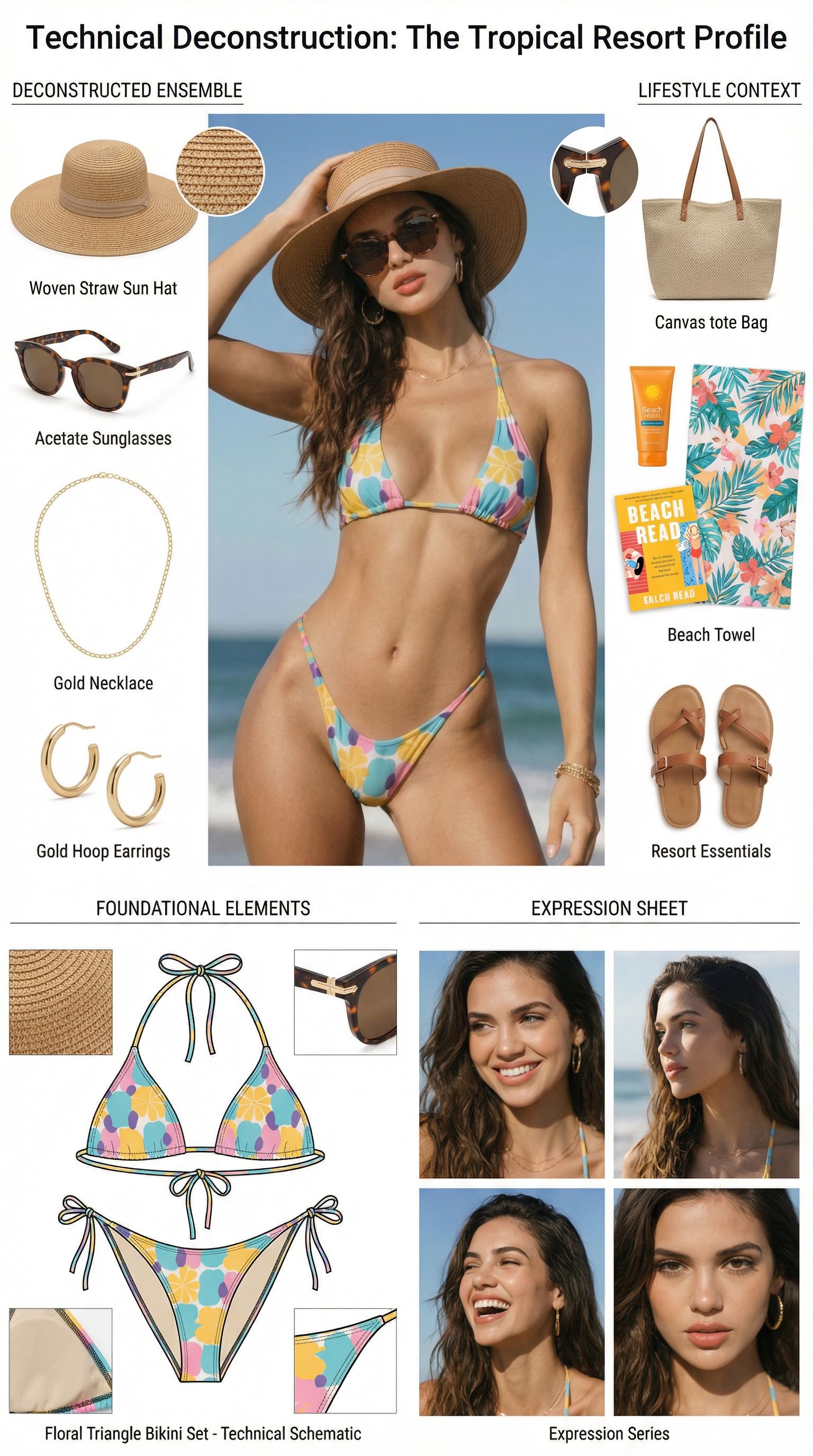
Prompt used:
"Dismantle the wardrobe into its constituent parts."
Before
After
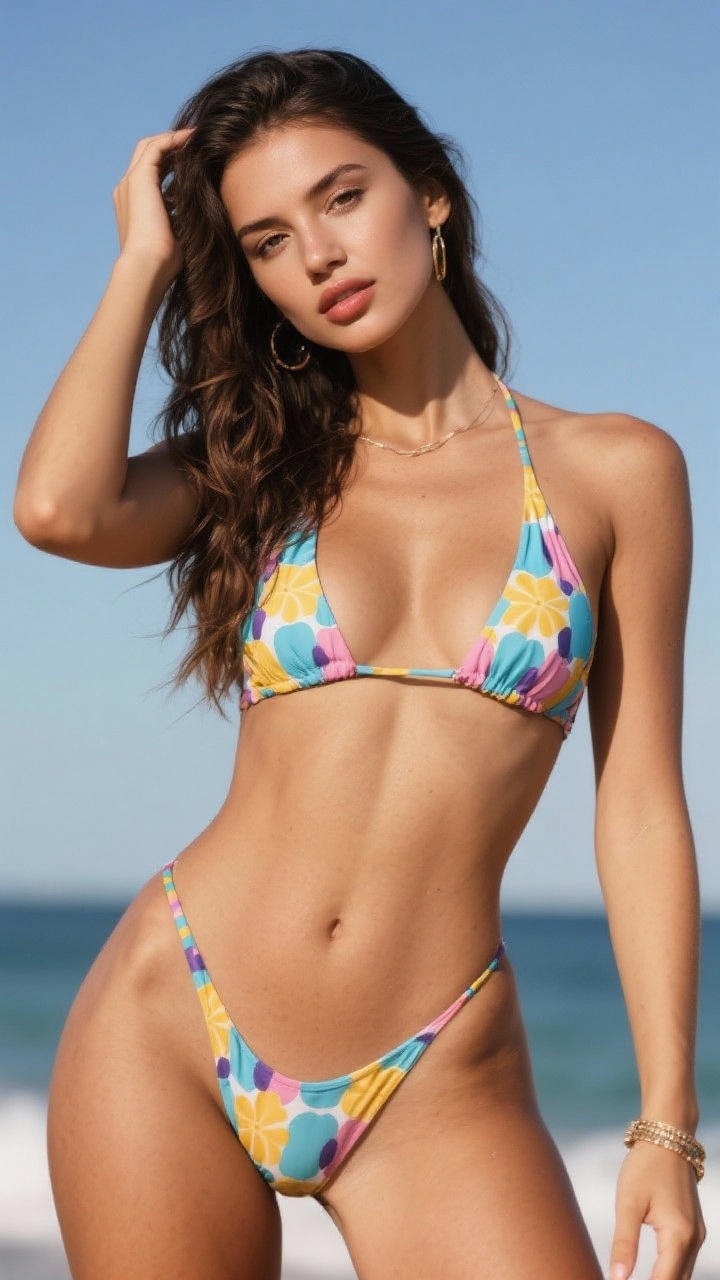
Prompt used:
"Remove the object from the image."
Before
After
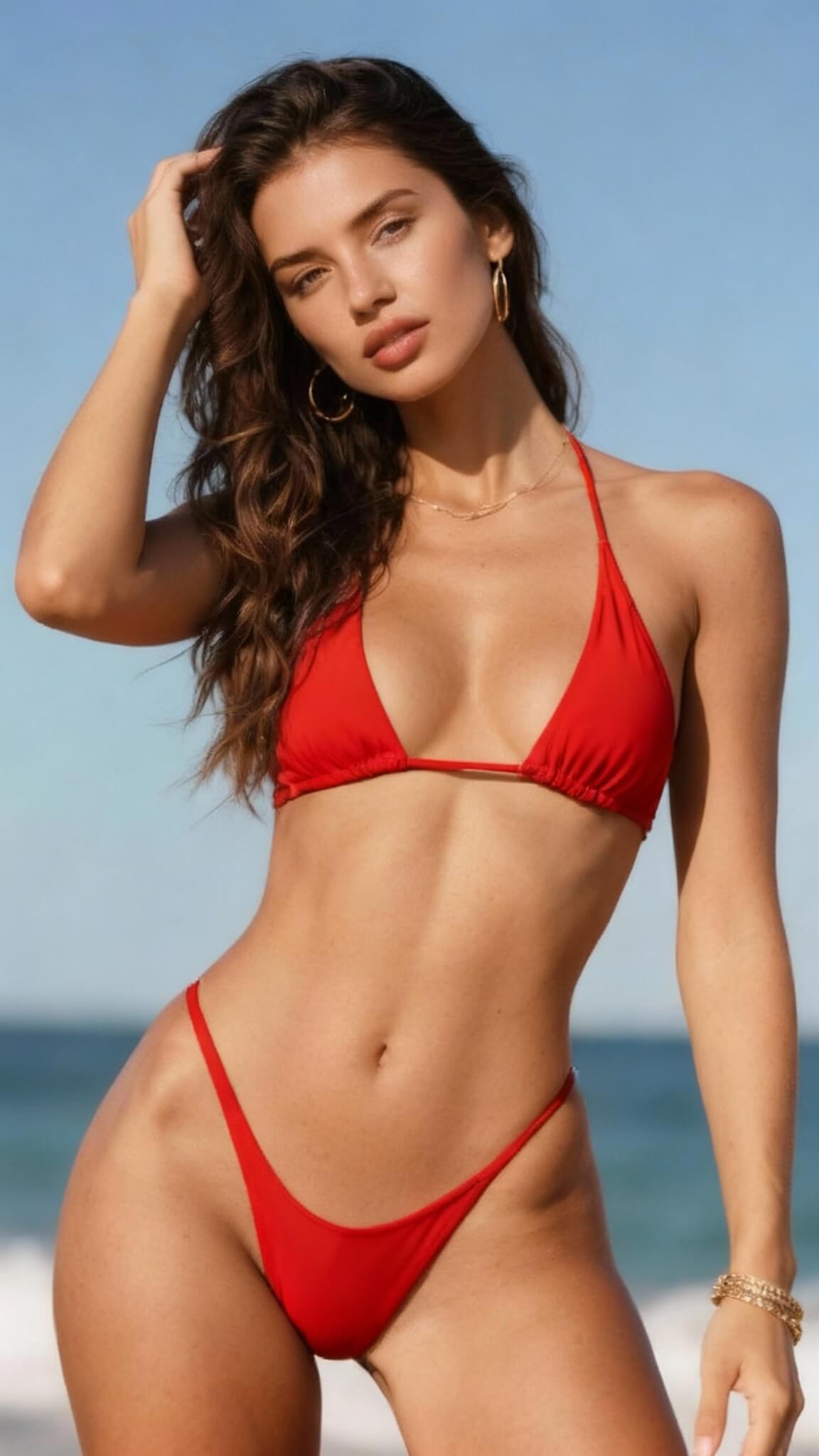
Prompt used:
"Change the bikini to red"
Before
After
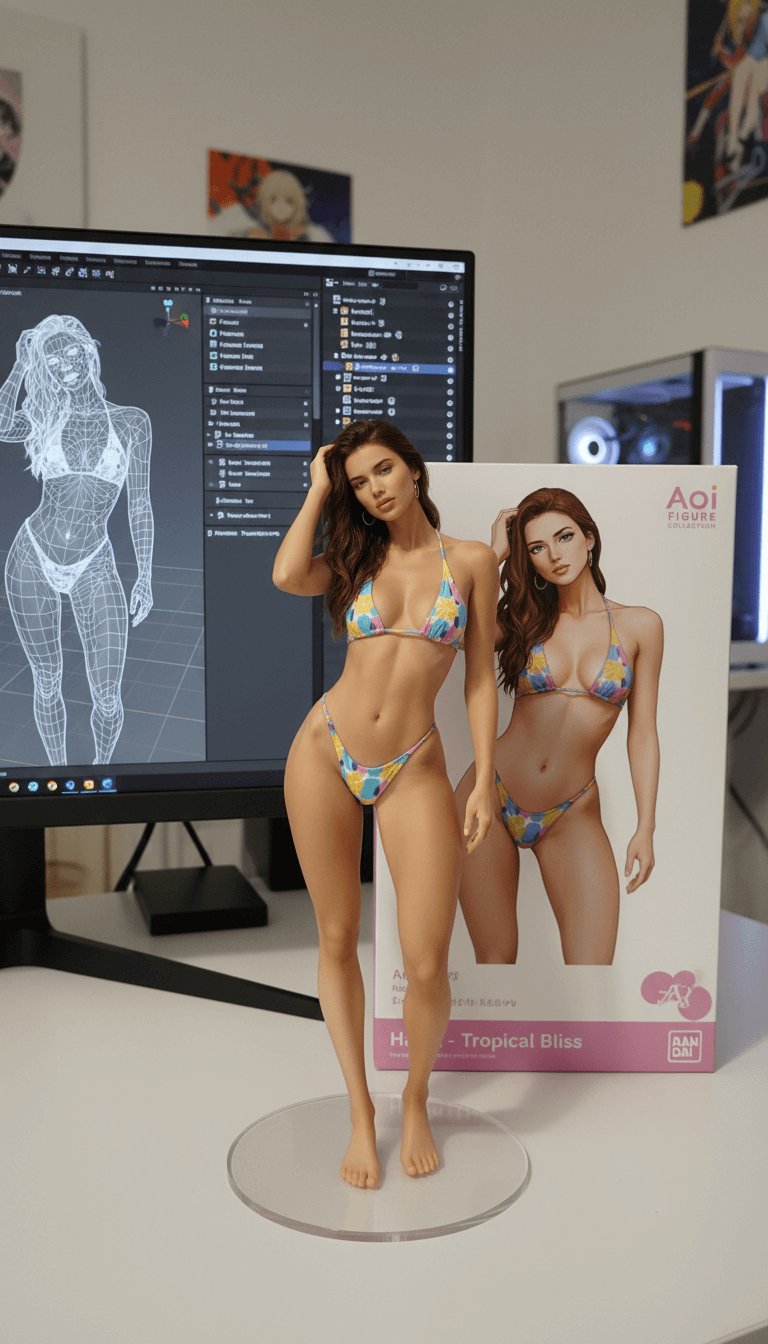
Prompt used:
"Transform this anime character into a collectible figure product showcase: Create a physical PVC figure standing on a clear round base, place a product box with the character artwork behind it, and add a computer monitor showing the 3D modeling process in Blender."
Before
After
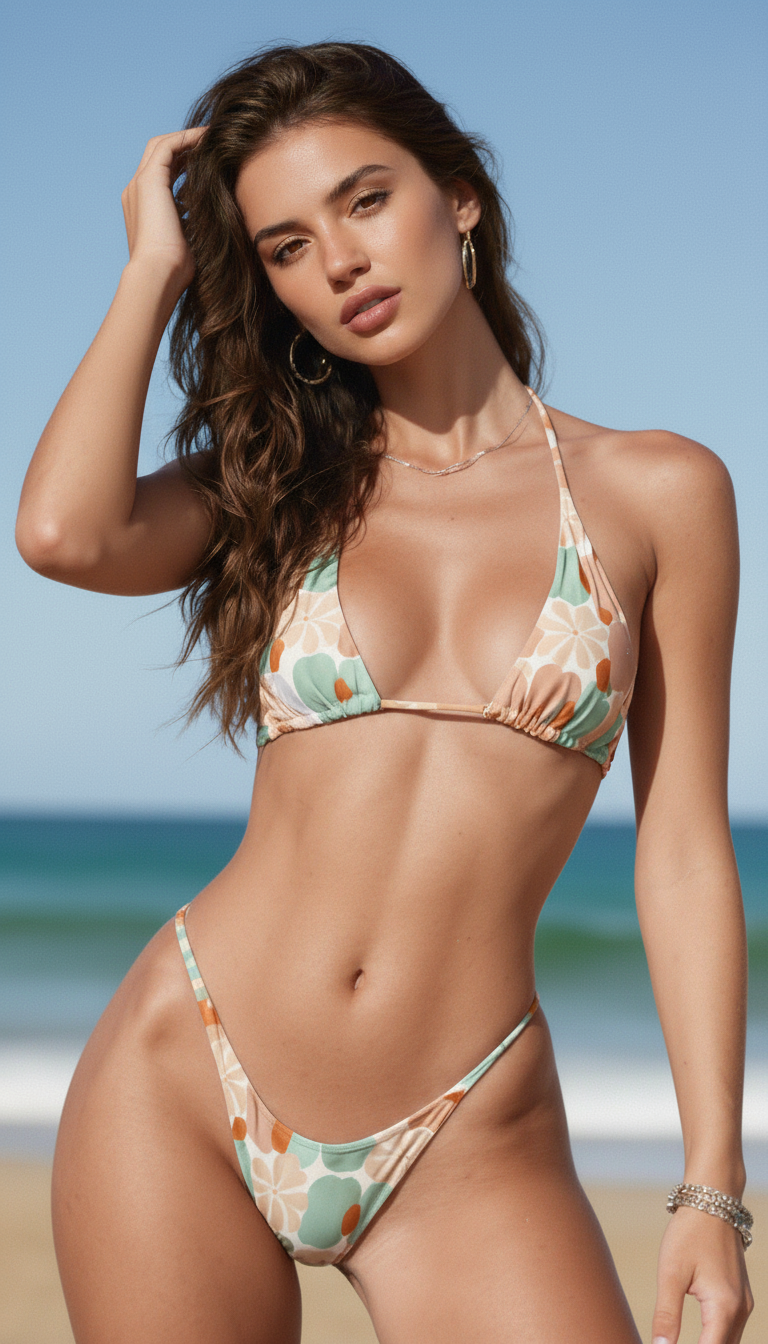
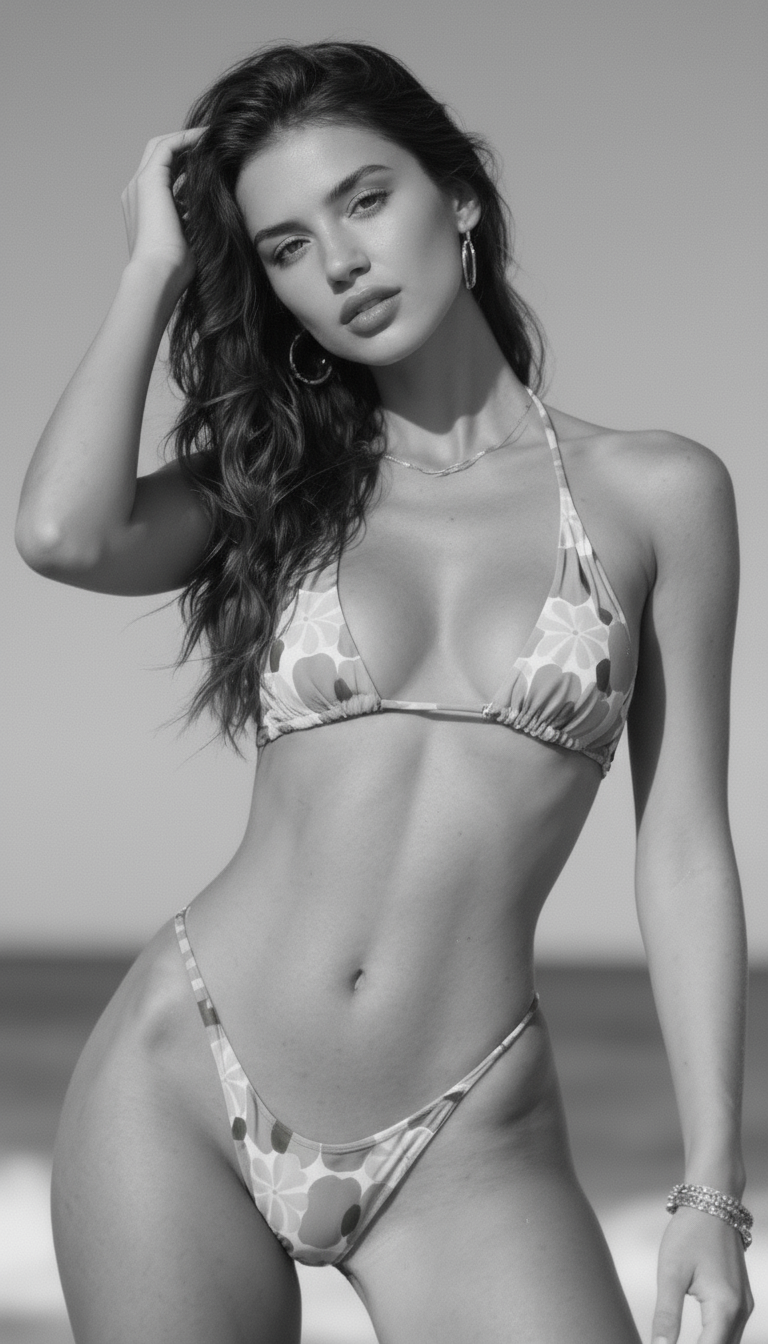
Prompt used:
"Repair and color this photo"
Before
After
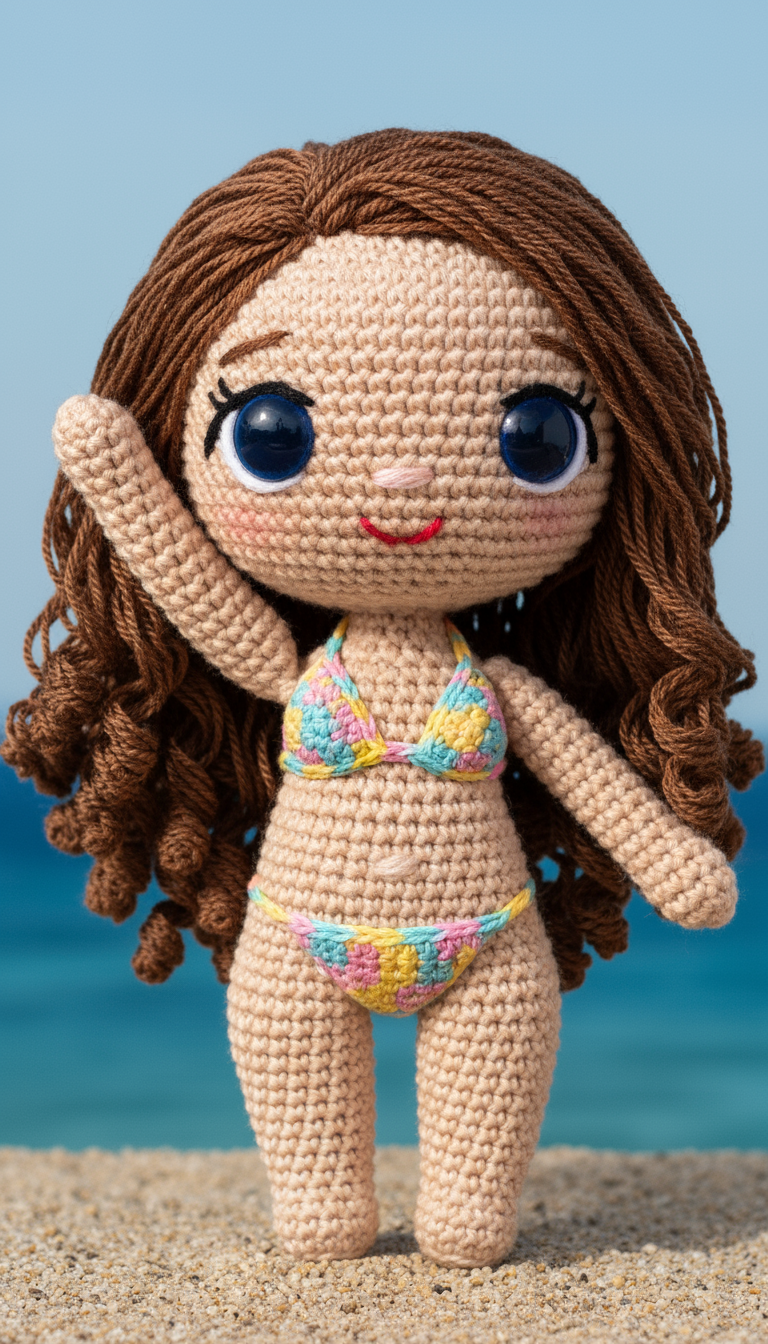
Prompt used:
"Transform the subject into a handmade crocheted yarn doll with a cute, chibi-style appearance."
Before
After
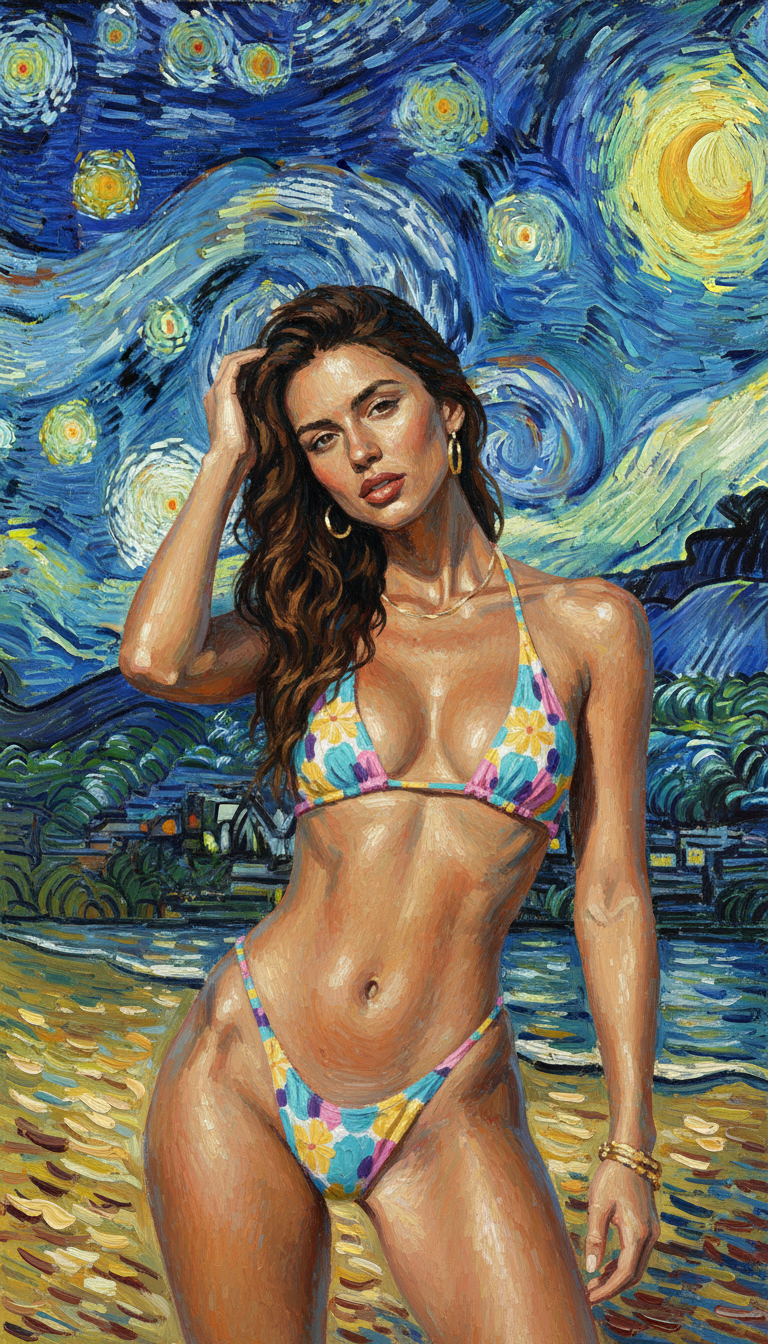
Prompt used:
"Reimagine the photo in the style of Van Gogh's 'Starry Night'."
Before
After
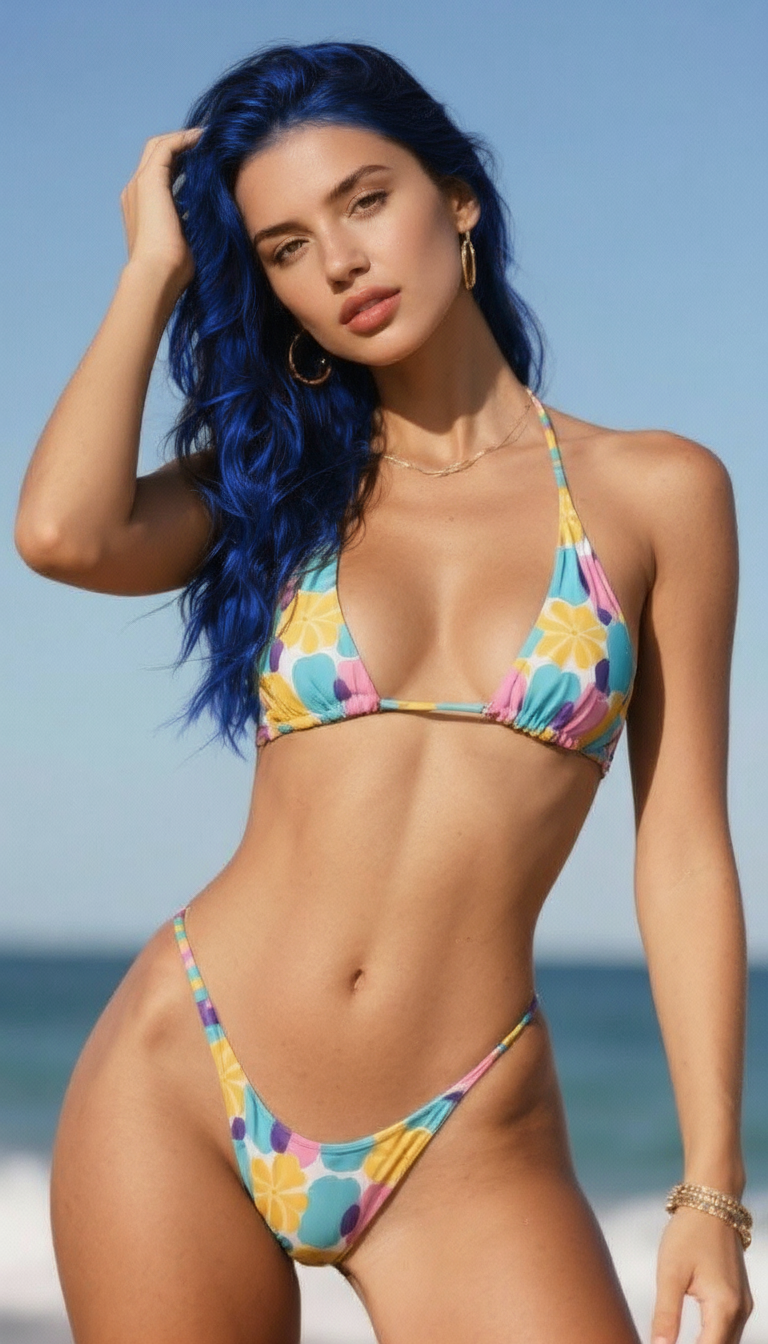
Prompt used:
"Change the hair to blue."
Before
After
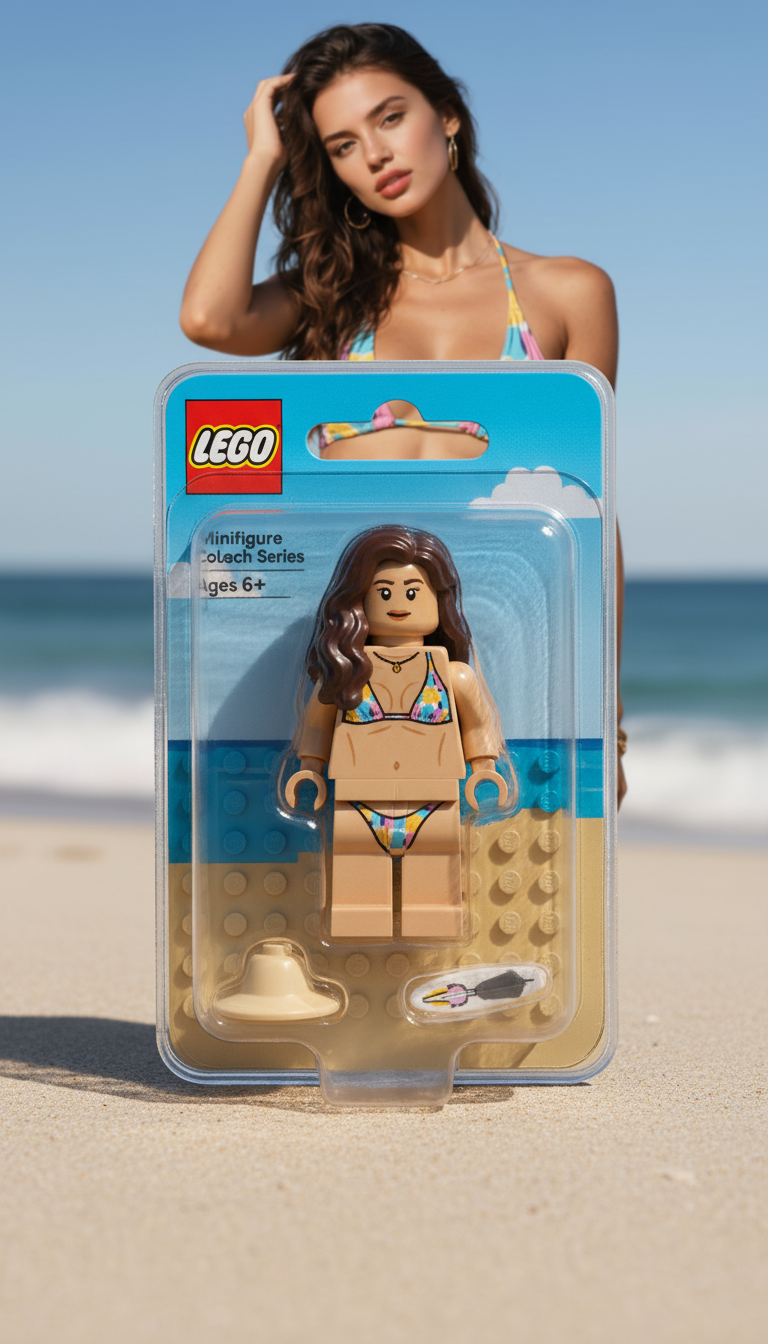
Prompt used:
"Transform the person into a LEGO minifigure, inside its packaging box."
Swipe or use arrows to see more examples
What is Stable Diffusion?
Stable Diffusion is an open-source latent diffusion model with community checkpoints and control add-ons for repeatable, art-directable imagery.
Open-source checkpoints
Run SDXL/SD3 foundations or community finetunes to match brand styles.
Structured control
Use ControlNet, depth, pose, or edge maps to lock composition and camera framing.
LoRA + style adapters
Drop in LoRA weights or style presets to replicate brand lighting and texture fast.
Reproducible results
Seeds, prompt weighting, and versioned settings keep outputs consistent for production.
How to use Stable Diffusion
Run SDXL/SD3 with controllable inputs in four steps.
Pick checkpoint & sampler
Choose SDXL/SD3 or a tuned checkpoint, set sampler, steps, and aspect ratio.
Write prompt + negatives
Describe subject, style, and mood, then add negative prompts to avoid artifacts.
Guide with references
Upload reference images or ControlNet inputs (pose, depth, edges) to anchor layout.
Generate & upscale
Batch variations, compare outputs, and upscale the winner for delivery.
Key features of Stable Diffusion
Open-source flexibility with production-ready controls.
Photoreal or stylized renders
Switch between SDXL/SD3 checkpoints to cover ads, concept art, and technical visuals.
Precise layout control
Pose, depth, and edge ControlNets keep framing and perspective stable.
Reference-friendly workflow
Combine IP-Adapter, LoRA, and image prompts to lock subjects and style.
Text + negative prompts
Balance descriptive and negative prompts to reduce artifacts and improve clarity.
Reproducible seeds
Save seeds and settings to rerun campaigns with identical outputs.
API + team ready
Share presets with teams and pipe Stable Diffusion into automated flows.
Stable Diffusion FAQ
Answers to the top questions about using Stable Diffusion for production visuals.
Create with Stable Diffusion
Generate controllable visuals using open-source checkpoints, ControlNet, and LoRA in one interface.