
GPT Image 2.5 for faster, more precise creative control
Turn text, reference images, and quick sketches into polished visuals. GPT Image 2.5 follows focused edit instructions, preserves important details across revisions, and helps you move from idea to finished image faster.
GPT Image 2.5 image generator
Examples: See what Nano Banana can do1 / 9
Before
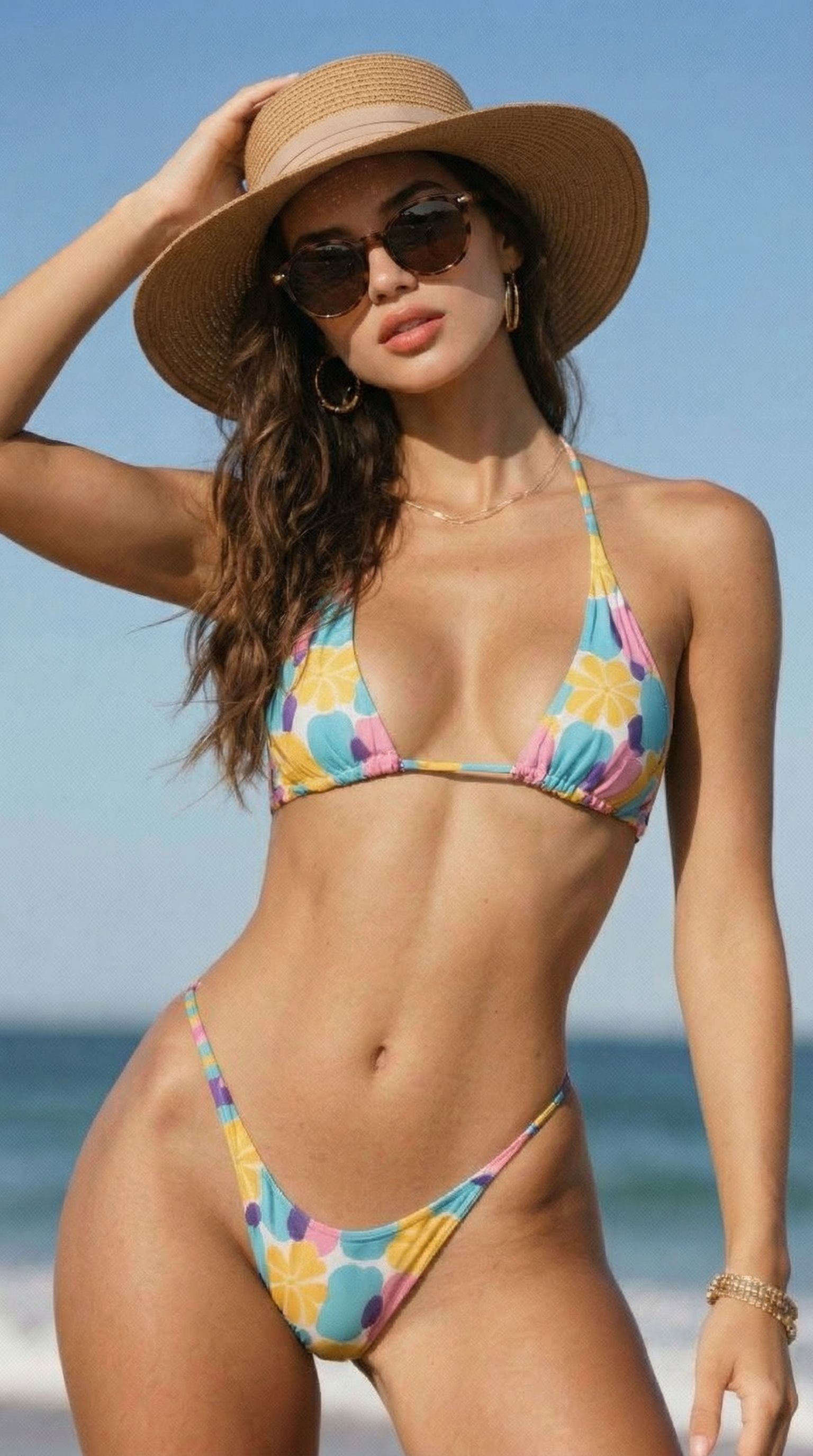
After
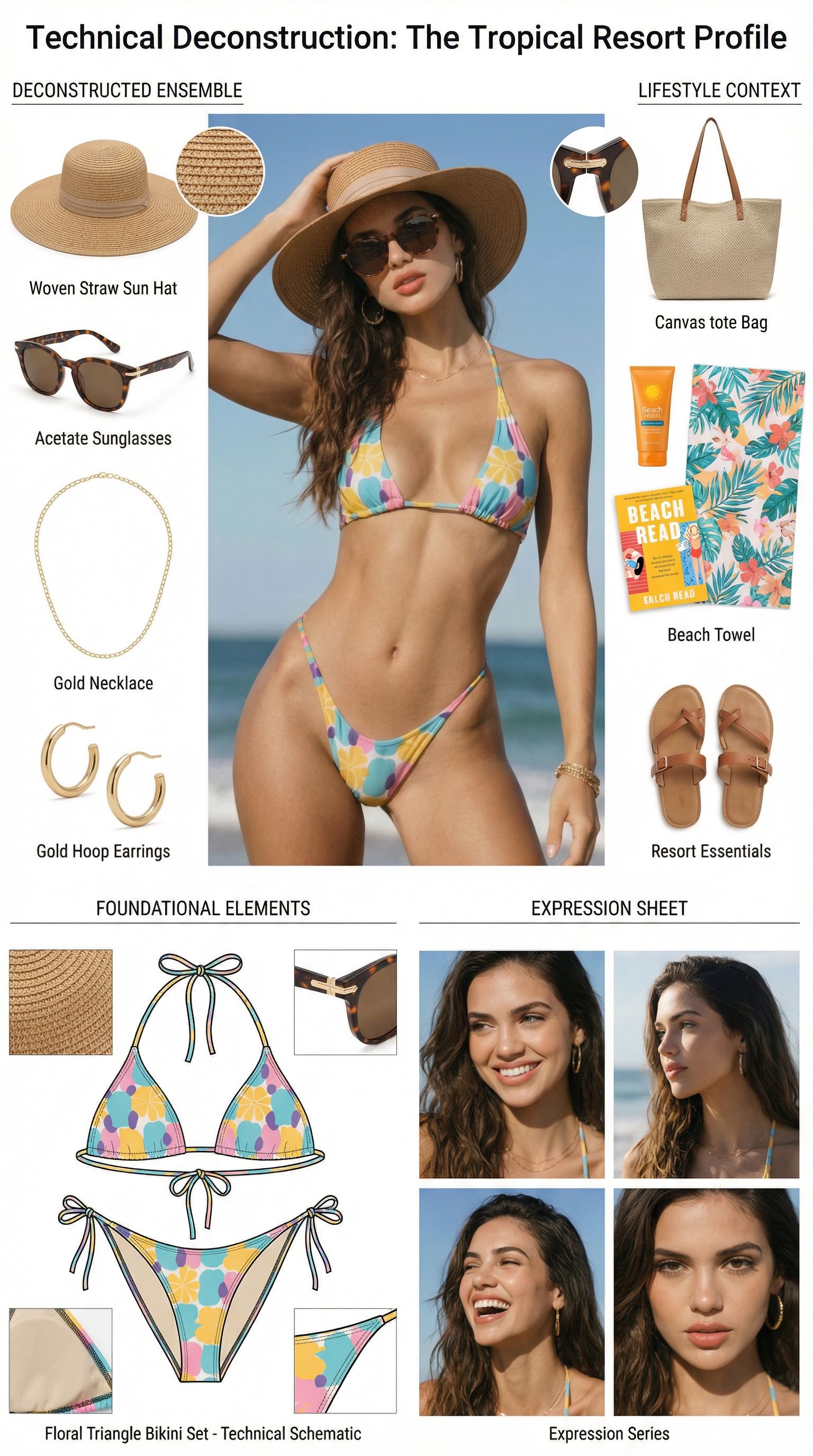
Prompt used:
"Dismantle the wardrobe into its constituent parts."
Before
After
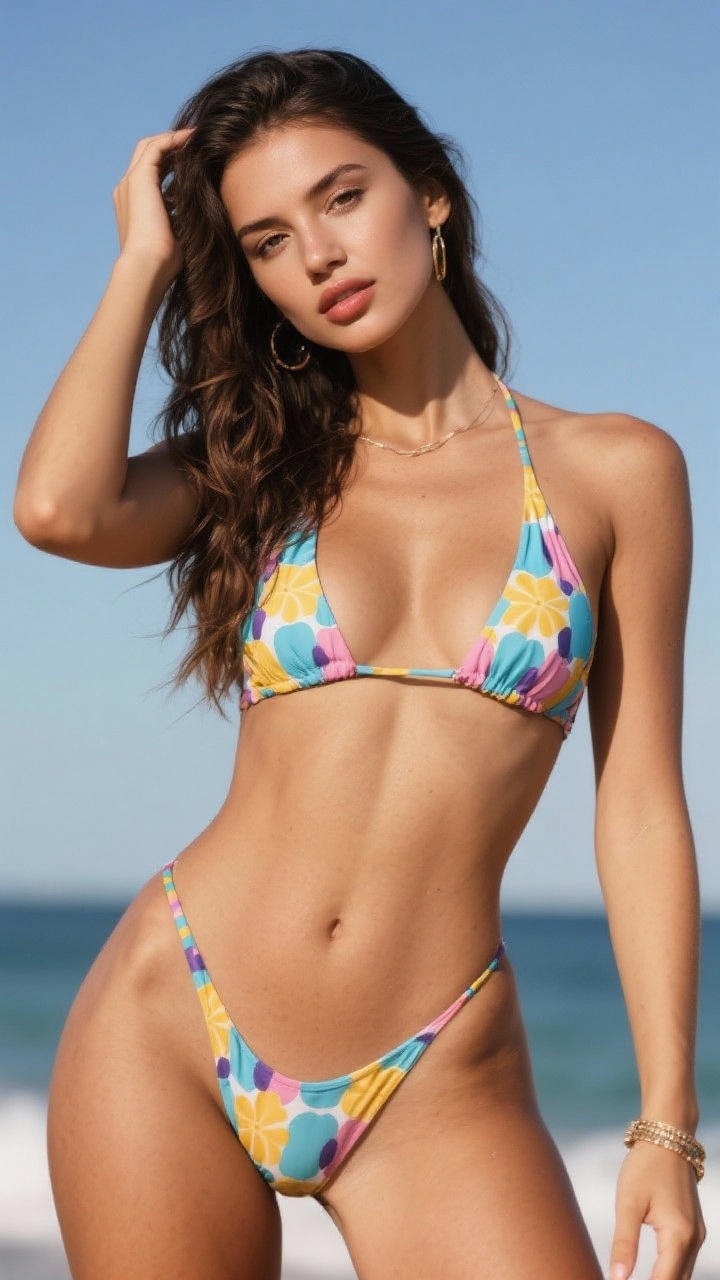
Prompt used:
"Remove the object from the image."
Before
After
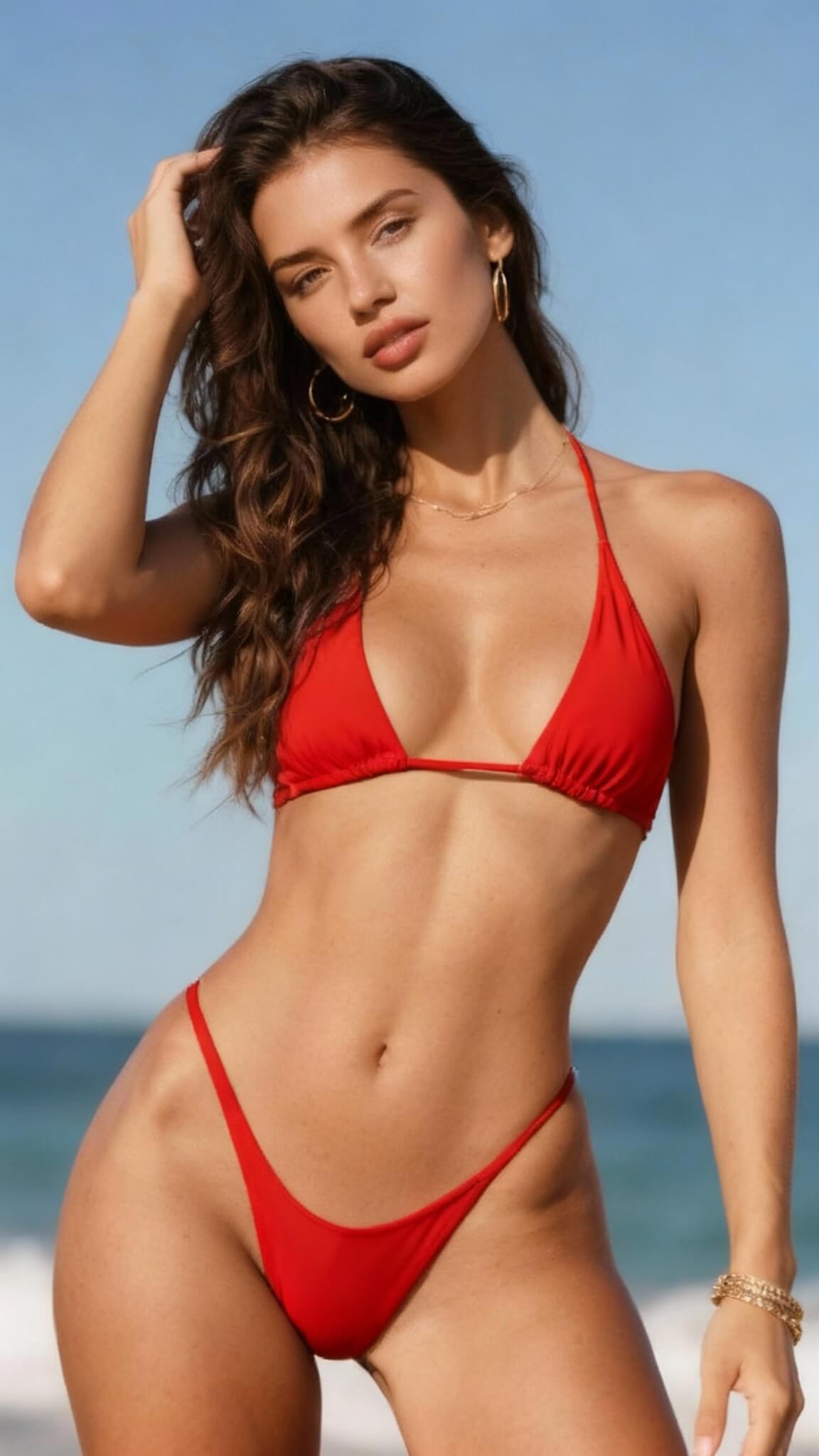
Prompt used:
"Change the bikini to red"
Before
After
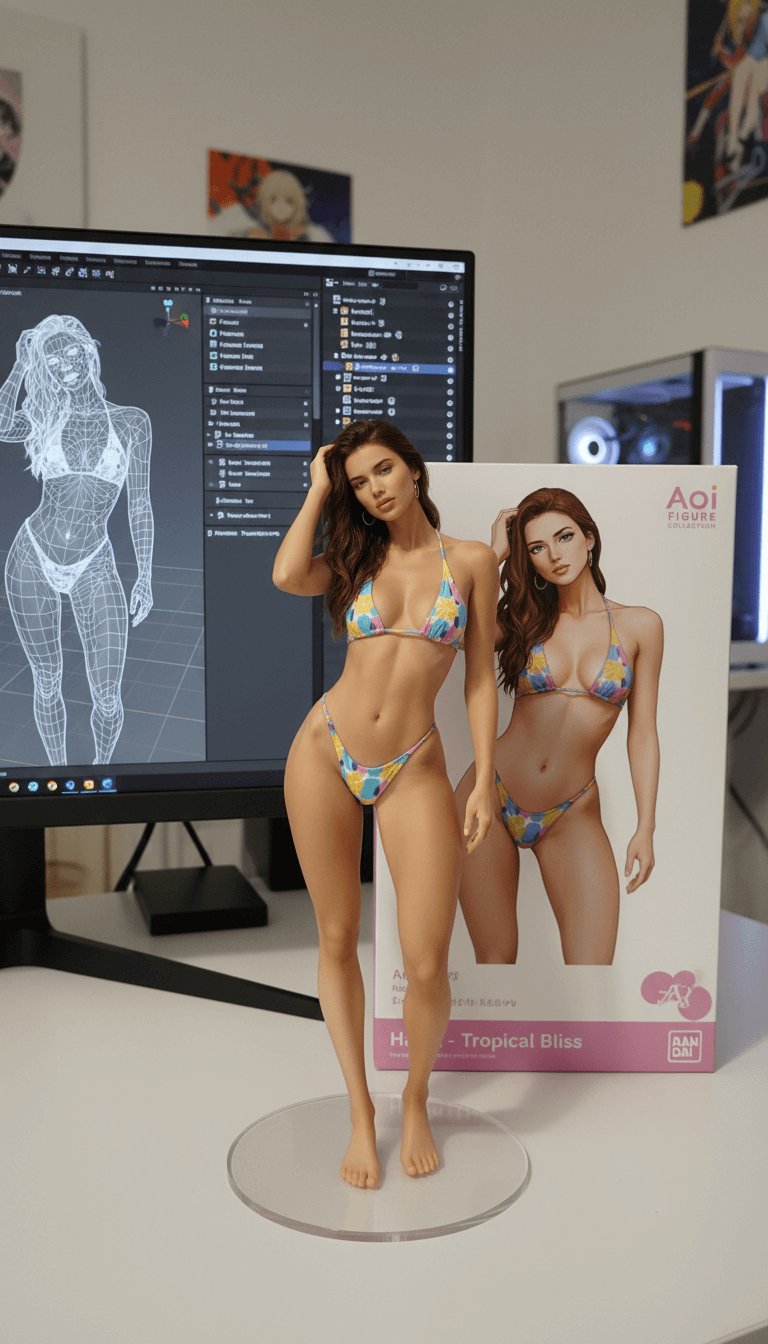
Prompt used:
"Transform this anime character into a collectible figure product showcase: Create a physical PVC figure standing on a clear round base, place a product box with the character artwork behind it, and add a computer monitor showing the 3D modeling process in Blender."
Before
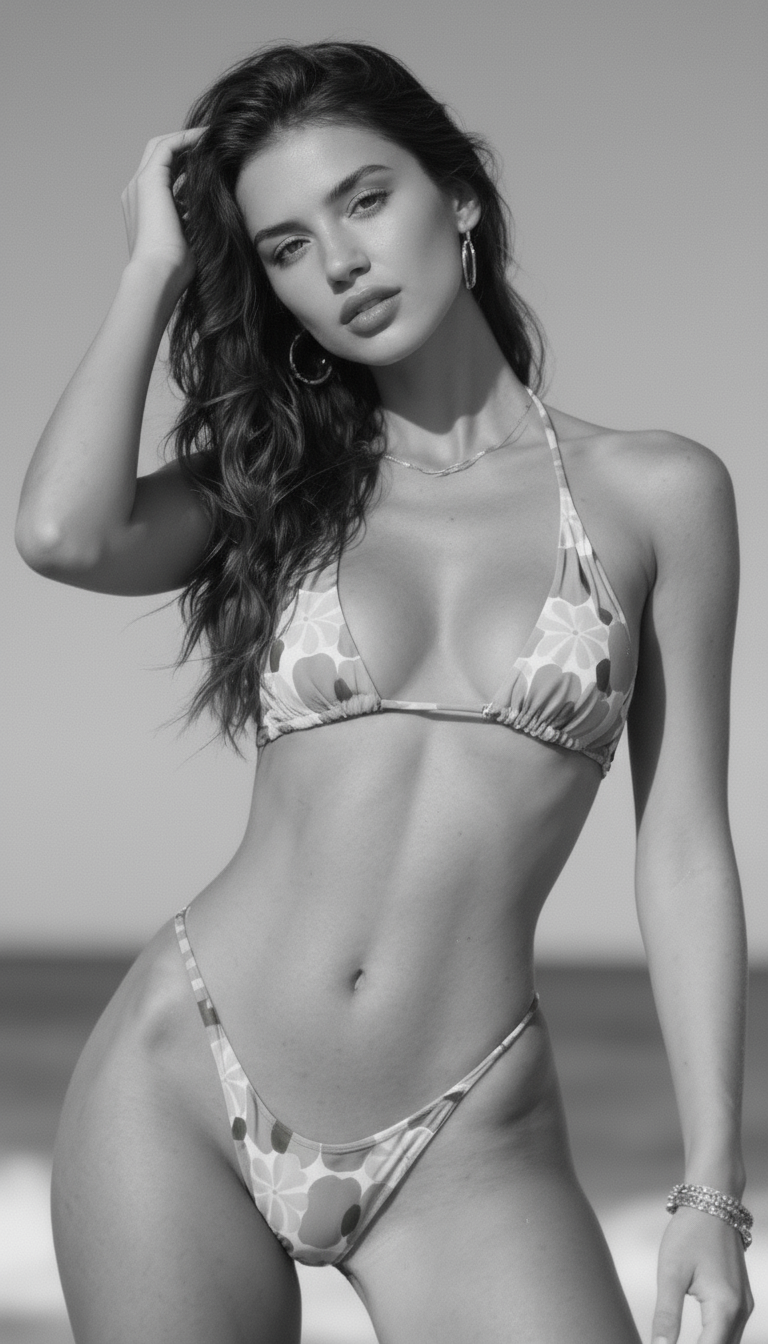
After
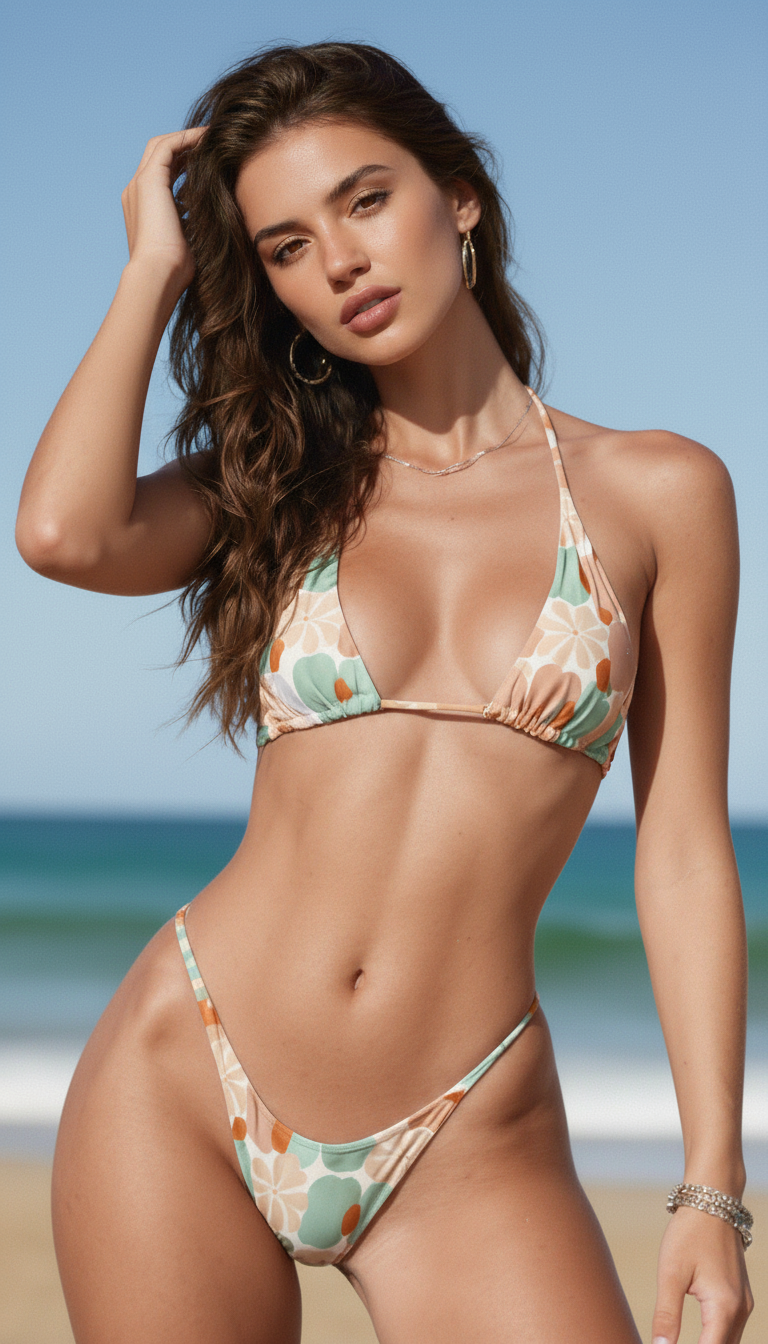
Prompt used:
"Repair and color this photo"
Before
After
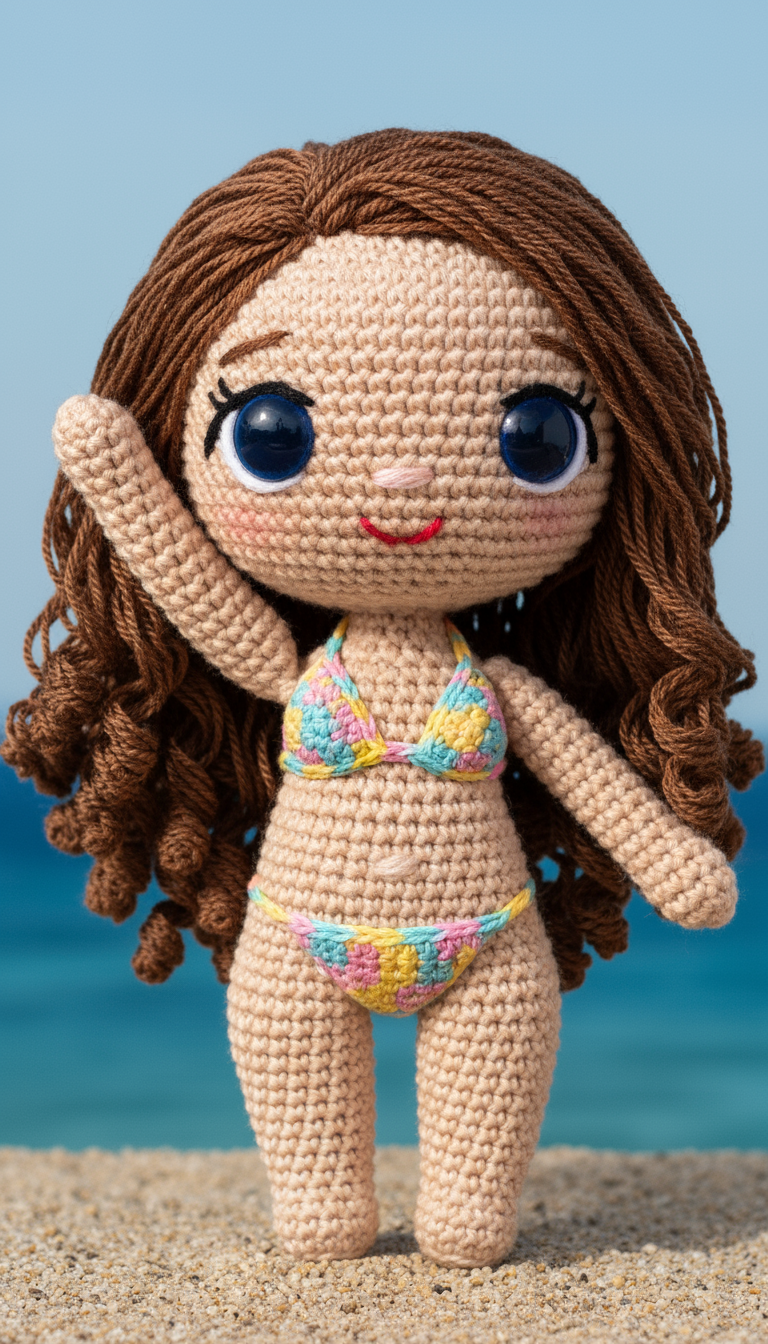
Prompt used:
"Transform the subject into a handmade crocheted yarn doll with a cute, chibi-style appearance."
Before
After
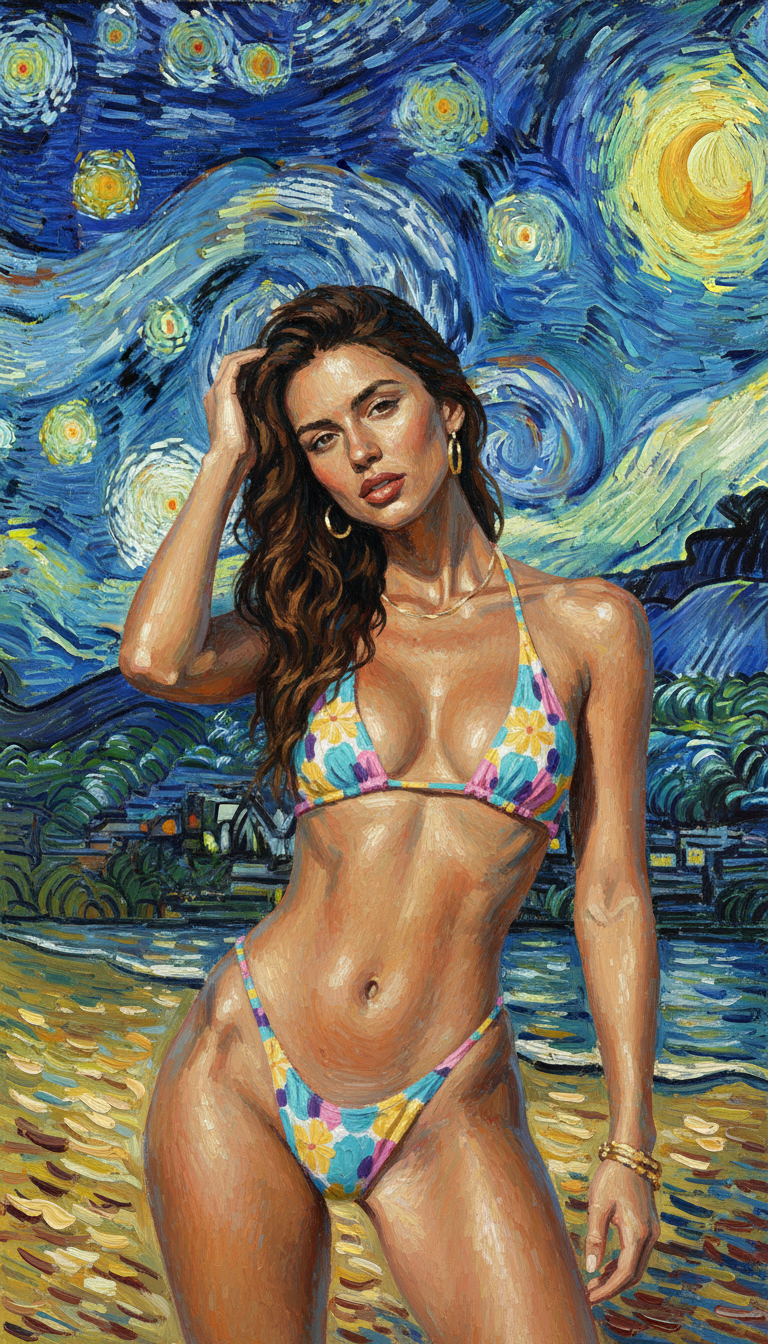
Prompt used:
"Reimagine the photo in the style of Van Gogh's 'Starry Night'."
Before
After
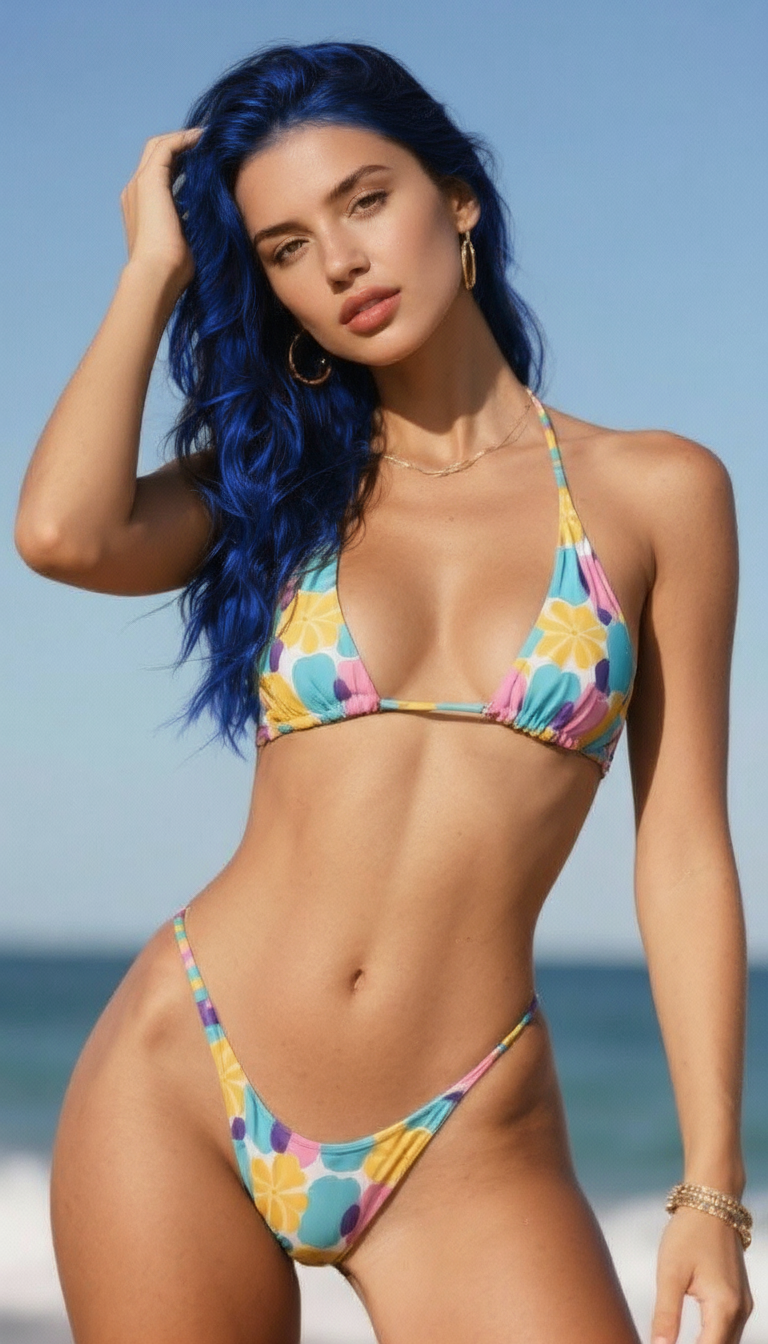
Prompt used:
"Change the hair to blue."
Before
After
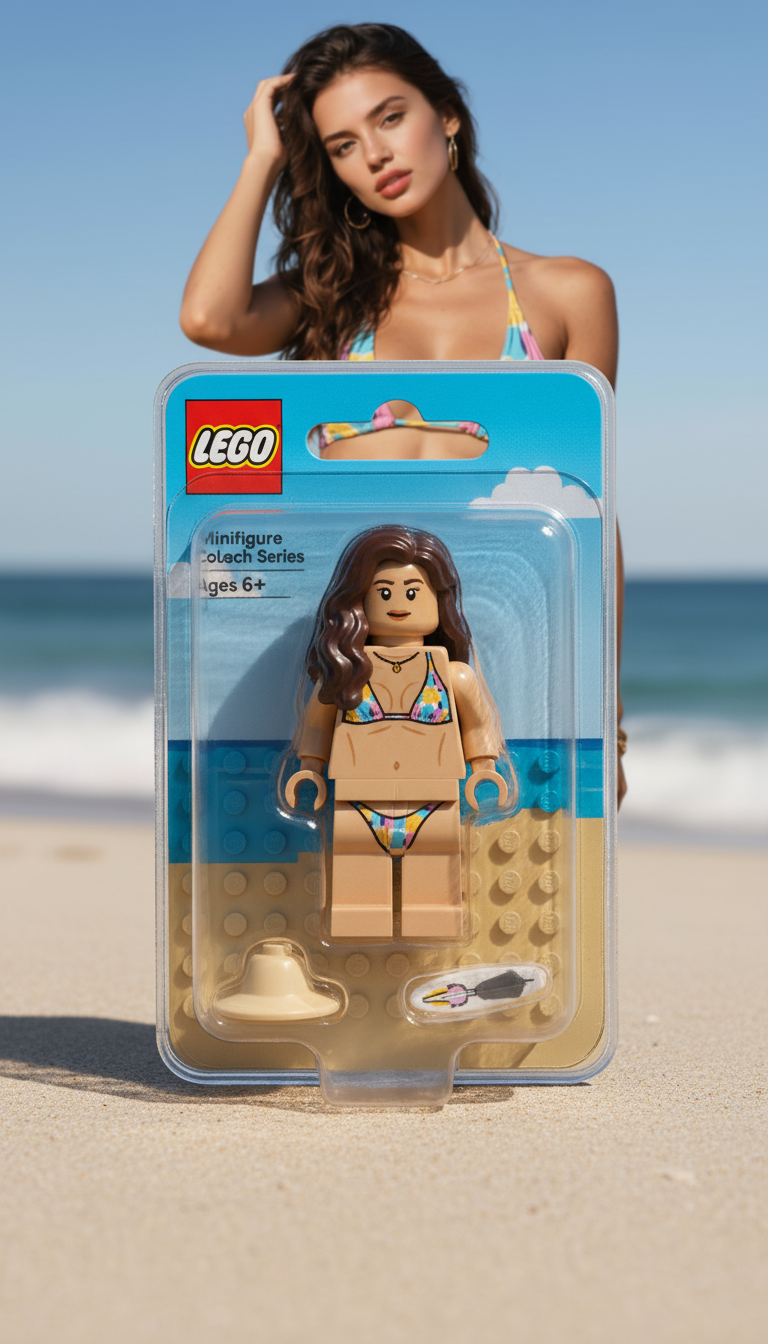
Prompt used:
"Transform the person into a LEGO minifigure, inside its packaging box."
Swipe or use arrows to see more examples
What is GPT Image 2.5?
GPT Image 2.5 is OpenAI's latest image-generation family, built for high-fidelity creation and editing. Choose fast everyday generation with Flare or precision-focused workflows with Sunburst, depending on the brief.
Sharper reference fidelity
Keep recognizable people, products, and distinctive details closer to the reference image.
Precision editing
Change a product, background, or line of copy without rebuilding the entire scene.
Consistent multi-turn edits
Build on earlier changes across several revisions while preserving image quality and identity.
Faster creative iteration
Use the Flare model for high-quality everyday generation when speed matters.
How to use GPT Image 2.5
Move from a rough idea to a refined visual in four focused steps.
Start with GPT Image 2.5
Choose a GPT Image 2.5 workflow and decide whether your brief needs speed or maximum editing precision.
Describe, upload, or sketch
Write the scene in natural language, add a reference image, or draw a quick layout to guide the result.
Request one focused edit
Ask for a targeted change to the subject, background, text, or style while keeping the rest intact.
Review and reuse
Refine through follow-ups, download the final image, and reuse the prompt or reference for the next variation.
Key features of GPT Image 2.5
A modern image generation and editing workflow for creators, marketers, and product teams.
Reference image fidelity
Preserve recognizable subjects, natural lighting, richer textures, and important visual details.
Focused, precise edits
Update a single element while protecting composition, subject identity, and brand treatment.
Multi-turn consistency
Keep earlier changes stable as you continue refining an image across multiple edits.
Complex layouts and transparency
Handle detailed visual instructions, structured compositions, and transparent-background assets.
Sketch-guided creation
Use a rough drawing as a visual guide for rooms, outfits, product layouts, and more.
Flare and Sunburst options
Choose Flare for fast everyday work or Sunburst when premium editing precision matters most.
GPT Image 2.5 FAQ
Answers to common questions about the GPT Image 2.5 image model family.
Create with GPT Image 2.5
Turn a prompt, reference, or sketch into a sharper visual and refine it until it matches your brief.